
Install
Inside DeepSeek Harness, with dsh-market
dsh plugin --profile web add dshmarket
Or from the command line
dsh plugin --profile web add github:zdx8637-gitdog/dshmobile#path:/plugins/dshmobile-plugin
Installing runs third-party code with your own permissions — it can read your files, use your credentials and reach the network. Review the source first, and pin a commit (github:owner/repo#sha) when you can.
Screenshots
README
This plugin publishes its README in Chinese only.
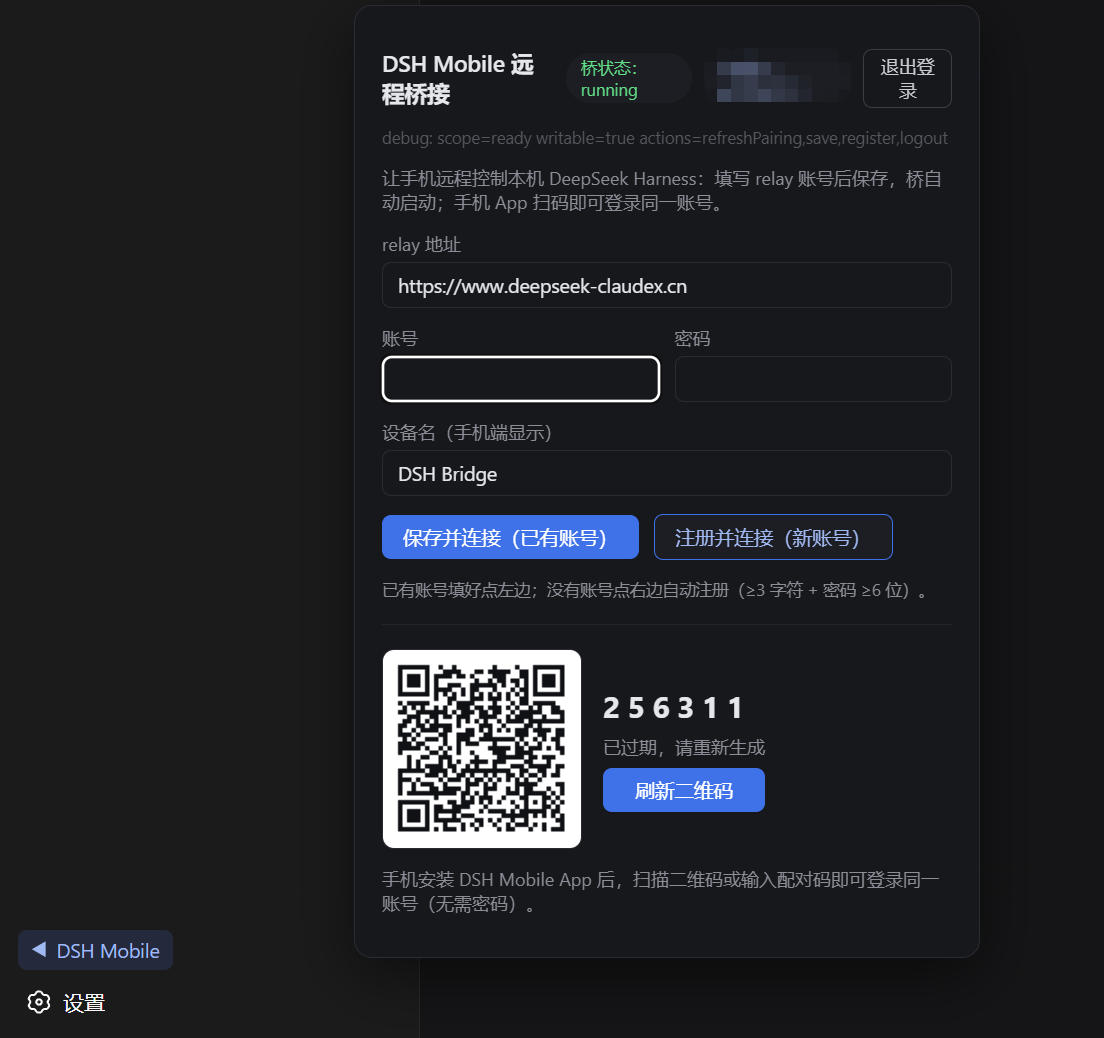
开箱即用的手机远程桥接:一条命令安装,无需任何网络配置、无需本地补丁, 重启 dsh 后左侧栏即出现常驻二维码面板(跨平台,DSH 升级免疫)。
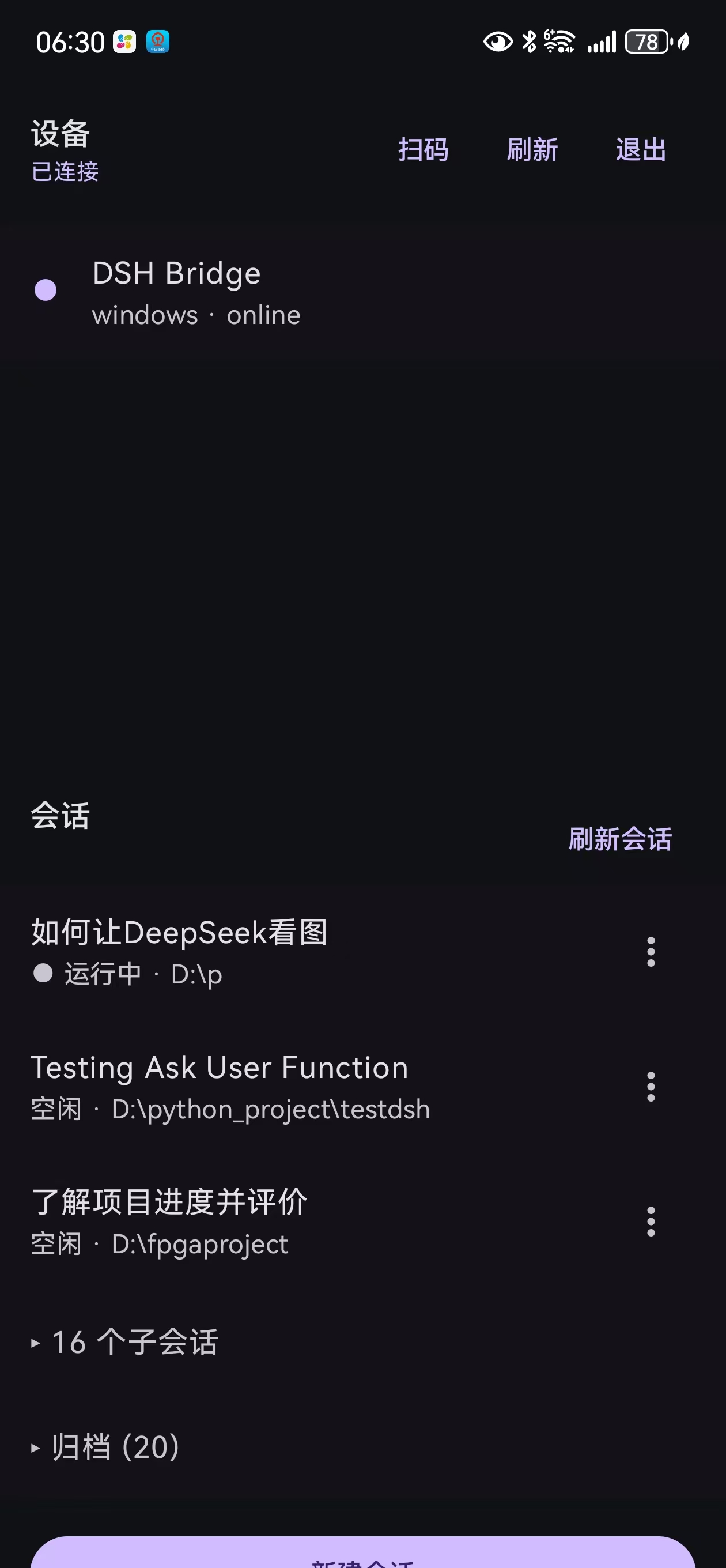
- 常驻二维码(Web 左侧栏底部箭头弹窗):与登录态无关,永远可扫—— · 电脑已登录 → 手机(哪怕未登录)扫码直接登录同账号; · 电脑未登录 → 手机(已登录)扫码授权,电脑自动登录;
- bridge 子进程守护:账号密码模式或手机授权 token 模式(无密码直连,401 自动刷新);
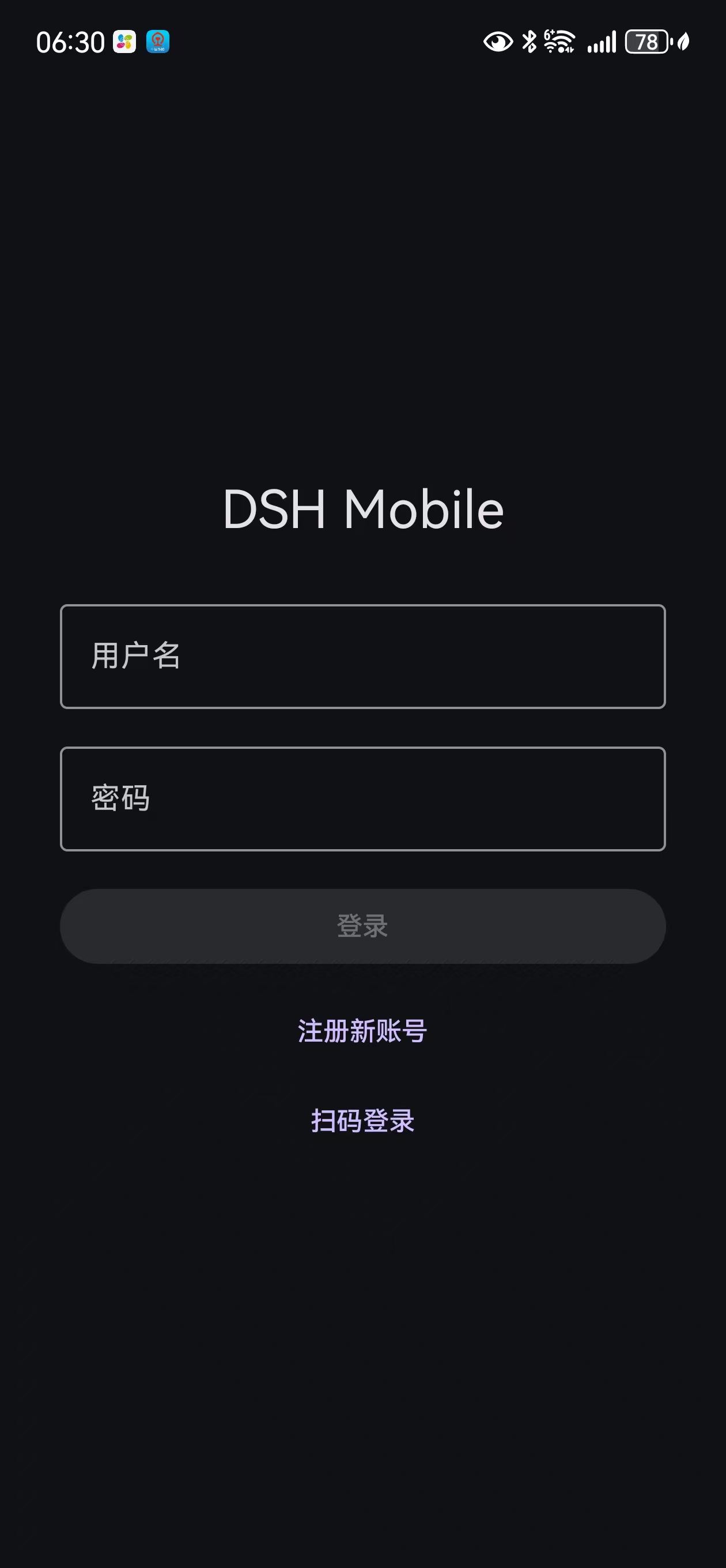
- 手机端一码三用:微信扫=下载 App、相机扫=跳 App 配对、App 内扫=直接登录/授权。
安装
npx -y @deepseek-ai/dsh plugin --profile web add @zdx8637/dshmobile-bridge@latest
# 重启 dsh 后,Web 左侧栏底部出现 ▶ 箭头,点开即配置面板
前置:本机需要 pnpm(dsh plugin 子命令依赖它;corepack enable 或
npm i -g pnpm)。
手机 App:扫描面板二维码 → 落地页下载 APK(或从 发布页获取)。
免补丁:面板走本地通道
DSH 0.1.0-rc.6 默认不向浏览器暴露第三方 settings 命名空间(上游标注为
deferred work)。本插件不依赖该通道:面板与宿主通过 127.0.0.1:17653
的本地 HTTP 通信(轮询状态 + 下发动作,CORS 仅放行本机来源),因此
- 一条命令安装即用,无需任何本地补丁;
- Windows/macOS/Linux 通用;
- DSH 升级不受影响(历史版本 0.1.0-beta.3 及更早需要
scripts/expose-settings-namespace.ps1补丁,已废弃)。
relay 说明
插件默认连接 https://www.deepseek-claudex.cn(作者自营 relay:账号注册、
设备管理、消息路由均走该服务器)。也可自建:见主仓库
dshmobile 的 relay/ 目录与
dsh-remote/docs/04-operations.md,然后在面板里把 relay 地址改成你自己的。
开发
npm install
node scripts/build.mjs                  # 产出 lib/index.js + lib/client.js
node scripts/smoke-host.mjs <u> <p>     # 账号密码模式冒烟
node scripts/smoke-grant.mjs <u> <p>    # 手机授权模式冒烟
完整三端(手机 App / relay / 协议)见主仓库 zdx8637-gitdog/dshmobile。
License
MIT