
Install
Inside DeepSeek Harness, with dsh-market
dsh plugin --profile web add dshmarket
Or from the command line
dsh plugin --profile web add dsh-remote-plugin
Installing runs third-party code with your own permissions — it can read your files, use your credentials and reach the network. Review the source first, and pin a commit (github:owner/repo#sha) when you can.
Screenshots
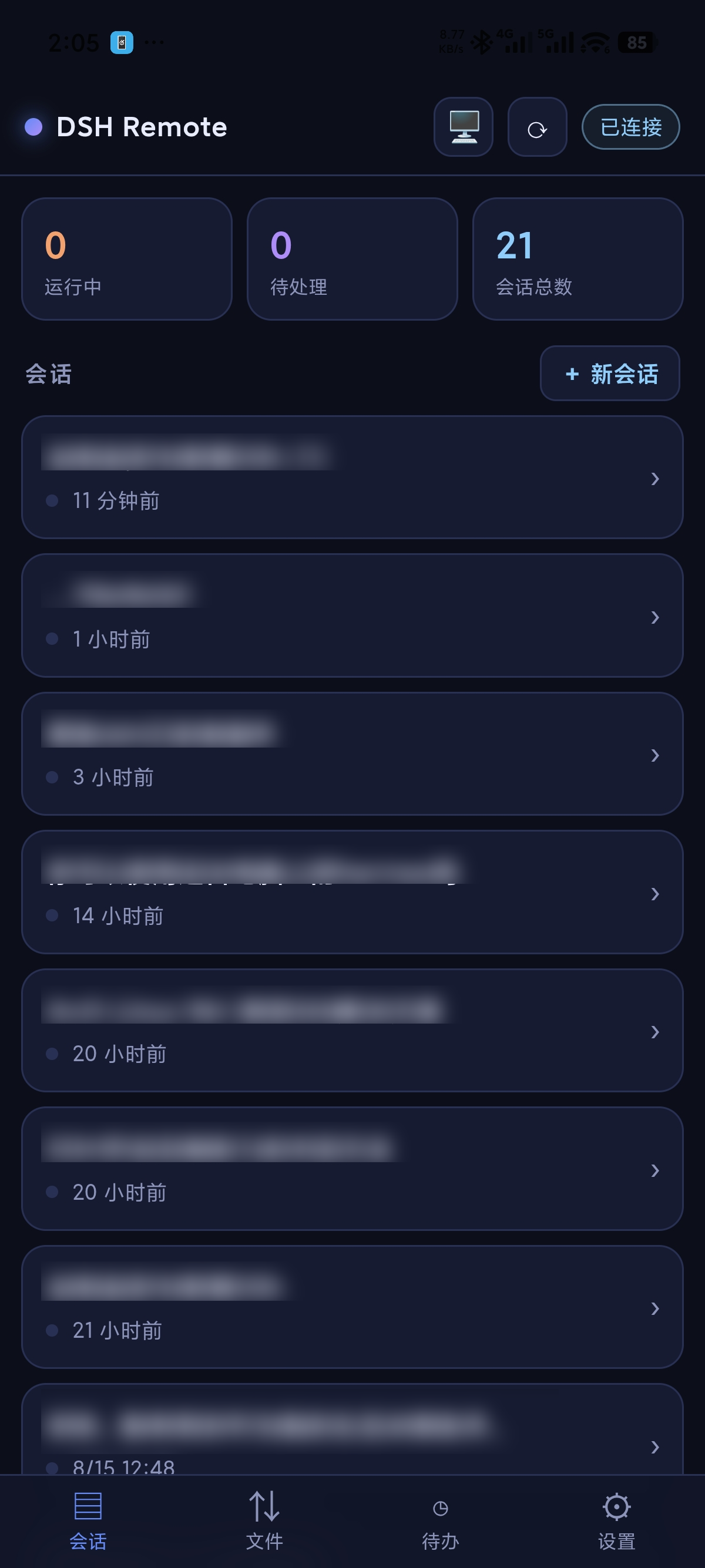
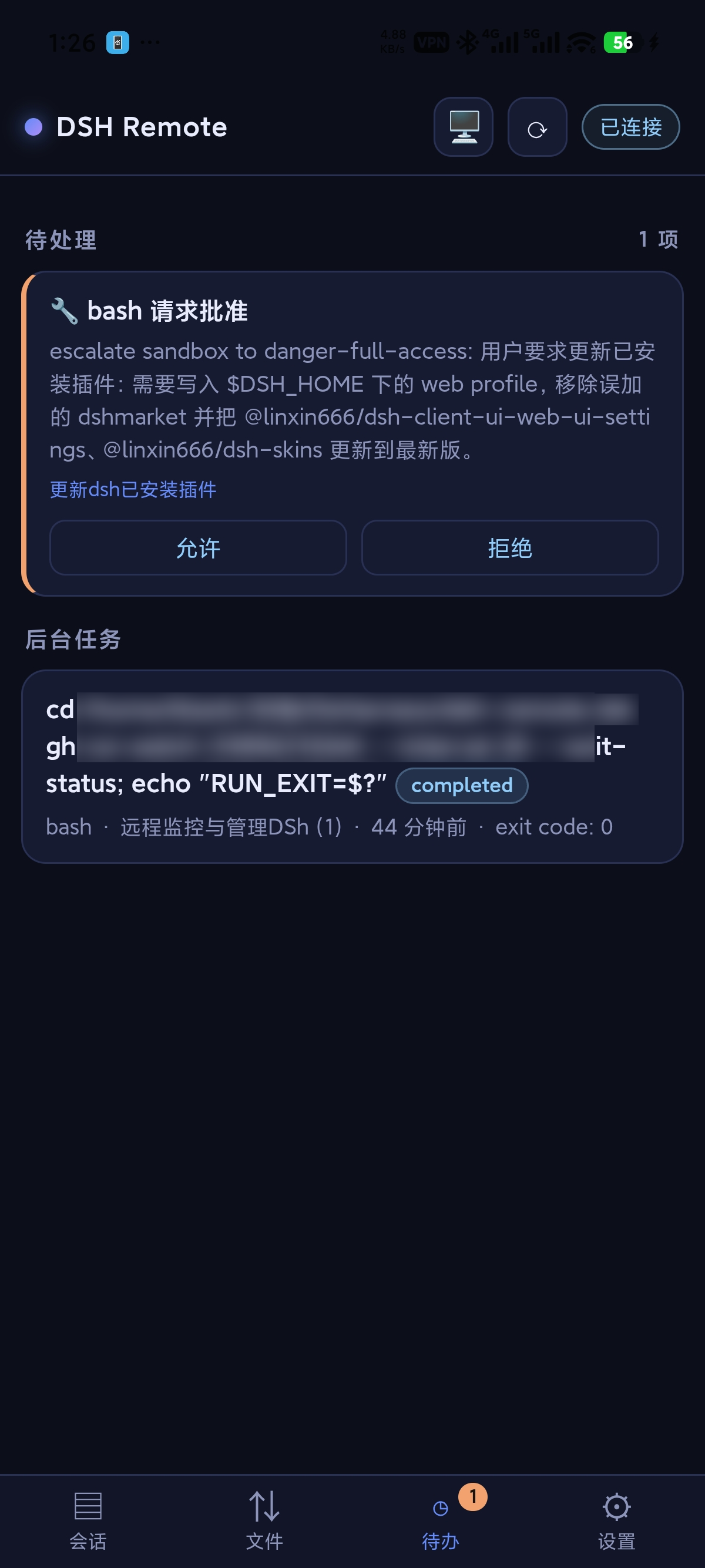
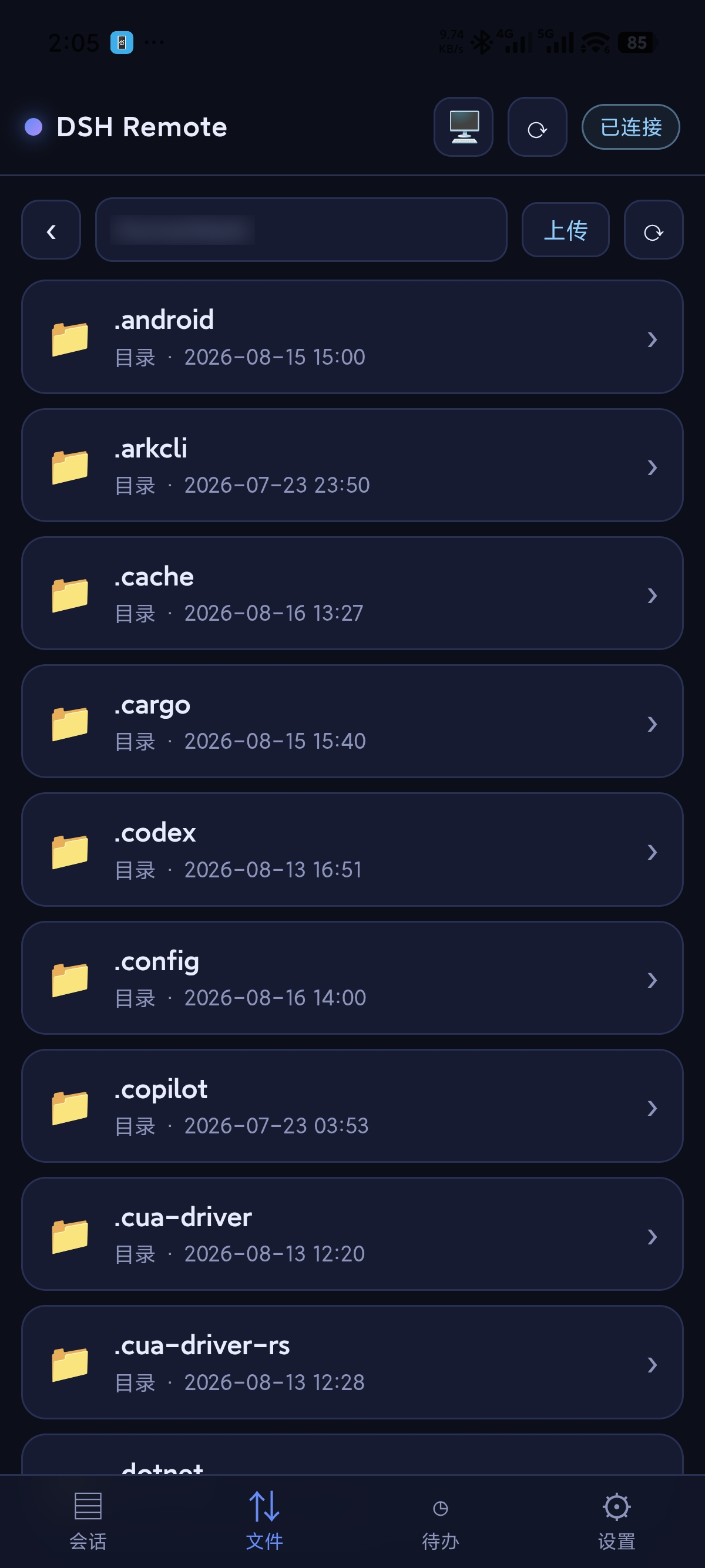
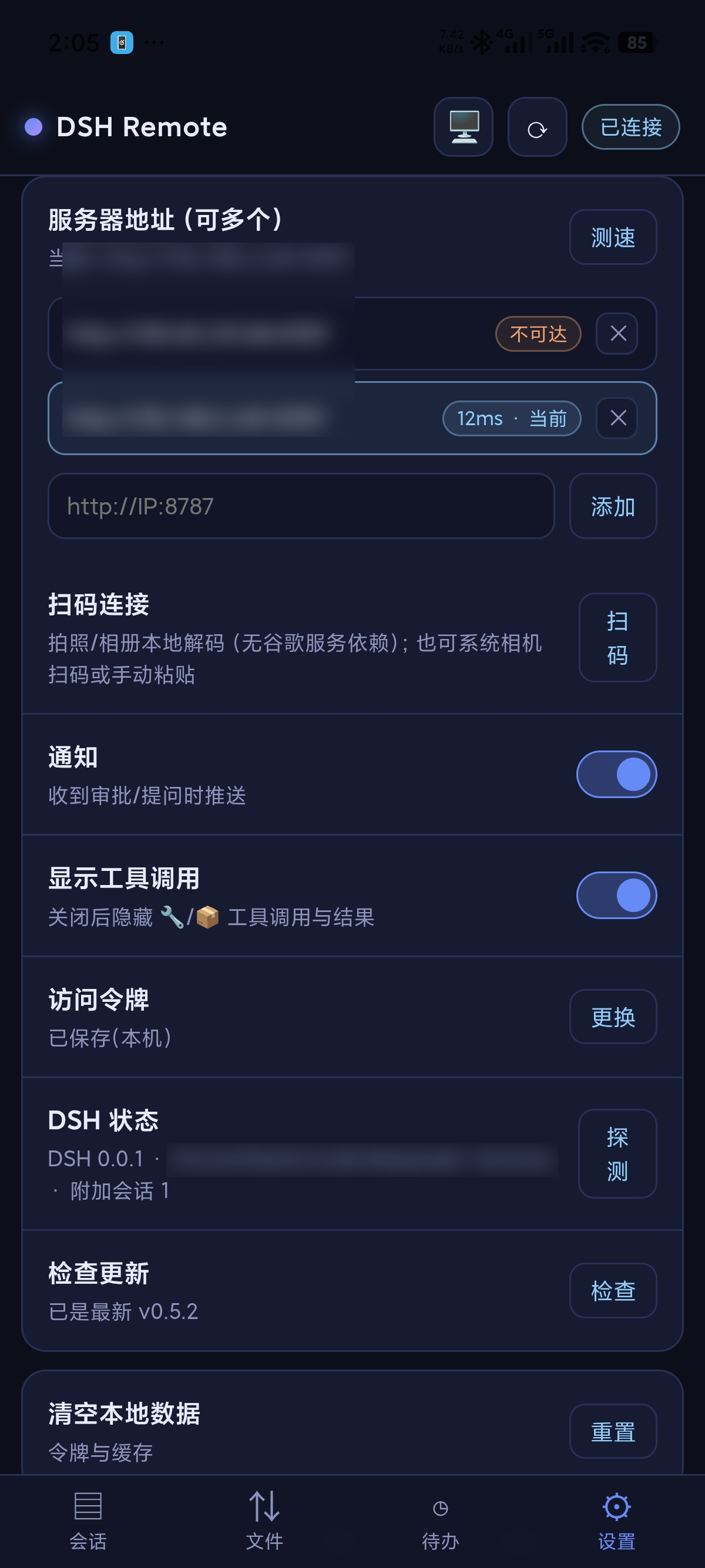
README
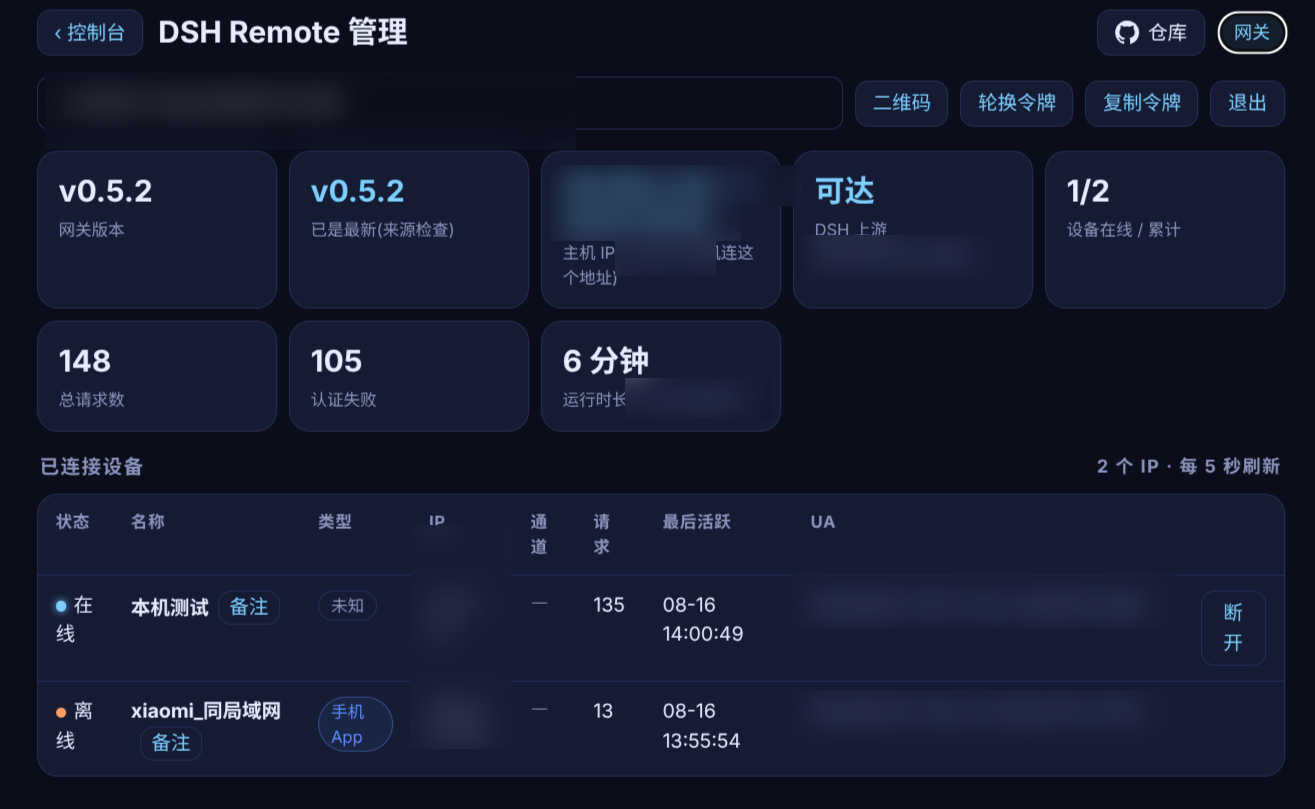
The official DSH bundle plugin for DSH Remote. It adds a DSH sidebar entry, a compact status panel, a full admin console, and a gateway managed alongside DSH.
Install
dsh plugin --profile web add dsh-remote-plugin
dsh plugin --profile web list --depth 0

# Optional version pin
dsh plugin --profile web add dsh-remote-plugin@0.6.8
The second command verifies installation in the web profile. Completely restart DSH Web and hard-refresh with Ctrl+F5. For a user service, a typical restart is systemctl --user restart dsh-web; for a manual setup, stop the old dsh web process and launch it again.
Open http://127.0.0.1:8787/health on the DSH host before pairing a phone. Once it returns JSON, connect the phone to http://PC-LAN-IP:8787 or the host's Tailscale IP. Do not use 127.0.0.1 or localhost on the phone; those point to the phone itself.
What the plugin provides
- Compact panel: gateway state, connected devices, token usage, and quick actions.
- Admin console: port, upstream, devices, requests, token statistics, QR pairing, and token rotation.
- Bundled
gateway.cjs: Bearer-token gateway listening on0.0.0.0:8787by default. - Self-healing lifecycle: relaunches the gateway after a DSH restart or unexpected exit; start and stop it from the panel.
/fs/*file endpoints: list, download, chunked upload, resume, pause/continue/cancel, and SHA-256 verification.- Mobile, desktop, and admin WebUI assets, plus the Android APK distributed with the plugin.
Mobile capabilities
The Android app / mobile WebUI has five main destinations: Sessions, Files, Home, Stats, and Settings. Session detail supports goals, subagent interruption, model selection, fullscreen input, slash commands, and image attachments. Images can come from the camera or gallery and are sent as image content in session.prompt.
Notification settings include approval / question notifications, background polling, peak reminders, task completion notices, and announcement history. Announcements update from a central HTTPS source every 30 seconds while the app is in the foreground, with gateway-cache and bundled-file fallback. Four themes are retained: Default Deep Space, Sunset, Elbphilharmonie, and Prairie Tower.
Gateway configuration
- Port priority:
DSH_REMOTE_GATEWAY_PORT→~/.dsh-remote/gateway-port→8787. - Token:
~/.dsh-remote/token, generated on first run. - Self-healing:
~/.dsh-remote/gateway.enabled; useDSH_REMOTE_AUTOSTART=0to disable automatic management. - File roots: registered DSH workspaces are allowed automatically; configure other directories with
DSH_REMOTE_FS_ROOT, separated by:on Linux/macOS and;on Windows. - Upload limit:
DSH_REMOTE_FS_MAX_UPLOAD, 2 GB by default. - Central announcements: override the default HTTPS endpoint with
DSH_REMOTE_ANNOUNCEMENTS_URL, or set it to an empty string to disable the central source. - DSH upstream:
http://127.0.0.1:3080by default.
The token grants remote control of DSH. Keep it private. For cross-network access, prefer Tailscale or another authenticated secure tunnel.
Gateway cannot be opened
curl -i http://127.0.0.1:8787/health
ss -ltnp | grep ':8787'
curl -i http://127.0.0.1:3080/
- If port 8787 refuses locally, verify the
webprofile installation, gateway state in the plugin panel, a real DSH Web restart, and port ownership. - If
/healthworks butupstreamOkis false, the gateway is running; troubleshoot DSH Web on port 3080. - If local access works but the phone fails, use the host LAN/Tailscale IP and permit inbound TCP 8787. Do not expose port 3080 publicly.
- A 401 response means the token is wrong; pair again or copy the current
~/.dsh-remote/token. - For a blank/stale page after an upgrade, hard-refresh or fully close and reopen the app.
The managed gateway may be a transient process. Do not rely on systemctl --user restart dsh-remote-gateway.service; use Start Gateway in the plugin panel or restart DSH Web to trigger self-healing.
Links
- Admin page:
http://<gateway-ip>:8787/admin - Desktop WebUI:
http://<gateway-ip>:8787 - Main project: dsh-Remote
- Stable releases: GitHub Releases
License
MIT
Comments
Comments live in GitHub Discussions. Sign in with GitHub to post or react.