
Install
Inside DeepSeek Harness, with dsh-market
dsh plugin --profile web add dshmarket
Or from the command line
dsh plugin --profile web add dsh-homepage-skin
Installing runs third-party code with your own permissions — it can read your files, use your credentials and reach the network. Review the source first, and pin a commit (github:owner/repo#sha) when you can.
README
中文 · English
A background skin that brings the DeepSeek Harness homepage look — WebGL fluid light, dot-line grid and the digital point-cloud whale — into the dsh web interface.
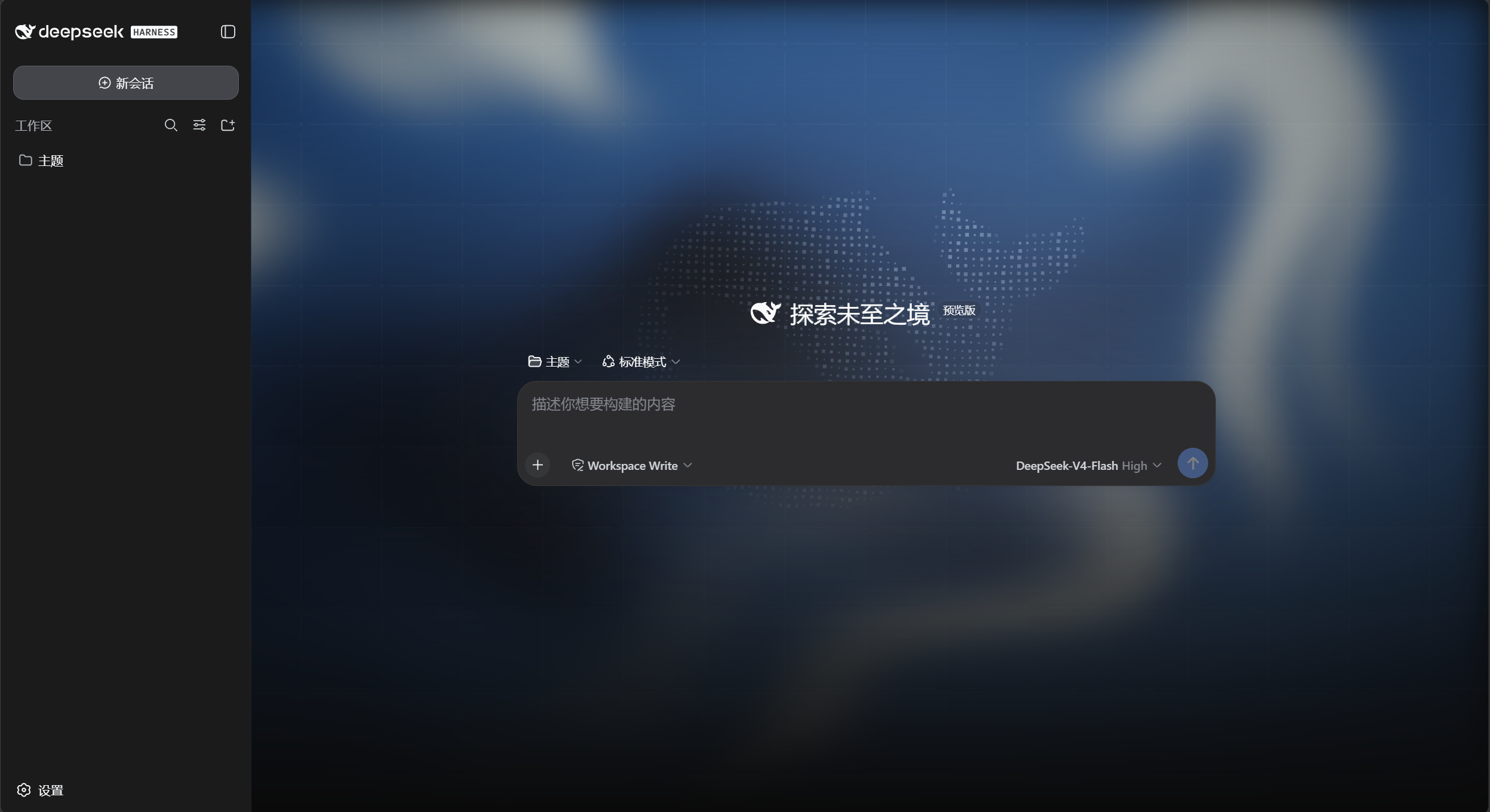
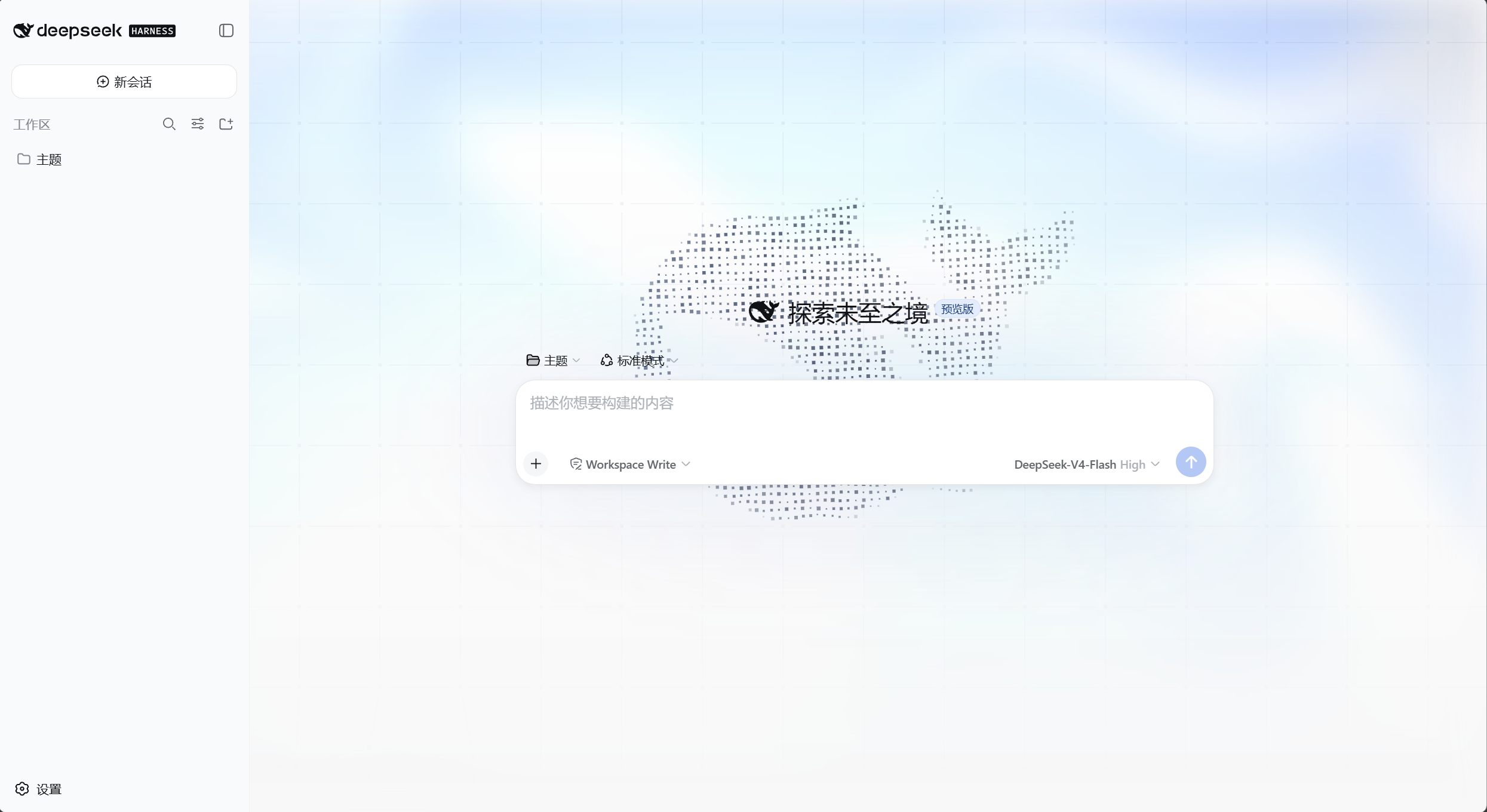
Both themes are covered: dark keeps the deep-blue homepage palette, light gets an adapted variant (light fluid ramp, dark slate grid and whale). Appearance (light / dark / follow system) is still handled by the built-in setting.
Install
# npm (recommended)
dsh plugin --profile web add dsh-homepage-skin

# or from GitHub
dsh plugin --profile web add github:yushi-xxh/dsh-homepage-skin
Restart dsh web, then hard-refresh the browser (Ctrl+Shift+R). Enabled by default.
Open Settings → General → Homepage Skin. The green dot next to the title means it is on.
Verify
| What you see | Meaning |
|---|---|
| Fluid light + dot grid + whale behind the chat | Working |
| Switch appearance to light → light variant appears | Working |
| Toggle the skin off → background disappears instantly | Working |
What it changes
| Stock DSH | This skin | |
|---|---|---|
| Page background | flat | fluid light + dot grid + digital whale |
| Dark palette | built-in dark | homepage deep-blue (#0a0a0a base) |
| Light palette | built-in light | light fluid ramp with slate grid/whale |
| Sidebar | solid | translucent glass |
| Composer | solid | unchanged (stock) |
Turning the skin off or uninstalling restores the stock look immediately.
What it does not do
- Change layout or information density
- Change brand colors, favicon or desktop shell icons
- Animate when
prefers-reduced-motionis on; grid and whale hide below 768px - headless / TUI has no UI — not needed there
License
MIT
Comments
Comments live in GitHub Discussions. Sign in with GitHub to post or react.