
Install
Inside DeepSeek Harness, with dsh-market
dsh plugin --profile web add dshmarket
Or from the command line
dsh plugin --profile web add @tt-a1i/archify-dsh
Installing runs third-party code with your own permissions — it can read your files, use your credentials and reach the network. Review the source first, and pin a commit (github:owner/repo#sha) when you can.
Screenshots
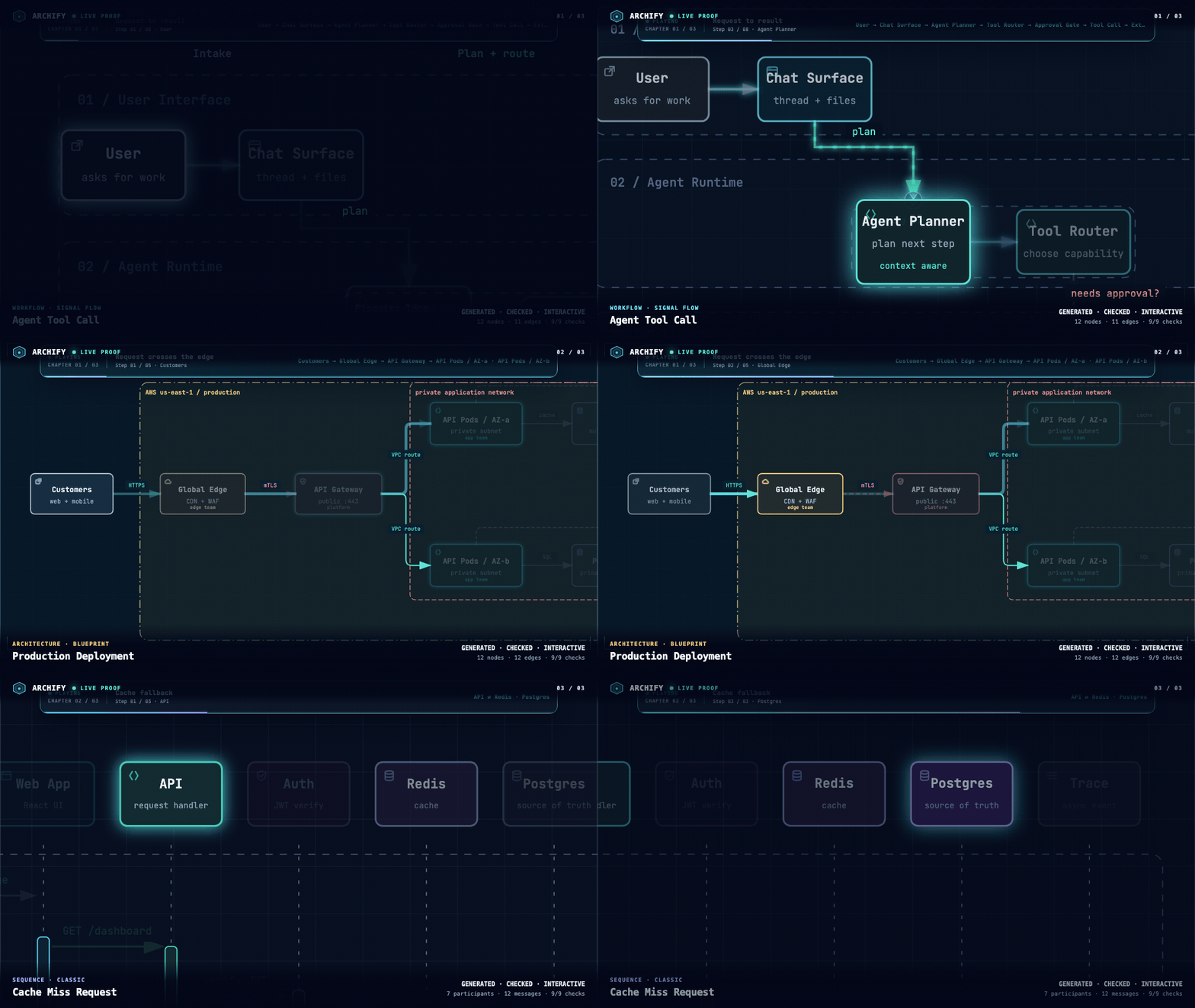
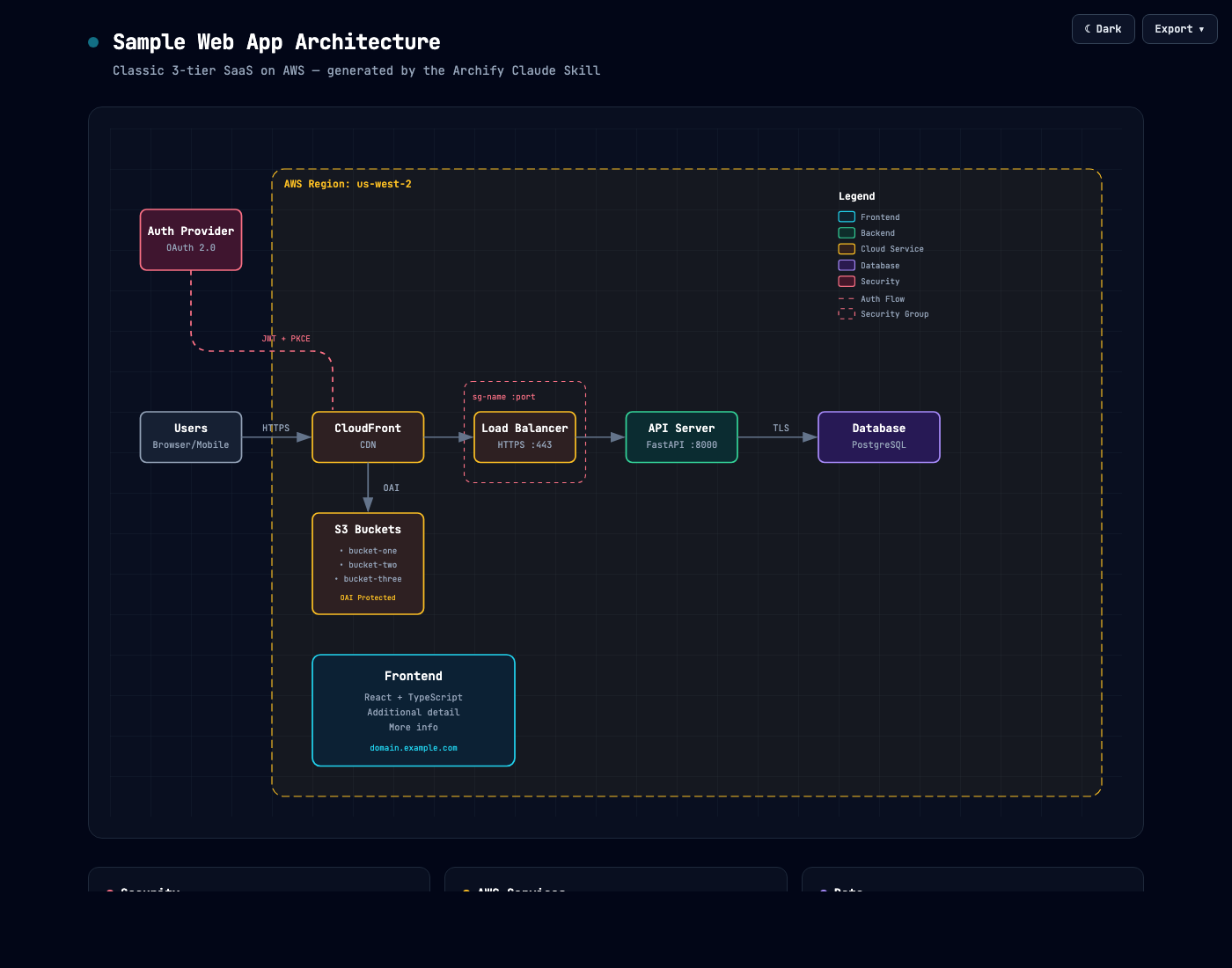
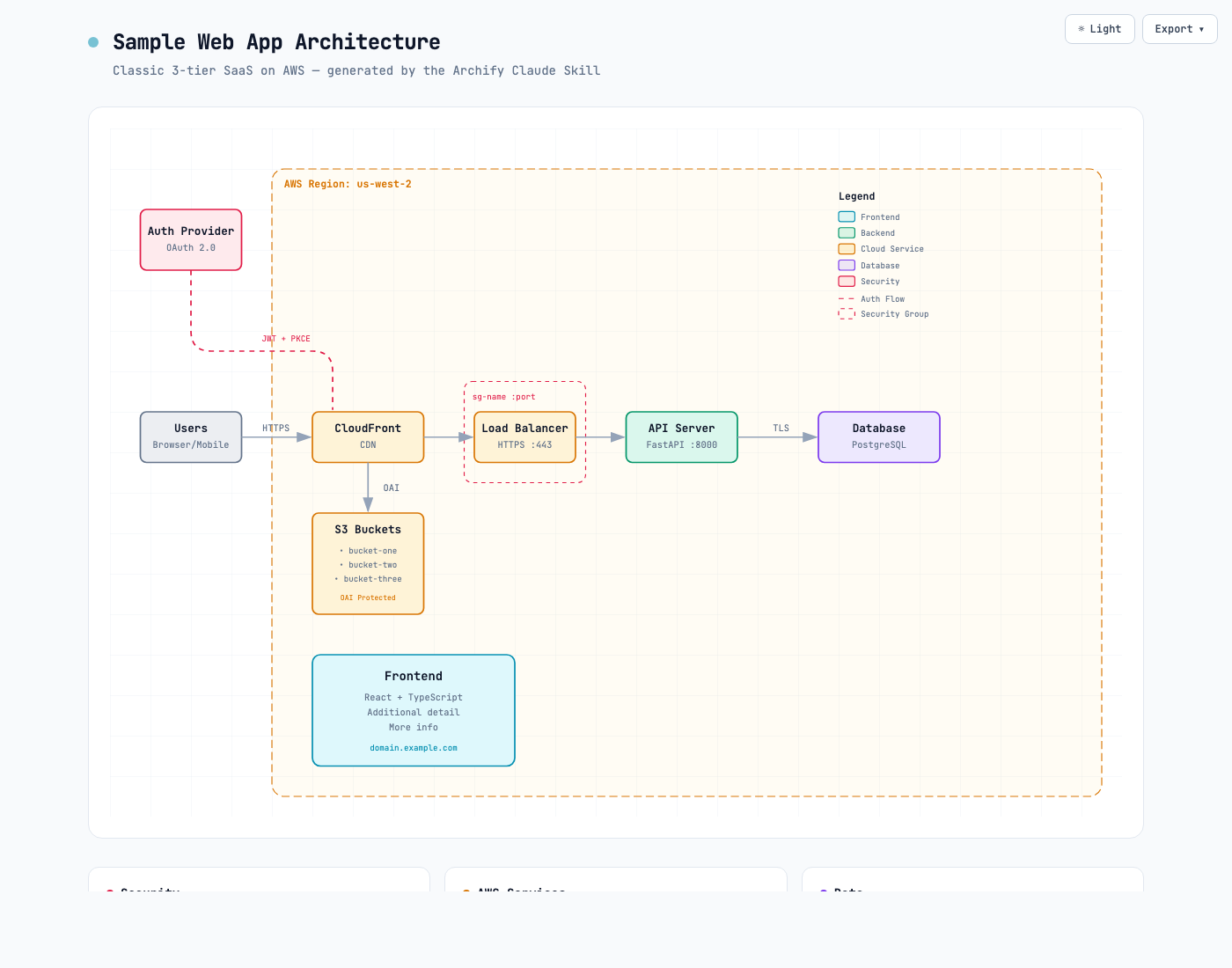
README
Community DeepSeek Harness integration for Archify. This is not an official DeepSeek product and does not imply DeepSeek endorsement.
The currently published npm package is v0.1.0, with experimental compatibility for developer-preview @deepseek-ai/dsh@0.1.0-rc.6 on Node.js ^22.19.0 || >=24.0.0. It bundles Archify Skill 2.14.0. It is not a stable cross-version guarantee.
The pending v0.2.0 release is prepared for experimental compatibility with developer-preview @deepseek-ai/dsh@0.1.2-rc.1. It is not published or available as an npm install yet. It is a Skill-only bundle: it inserts one filesystem Skill provider named archify-plugin and exposes an Archify 2.17.0-dev.1 development snapshot, pinned to commit 920543baa1c6137803c5b45a69d8977152773d35. This is not an Archify 2.17 stable release. Compared with the published plugin 0.1.0, it includes authored brand marks, Workflow schema v2, Viewer localization, update awareness, and the subsequent packaging and CLI receipt fixes.
release.json records the immutable Skill source commit, Skill version, and DSH version used by acceptance. Packaging uses the canonical clean-Skill stager against that commit, preserving license notices and excluding development files. Adapter version 0.1.0 and its archify-dsh-v0.1.0 tag remain unchanged; reproduce that old release by checking out its tag first.
The adapter registers no native render/validate/deliver tools, custom Web client, Produced Files chips, telemetry, credentials handling, background services, or install hooks. The pending v0.2.0 Skill includes an optional, notification-only stable Archify update checker; it never upgrades the plugin. Authored remote brand assets may also use the Skill's bounded network path. The adapter itself makes no network requests.
Patch execution boundary
The cordis.patch.yml file is configuration consumed by the DSH host. Its bundledSkillDir value uses the host loader's !!js expression to resolve the installed package's skills directory when the entry is activated. This expression runs in the DSH host process, outside the agent sandbox; it is not an inert YAML value and should be treated as host-loaded code.
The current expression is intentionally limited to Node's built-in path and module helpers for package resolution. It does not fetch data, read credentials, spawn processes, or register another permission path. The normal lib/index.js resolver documents the same package-root logic, but the filesystem provider is mounted directly by the patch, so that module is not the activation hook for this bundle. Keep the published install exact-pinned and review any patch change as host-process code.
Install
Use the prebuilt npm package with an exact version. Do not install from Git source.
dsh plugin --profile web add @tt-a1i/archify-dsh@0.1.0
Upgrade
Run the same exact-version install command above in each profile that uses Archify. Updating DSH itself or the Archify repository does not update an already installed plugin.
Do not use dsh plugin add tt-a1i/archify: the repository root is not a DSH package and has no bundle metadata (see #341). For an npm download problem, a locally downloaded, integrity-verified .tgz can be passed to dsh plugin --profile web add /absolute/path/to/package.tgz.
Host activation configuration
The bundle's cordis.patch.yml contains a !!js expression that DSH evaluates during host activation. Its current purpose is limited to resolving the installed @tt-a1i/archify-dsh package from the profile baseUrl and locating its packaged skills directory. The expression does not itself make network requests or handle credentials, but it is evaluated host-process code rather than entirely declarative data. Review the patch when upgrading, and keep the exact-version install guidance above.
Release maintenance
On a release branch, bump package.json, update release.json with the full source commit and matching Skill/DSH versions, and prepare the package README. The pack command reads adapter files and release metadata from the current adapter Git HEAD blob: commit those changes before packing; working-tree edits are not package inputs. Run:
node --test integrations/deepseek-harness/test/*.test.mjs
node integrations/deepseek-harness/scripts/distribution-acceptance.mjs
node integrations/deepseek-harness/scripts/pack.mjs --out /tmp/archify-dsh.tgz --json
Distribution acceptance requires Node 22 for the canonical ZIP regression check and pnpm 10. It installs the real pinned DSH runtime and tarball in temporary profiles, checks discovery and loading, runs the installed Skill smoke test, and checks uninstall. Release CI runs this on Linux, macOS, and Windows. Publish only the tested tarball as a new version; tag the corresponding adapter commit as archify-dsh-v<version>. After v0.2.0 is published and publicly verified, switch the public install examples to @0.2.0. Rebuilding a released adapter uses its tag and recorded Skill commit, not a moving branch.
Invoke
Ask DSH to load Archify by name:
Use the archify skill to map this repository's runtime architecture.
Show 8–12 core components, one primary path, external dependencies, and trust boundaries.
Put supporting detail in cards instead of adding more edges.
After delivery, return the exact workspace paths of the specification JSON and the HTML artifact.
Archify then runs through DSH's ordinary Skill, shell, and filesystem paths. Generated JSON and HTML are normal workspace files.
Produced Files limitation
Files created by shell commands do not automatically appear in the Web Produced Files strip. Ask the agent to return the exact workspace paths of the specification JSON and the HTML artifact, then open those files from the workspace.
Uninstall
dsh plugin --profile web remove @tt-a1i/archify-dsh
The standard plugin command removes the adapter dependency and bundle layer. The base profile remains usable.
Security posture
- The adapter has no telemetry, network client, credentials handling, or background service
- No
prepare,install, orpostinstallscripts - Host-loaded adapter code does not spawn processes or open a second permission path
- Package resolution, provider load, and composition errors fail during normal DSH boot
Comments
Comments live in GitHub Discussions. Sign in with GitHub to post or react.