
Install
Inside DeepSeek Harness, with dsh-market
dsh plugin --profile web add dshmarket
Or from the command line
dsh plugin --profile web add github:shetengteng/dsh-lumina-tarot
Installing runs third-party code with your own permissions — it can read your files, use your credentials and reach the network. Review the source first, and pin a commit (github:owner/repo#sha) when you can.
Screenshots
README
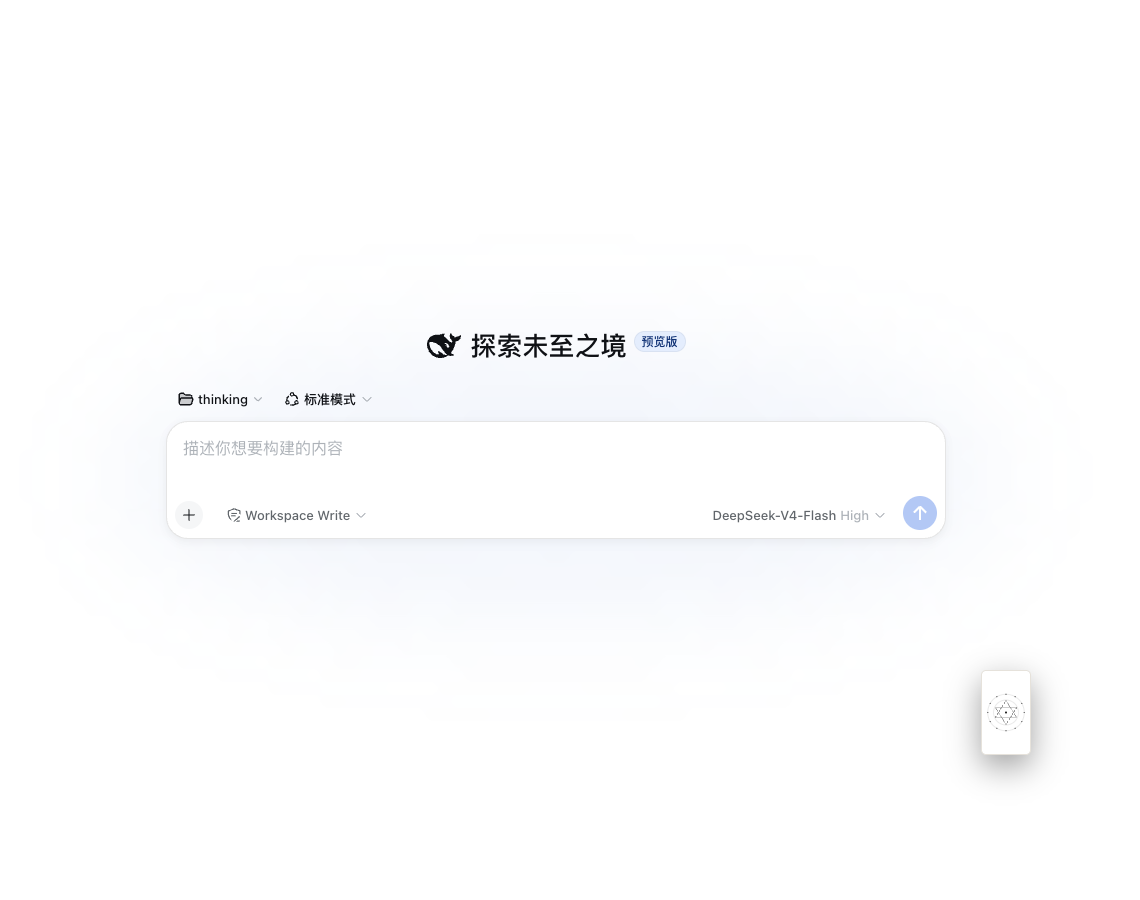
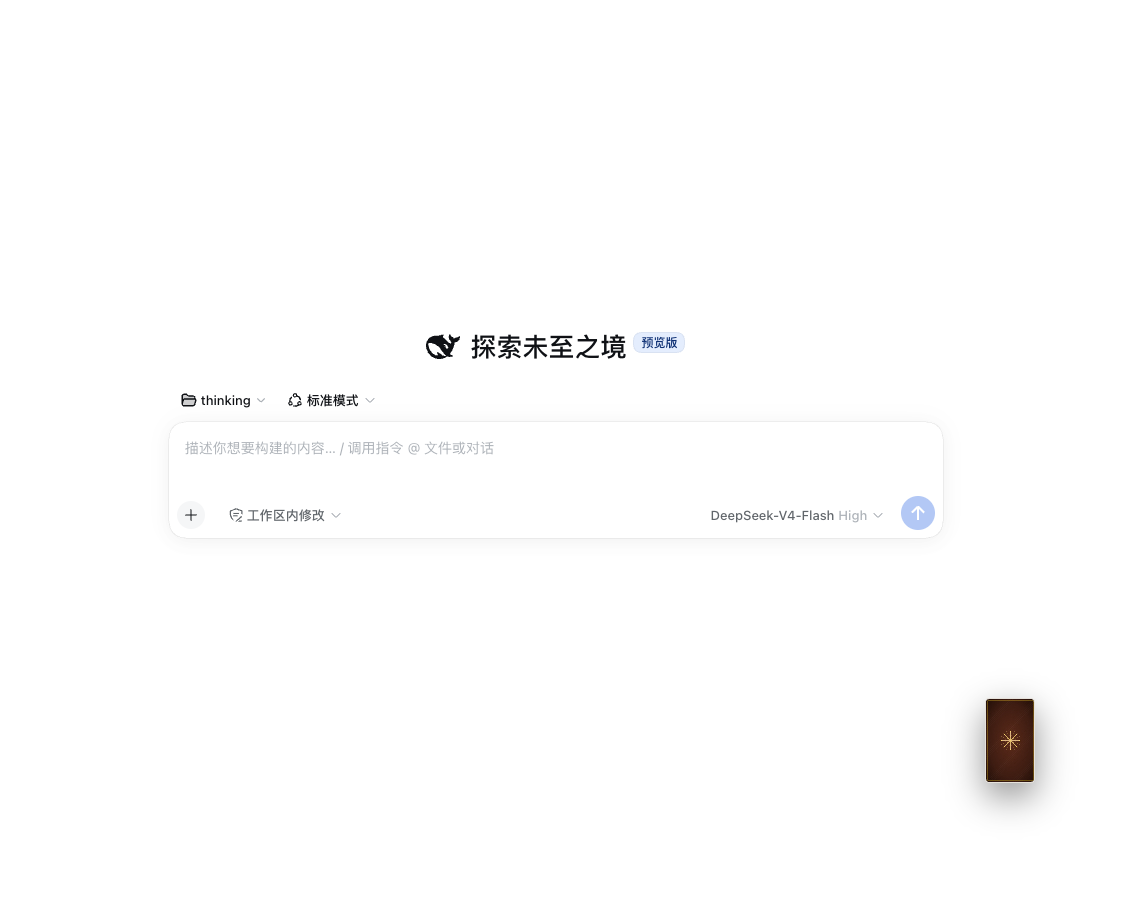
A tarot plugin for DeepSeek Harness Web. A draggable card back floats in the corner of the shell: click to draw, then ask the model in the current chat to read the spread. You can also just say “how’s my career looking?” — the model calls a draw tool instead of inventing card ids.
The deck is a full 78 cards (22 Major Arcana + 56 Minor), with bilingual names, keywords, and upright / reversed meanings.
How to use it
After install, start dsh web:
- Click the floating card back to draw with the current default spread. You’ll see a shuffle animation, then the cards flip.
- Drag to move it. The position is saved on release; a drag does not count as a draw.
- Right-click opens a fan menu on the card (four spreads, last result, history). The browser context menu is suppressed. Deck art, today’s card, and reset position live in settings or slash / chat tools.
- After the result, Ask AI to interpret sends a follow-up in the current session based on the already drawn cards. The model cannot change them.
- Hate the floater? Turn off “show floating card” in settings. Slash commands and chat tools still work.
Four spreads: single, three-card timeline, cross, and a lite Celtic cross. Default is three-card.
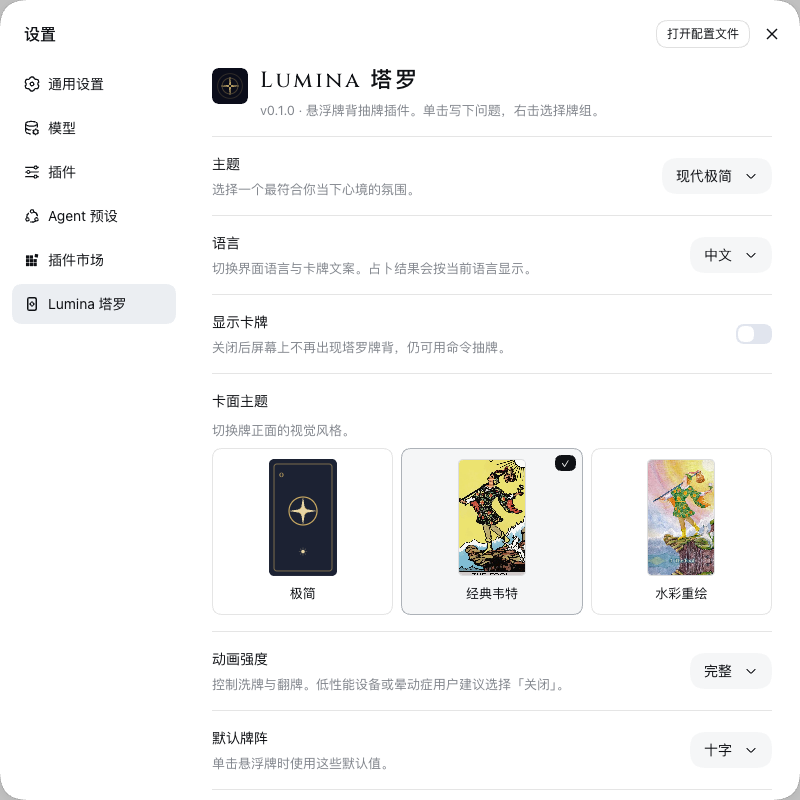
Full preferences live under DeepSeek Harness Settings → Lumina Tarot: theme, language, card art, card back, animation, default spread, reversed rate, export / clear history. The theme only tints this plugin’s cards and panel — it does not restyle the Harness chrome.
Install
You need the dsh CLI. One install is enough: the Host (draw, tools, settings) and the UI ship in the same package. Do not run a second add command.
From the repo root:
dsh plugin --profile web add .
From GitHub:
dsh plugin --profile web add github:shetengteng/dsh-lumina-tarot
A git install pulls source and relies on prepare to emit lib/. pnpm 10 blocks that script by default; if the first add fails, follow the CLI hint and allow the package in that profile’s pnpm-workspace.yaml, then retry:
allowBuilds:
  dsh-lumina-tarot: true
Check that it actually landed:
dsh --profile web --dump-config
dsh web
You should see a # == dsh-lumina-tarot layer in dump-config. A headless profile can still load the Host tools; it just won’t show the floating card.
Update
DSH does not check for or install plugin updates on its own. The lifecycle is dsh plugin forwarding to pnpm in the current profile: add / update / remove. After the files on disk change, the running process still uses the bundle from this boot — restart dsh web.
If you installed from GitHub and want the default-branch tip:
dsh plugin --profile web update dsh-lumina-tarot
dsh web
A #<commit> pin will not follow the default branch; add again with the new commit to move. A local add . is a dev link and does not use update: run pnpm build, restart dsh web, then refresh the browser.
Uninstall
Both sides at once:
dsh plugin --profile web remove dsh-lumina-tarot
Remove does not wipe preferences or history. Reinstalling will pick them up again. To drop the records, clear history in settings first.
What the model can do
Talk to it normally — “give me a reading”, “today’s card”. It should use these tools instead of making up The Fool:
| Tool | What it does |
|---|---|
lumina_draw |
Draw a spread |
lumina_today |
Today’s card (stable for the calendar day) |
lumina_list_spreads |
List the four spreads |
lumina_lookup_card |
Look up a card by id / Chinese / English name |
Slash commands also work: /lumina draw, /lumina today, /lumina interpret, /lumina history.
Develop
pnpm install
pnpm build    # Host ESM + Client bundle
pnpm e2e      # live dsh web e2e (start dsh web first; see design/2026-08-27-01-端到端测试场景.md)
prepare is the same build. After Client changes, a package already linked into the profile usually needs a dsh web restart, then a browser refresh.
Product behavior is in design/2026-08-19-01-系统设计.md. This is not a standalone site and has no /tarot route — it lives inside the Harness chat shell.
License
Source is MIT. See LICENSE. Card art licenses are in NOTICE: Rider–Waite–Smith is Public Domain; Aquatic Tarot is CC BY-NC-SA 3.0 (personal non-commercial use only).
Comments
Comments live in GitHub Discussions. Sign in with GitHub to post or react.