
Install
Inside DeepSeek Harness, with dsh-market
dsh plugin --profile web add dshmarket
Or from the command line
dsh plugin --profile web add github:jyh20030112/dsh-visual-plugin
Installing runs third-party code with your own permissions — it can read your files, use your credentials and reach the network. Review the source first, and pin a commit (github:owner/repo#sha) when you can.
Screenshots
README
A plugin for DeepSeek Harness.
Features
- Native image understanding — uploaded images stay on DSH's native attachment and model path; the plugin does not configure or call a separate vision model.
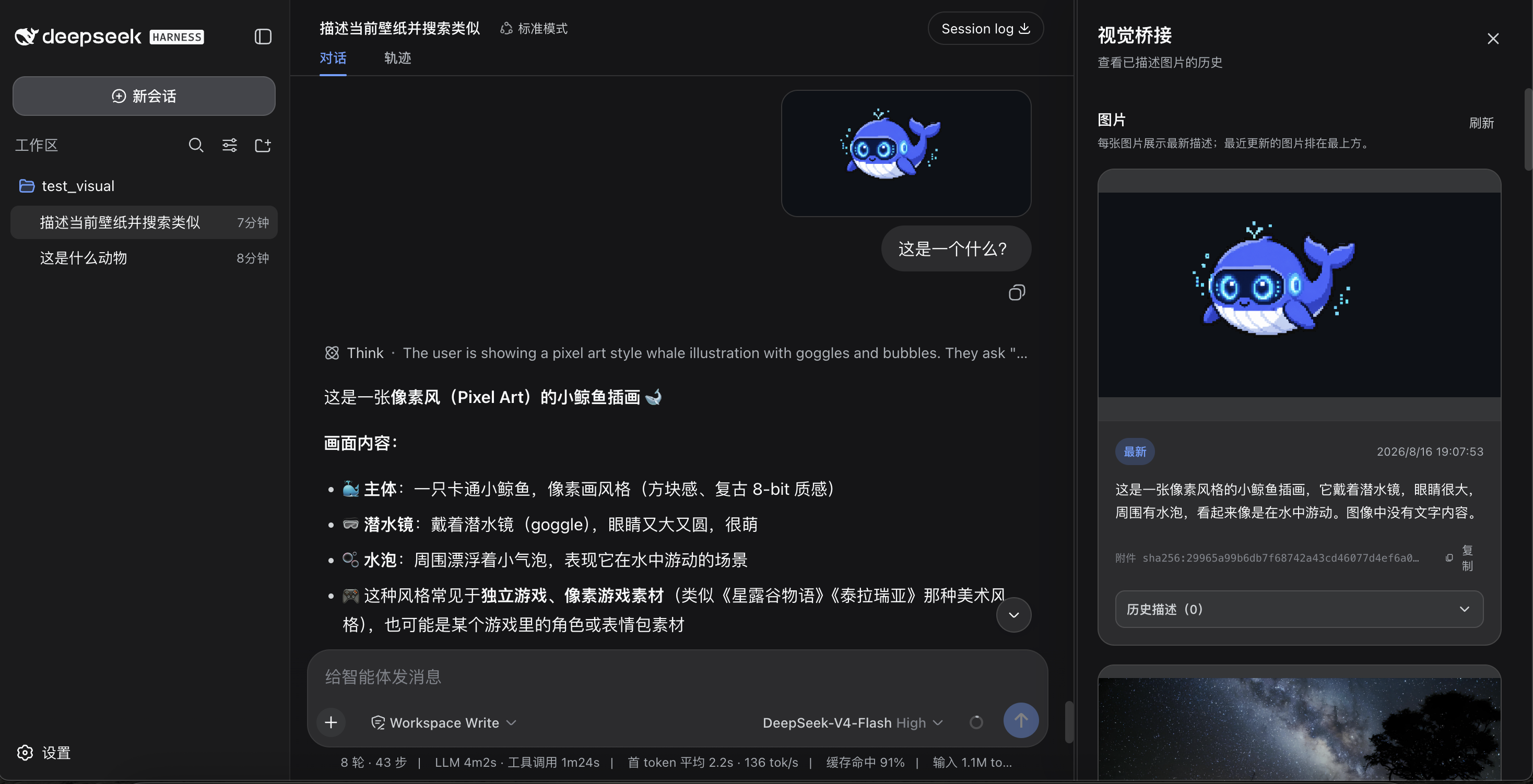
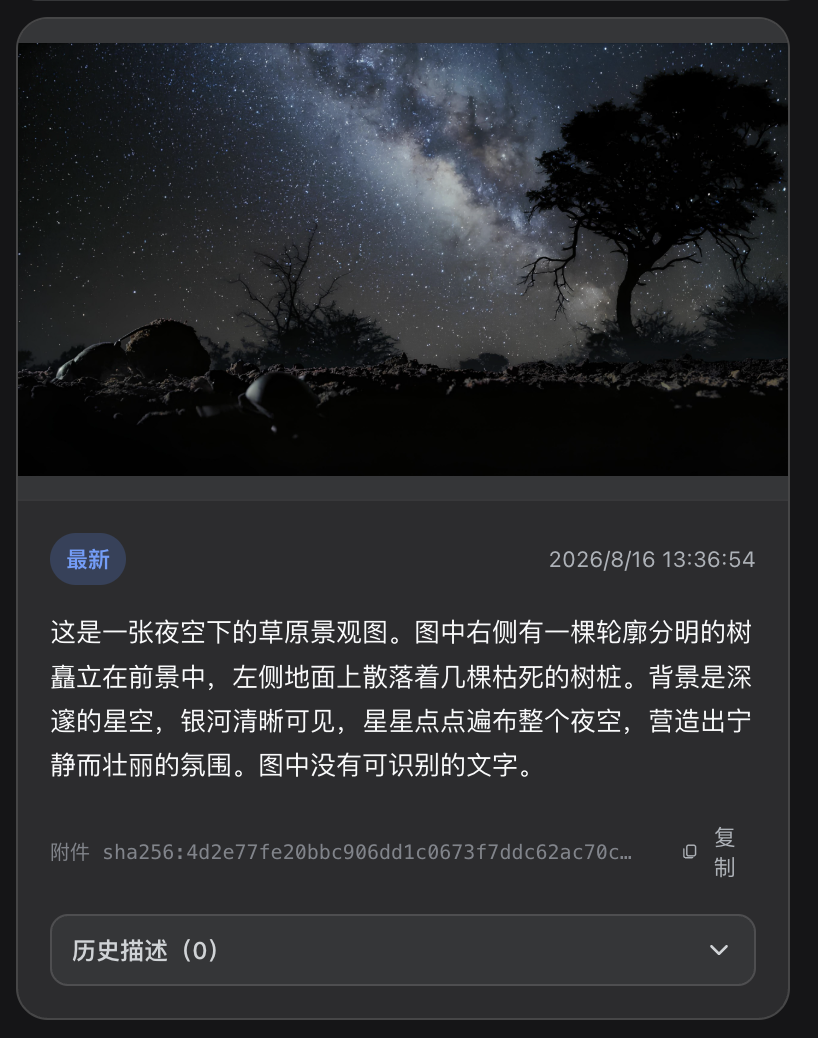
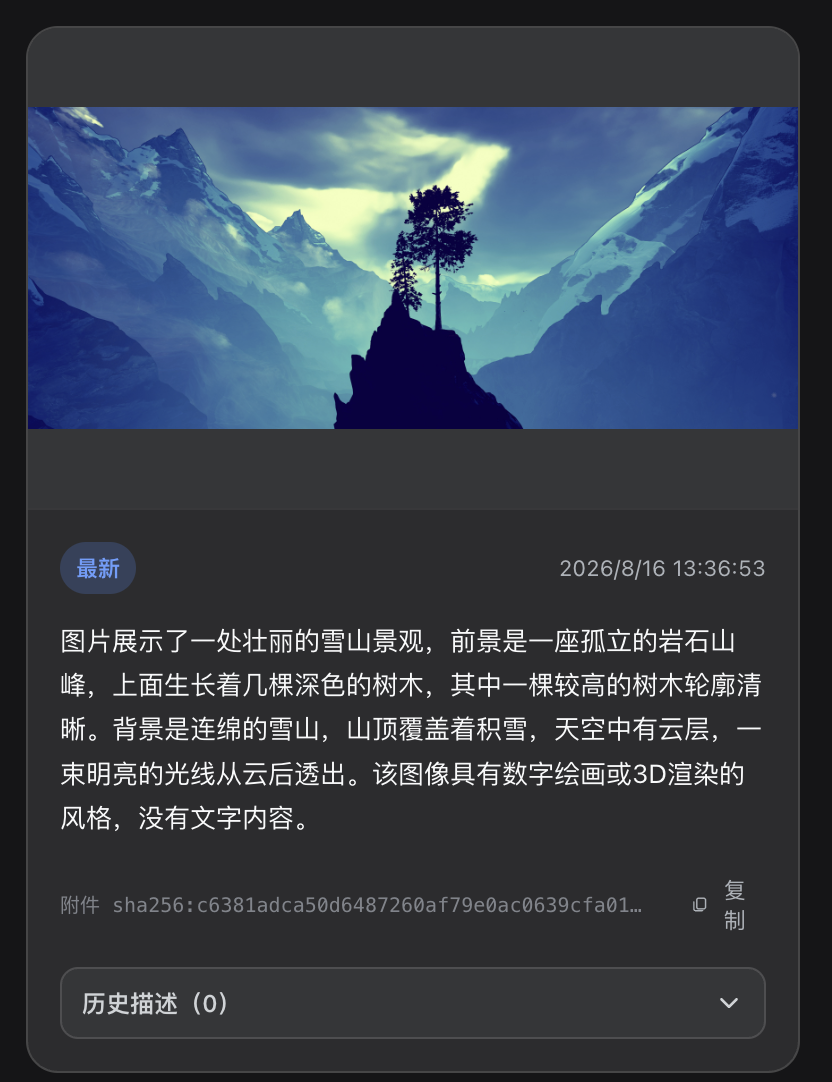
- Copyable image history — the right panel records the current DSH model's final answer beside each image thumbnail, with expandable history and one-click copy.
- Plugin-owned video upload — accepts MP4, M4V, MOV, AVI, MPG/MPEG, MKV, and WebM only when extension, signature, and FFprobe agree.
- Scene-aware video analysis — normalizes to H.264/yuv420p MP4, extracts keyframes with PySceneDetect, and sends ordered timestamped images to the current DSH vision model.
- Right-side panel — switch between image/video views, play normalized videos directly, and stage a selected video in the chat draft.
- Advanced video settings — tune upload size, storage quota, duration, output size, FPS, CRF, and keyframe count from the plugin settings card.
How it works
image → DSH native attachment → current image-capable model → final answer
  → /vision-bridge/recent → panel thumbnail + copyable description

video → container validation → H.264/yuv420p normalization → PySceneDetect
  → timestamped keyframes → DSH native image attachments → current model answers
The plugin never rewrites model messages or calls a private vision endpoint. Select an image-capable model in DSH before sending images or asking about a video.
Quick start
Plugin 0.4.x targets DSH 0.2.0-rc.2; keep plugin 0.3.2 for DSH 0.1.x. No exact-version risk exemption is needed.
Video support requires FFmpeg/FFprobe >= 6.1 from the same major release (with libx264) and PySceneDetect >= 0.7.1 < 0.8 installed on the host:
ffmpeg -version
ffprobe -version
python -m pip install 'scenedetect[opencv]>=0.7.1,<0.8'
scenedetect version
The plugin never downloads these tools or runs installers. Image features remain available when they are missing, and the settings card reports each video dependency issue.
dsh plugin --profile web add dsh-visual-plugin # or: github:jyh20030112/dsh-visual-plugin
When developing this checkout against a local DeepSeek Harness source tree, install the local package instead:
cd /absolute/path/to/dsh-visual-plugin
npm run bootstrap
dsh plugin --profile web add link:/absolute/path/to/dsh-visual-plugin
bootstrap requires an installed, built dsh-v0.2.0-rc.2 Harness checkout and automatically finds a sibling or ancestor-adjacent checkout.
For another layout, set its location explicitly:
HARNESS=/absolute/path/to/deepseek-harness npm run bootstrap
Restart dsh web, then:
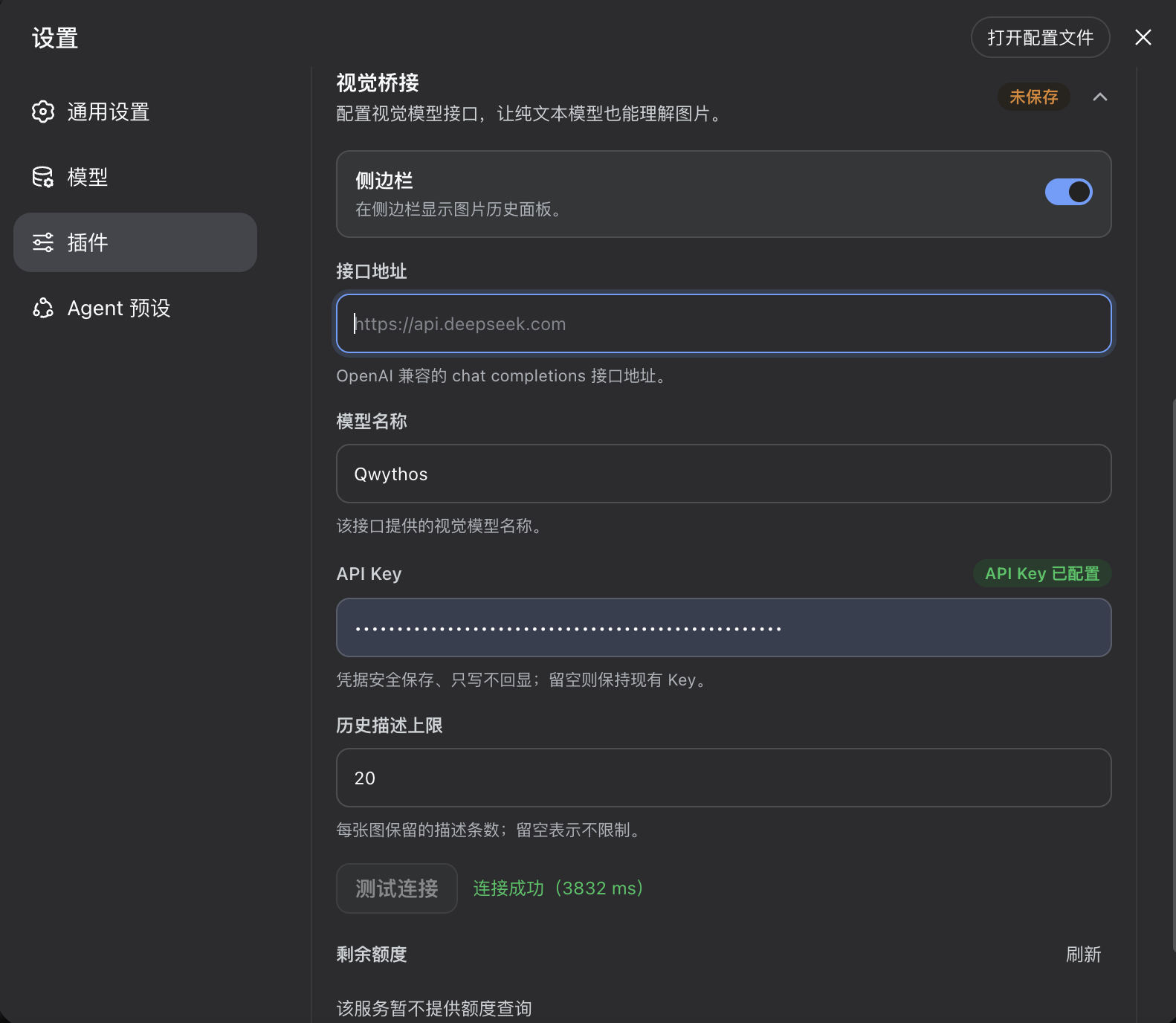
Open Settings → Plugins, then the dsh-visual-plugin detail page and its Visual Media configuration. Use Sidebar to show or hide the right panel and adjust advanced video settings. Changes apply immediately, persist in the current profile across restarts, and recover valid archived video preferences without overwriting new settings during upgrades.
Select an image-capable model in DSH; there is no separate vision-model configuration in this plugin.
Send an image. The current model answers natively, and the image panel records the thumbnail and final answer for copying.
Upload a video from Upload video beside the composer. Once processing finishes, select Videos in the right panel to play it; Ask in chat stages a draft and never submits automatically.
Vision model
Image and keyframe understanding use the image-capable model currently selected in DSH. Model providers, endpoints, and credentials are managed by DSH rather than this plugin.
Uninstall
dsh plugin --profile web remove dsh-visual-plugin
Restart dsh web. The command forwards to pnpm remove inside the profile, and the bundle layer list reconciles to drop the plugin automatically.
Project layout
src/
  index.ts      native image history, video_describe tool, settings, and HTTP routes
  config.ts     advanced video-processing settings and runtime policy
  video/        upload, container probing, transcoding, scene detection, keyframes, and HTTP Range playback
  client/       image/video panel, upload controls, advanced settings, locales, and CSS
cordis.patch.yml  bundle patch layer
Build
npm run bootstrap && npm run typecheck && npm run build # needs a local harness checkout
Prebuilt lib/ is committed, so consumers never build.
CI/CD
ci.yml verifies artifacts and the pack contents on every push/PR. release.yml (tag v*) checks the version, packs, creates a GitHub Release, and publishes to npm.
Resources
- DeepSeek Harness — the plugin host this project extends.
- PySceneDetect — scene detection used to select video keyframes.
- awesome-dsh-plugin — the curated DSH plugin list where this plugin is registered.
Friendly Links
Thanks
- HsiangNianian — for their help and insights during development.
- tingfeng347 — for the build-stability and local-harness-setup fixes.
- dsh-auto-continue — a DSH Web UI plugin that auto-resumes interrupted requests with 「继续」 (error classification, adaptive backoff, browser notifications); a handy companion.
License
Comments
Comments live in GitHub Discussions. Sign in with GitHub to post or react.