
Install
Inside DeepSeek Harness, with dsh-market
dsh plugin --profile web add dshmarket
Or from the command line
dsh plugin --profile web add dsh-go-balance
Installing runs third-party code with your own permissions — it can read your files, use your credentials and reach the network. Review the source first, and pin a commit (github:owner/repo#sha) when you can.
Screenshots
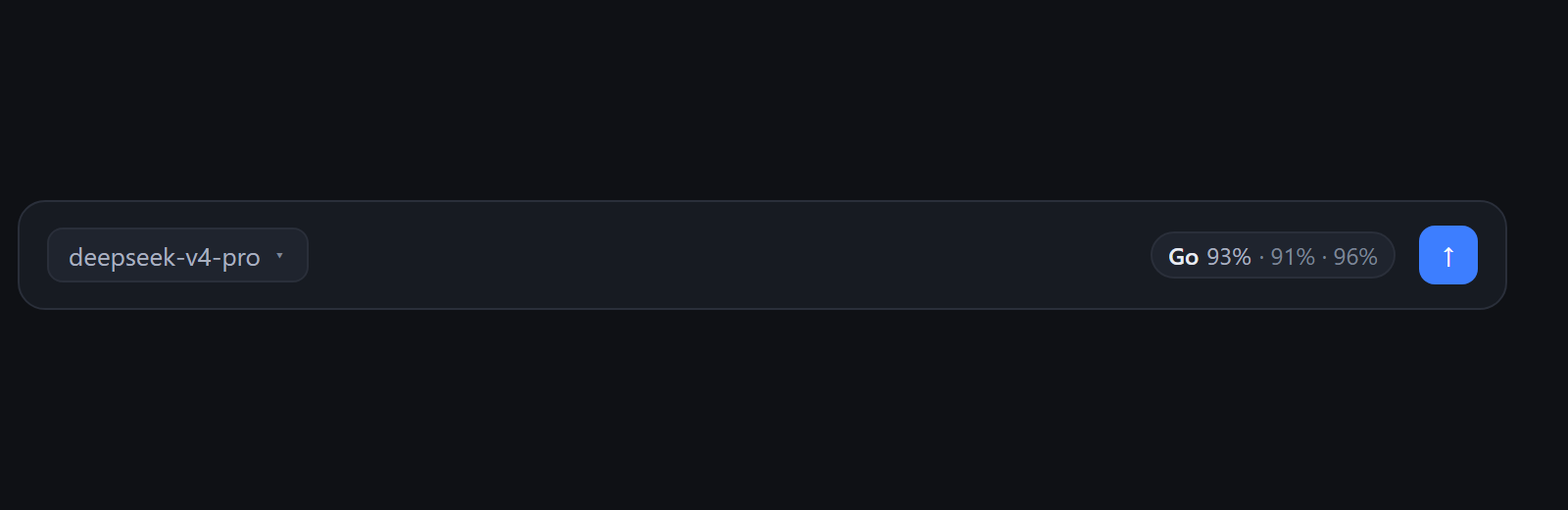
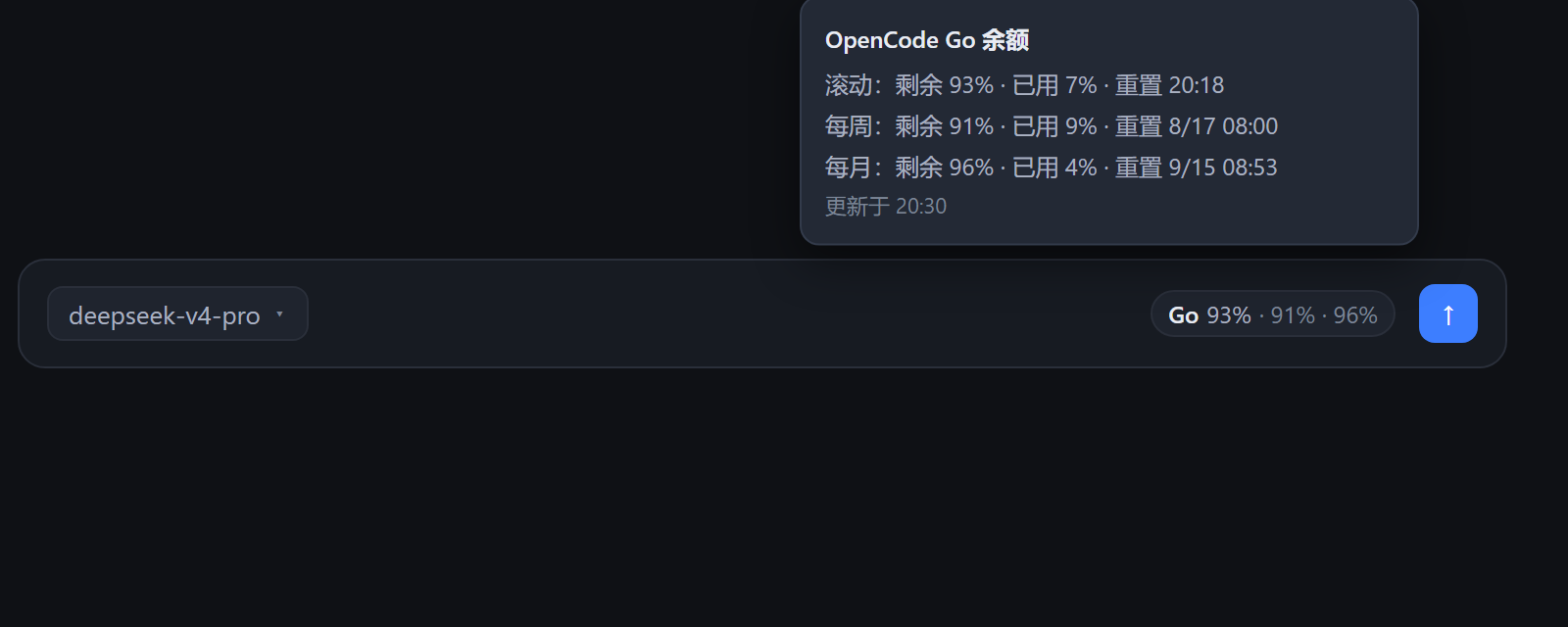
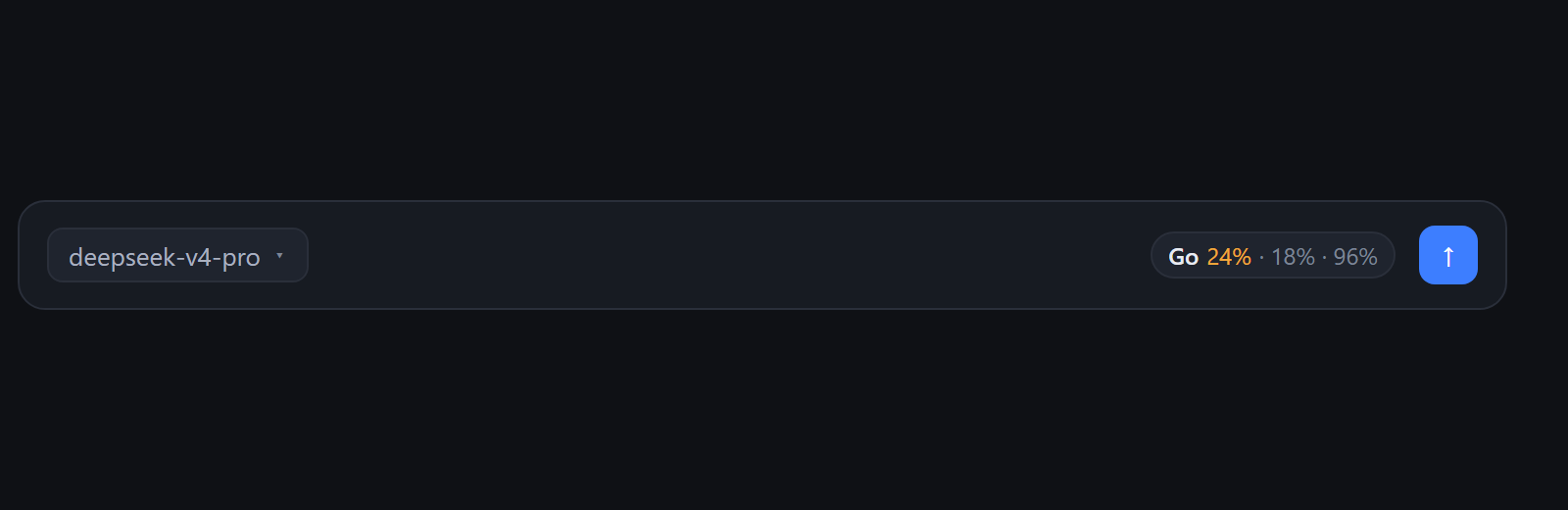
README
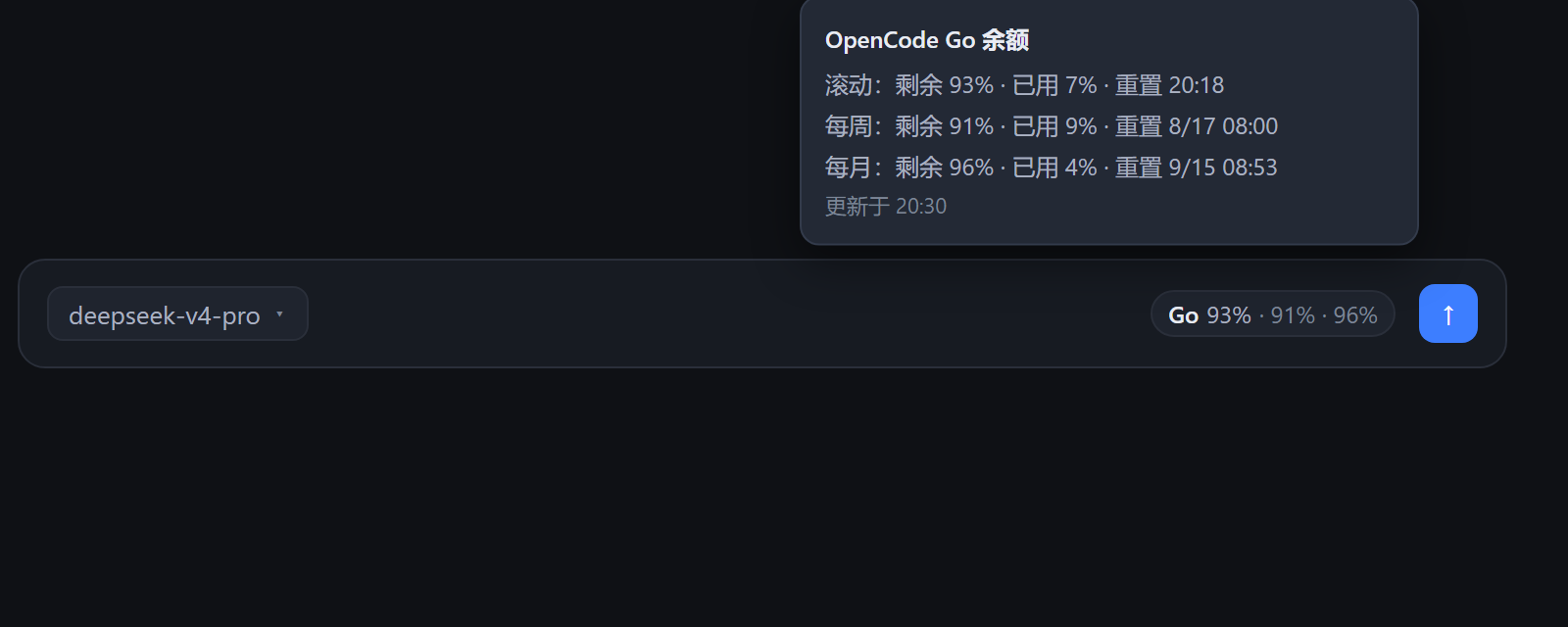
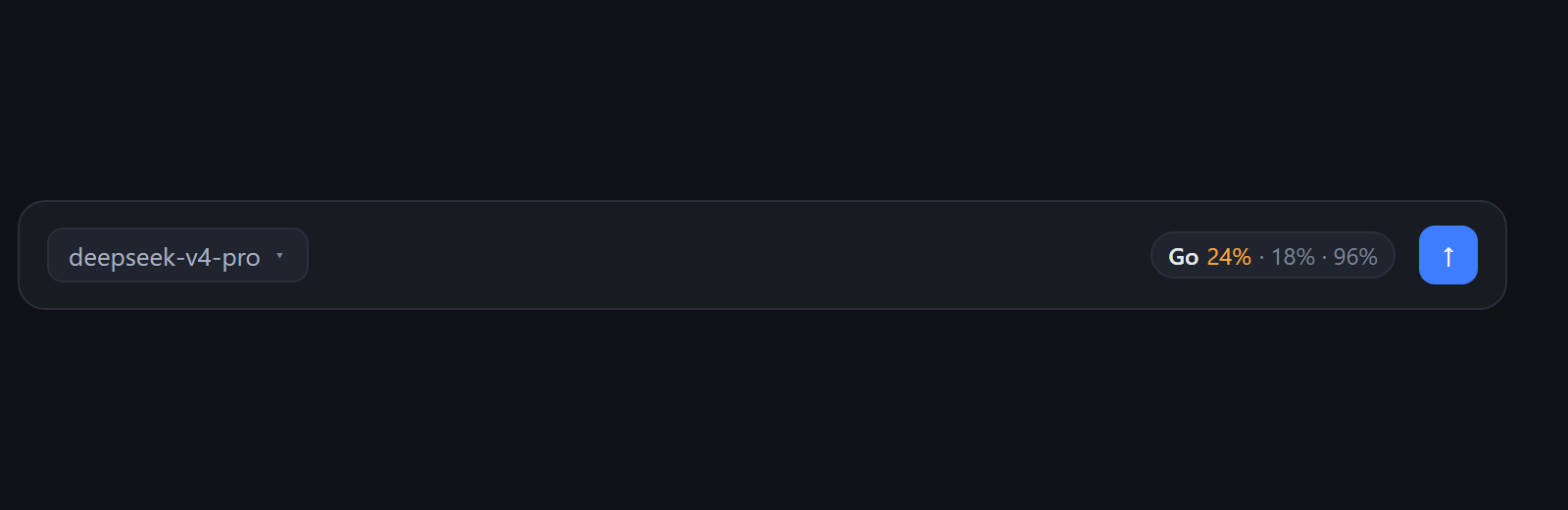
Live OpenCode Go subscription balance for DeepSeek Harness (DSH) Web UI: a pill at the right end of the composer tool row showing the rolling / weekly / monthly quota remaining, straight from the same OpenCode Zen usage endpoint the Go dashboard reads — no estimation.
Features
- Real balance, not an estimate — polls
https://opencode.ai/zen/go/v1/usagewith your Go API key and renders the exact same numbers as the Go dashboard. - Compact pill —
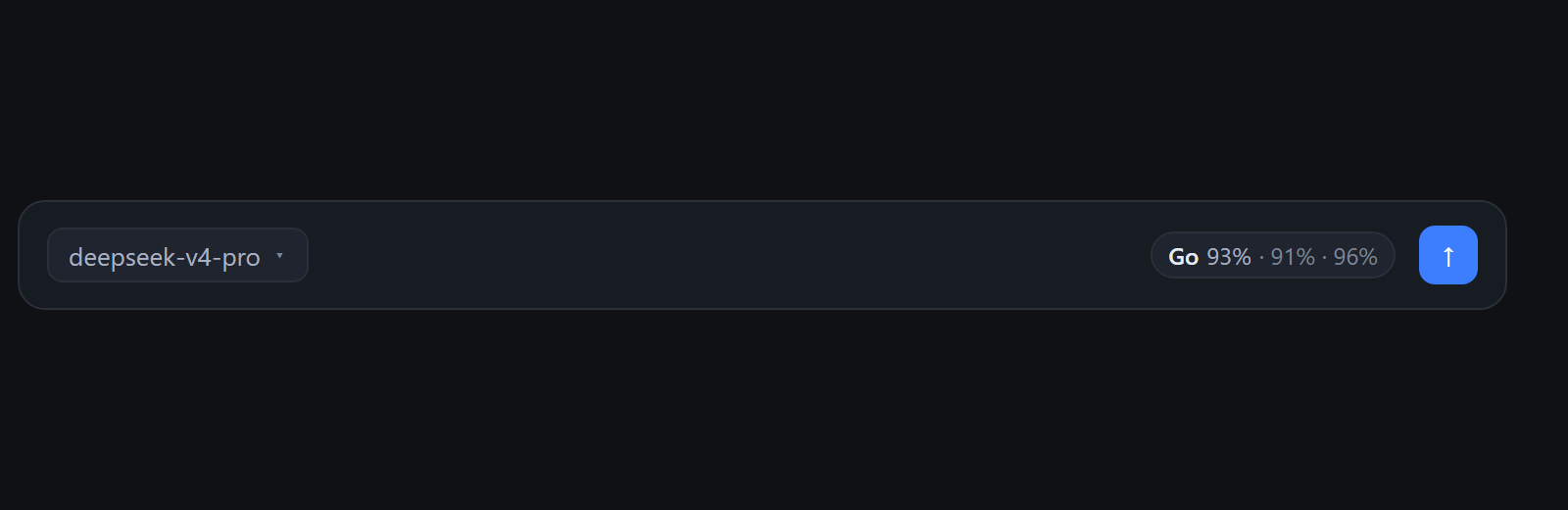
Go 96% · 94% · 97%(rolling / weekly / monthly remaining), right before the send button. - Hover detail — used percent, reset time of each window, and data freshness in the tooltip.
- Warn / danger coloring — the pill turns yellow when any window is below 30% remaining, red below 15%.
- Resilient — a failed refresh keeps the last known snapshot, dimmed and marked stale; the pill hides entirely while nothing is known (e.g. the credential is not configured).
- Credential-safe — the API key is resolved at runtime from the DSH credential service (
OPENCODE_ZERO_API_KEY) and never leaves the host process; no key is stored in this repository or shipped to the browser.
Screenshots
Install
dsh plugin --profile web add dsh-go-balance
Then restart DSH (dsh web). The plugin appends itself to the profile bundle layer automatically; nothing else to configure.
Alternatively, install straight from this repository:
dsh plugin --profile web add github:iamfromchangsha/dsh-go-balance
For a local checkout:
# from the plugin repo
dsh plugin --profile web add file:./        # relative file spec, anchored to your cwd
Credential
The plugin reads the OpenCode Go API key from the DSH credential service under the reference OPENCODE_ZERO_API_KEY (your $DSH_HOME/.credentials.yaml or process environment). It is resolved per refresh inside the host process only.
Config
The bundle row exposes one optional key:
| Key | Default | Meaning |
|---|---|---|
intervalMs |
60000 |
How often the host re-polls the OpenCode Zen usage endpoint. |
Override it in the profile patch layer ($DSH_HOME/profiles/web/cordis.patch.yml):
- id: go-balance
  config:
    intervalMs: 120000
How it works
One npm package hosts both halves of the plugin:
- Host half (
lib/index.js) — thegoUsageservice: resolvesOPENCODE_ZERO_API_KEYthroughctx.credentials, polls the Zen usage endpoint on a timer (plus lazily when a request finds the cache older than 30s), validates the response shape, and serves the snapshot atGET /go-usage. - Browser half (
lib/client.js) — registers into theconversation.input.rightslot (right end of the composer tool row), re-reads/go-usageevery 60 seconds and whenever the tab becomes visible again.
Security & robustness
- Concurrency-deduped refresh — refresh calls share one in-flight promise, so the timer and lazy requests never pile up against the upstream API.
- Error hygiene & key safety — browser-facing errors carry only a
code(plus an optional HTTPstatus); internal details such as DNS failure messages go to the host log only, and any occurrence of the key in a log line is replaced with[REDACTED]. The key travels only asAuthorization: Bearer <key>to opencode.ai, lives in host process memory, and never touches disk, logs, or the/go-usageroute. - Route hardening — the DSH webServer enforces no auth of its own ("No TLS, auth, or origin policy"), so the loopback bind is the boundary;
/go-usageadditionally rejects browser cross-origin reads (non-loopbackOrigin→ 403) and applies an in-memory per-address rate limit of 120 requests/minute (429). The snapshot carries only quota percentages and reset times — never the key or any identity. - Range validation —
percentmust be a finite number in[0, 100]; malformed upstream values drop the whole snapshot and keep the last good one.
Development
node --check lib/index.js && node --check lib/client.js
lib/client.js is committed and shipped; no build step runs on install.
Limitations
- Requires an active OpenCode Go subscription and the
OPENCODE_ZERO_API_KEYcredential on the DSH host. - Web surface only (the slot it renders into is part of the DSH Web UI).
- The snapshot is a user-facing reference for the current account quota; it is not a billing record.
License
Comments
Comments live in GitHub Discussions. Sign in with GitHub to post or react.