
Install
Inside DeepSeek Harness, with dsh-market
dsh plugin --profile web add dshmarket
Or from the command line
dsh plugin --profile web add dsh-client-ui-seaglass
Installing runs third-party code with your own permissions — it can read your files, use your credentials and reach the network. Review the source first, and pin a commit (github:owner/repo#sha) when you can.
Screenshots
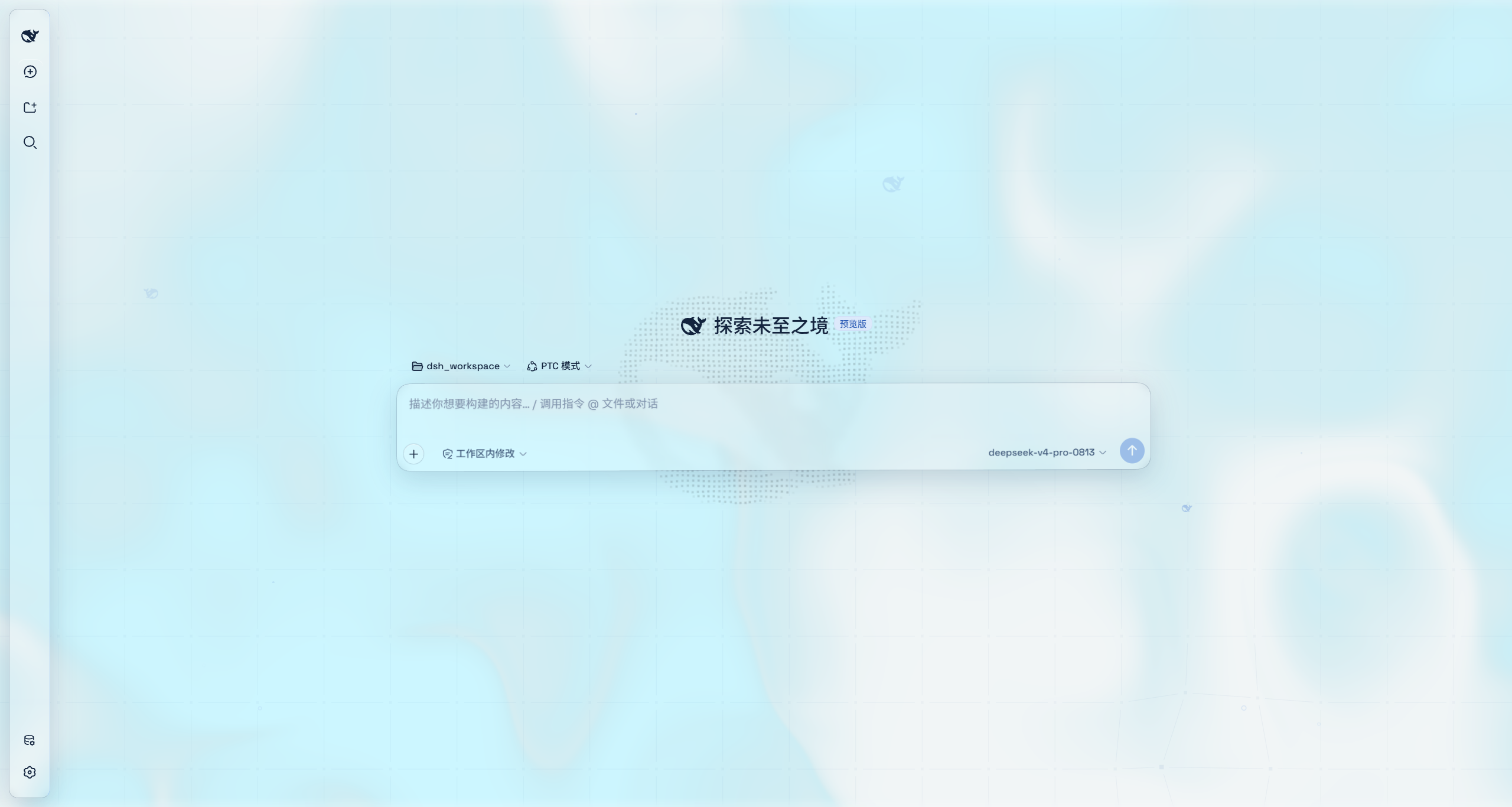
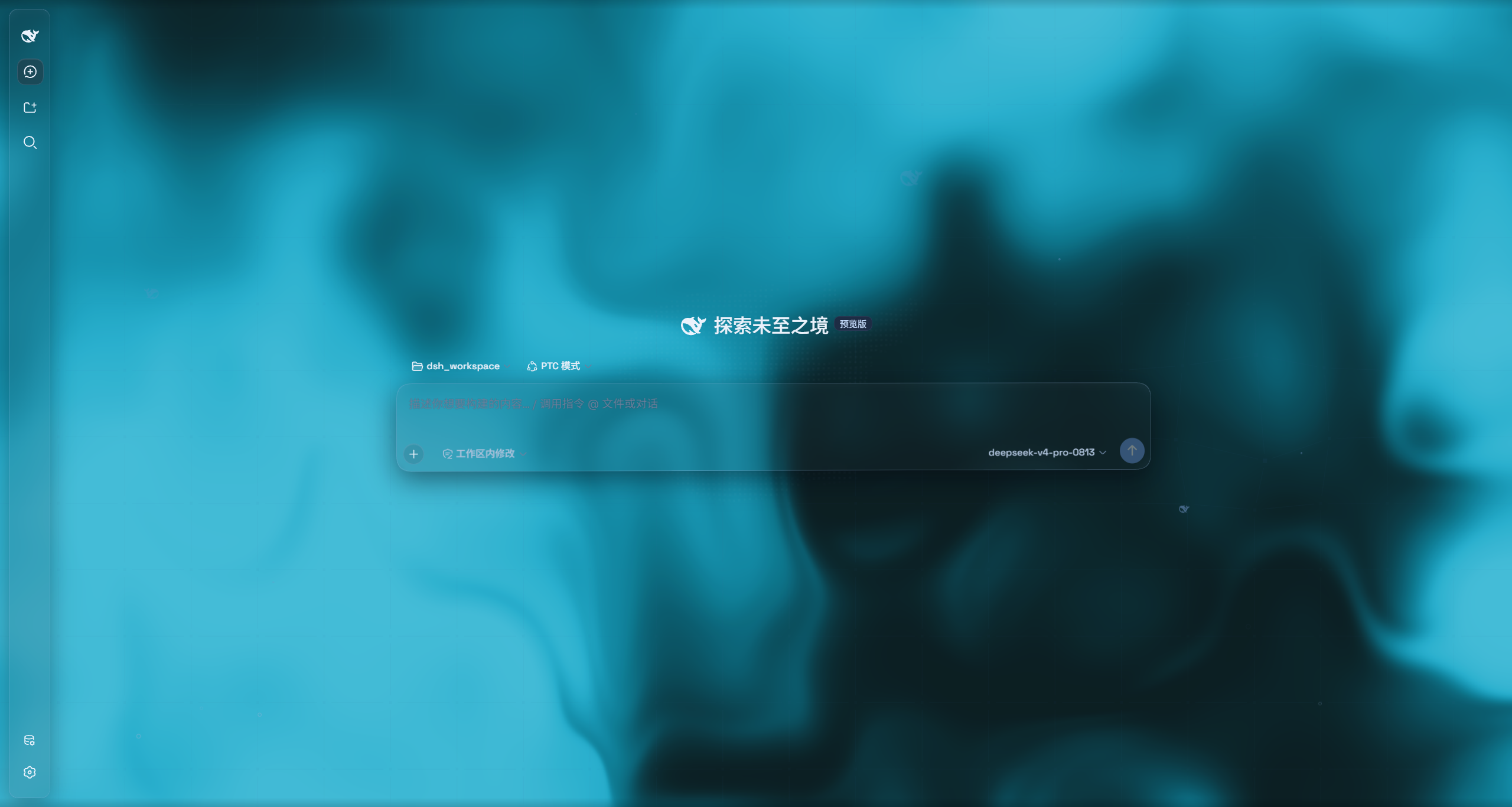
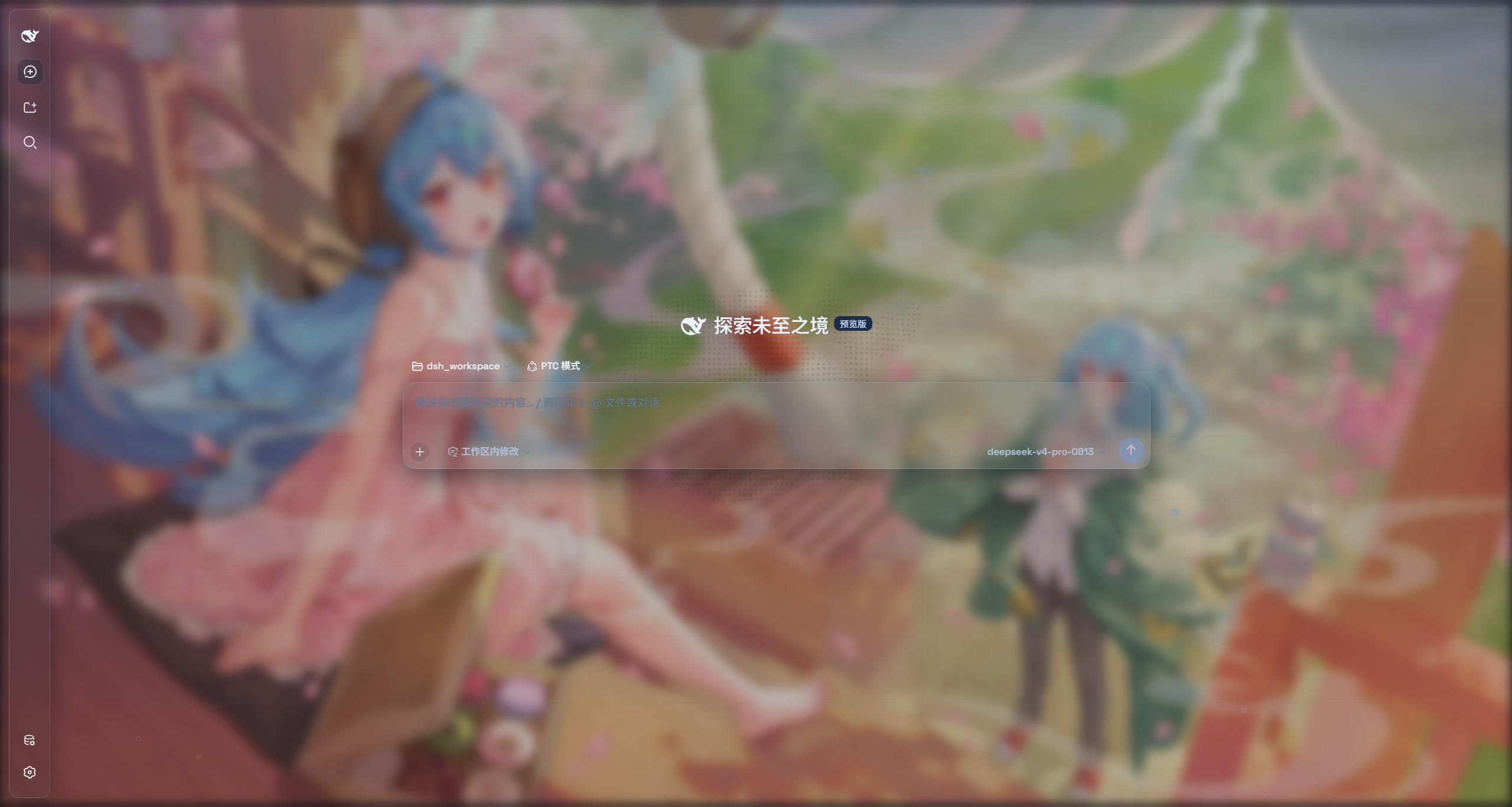
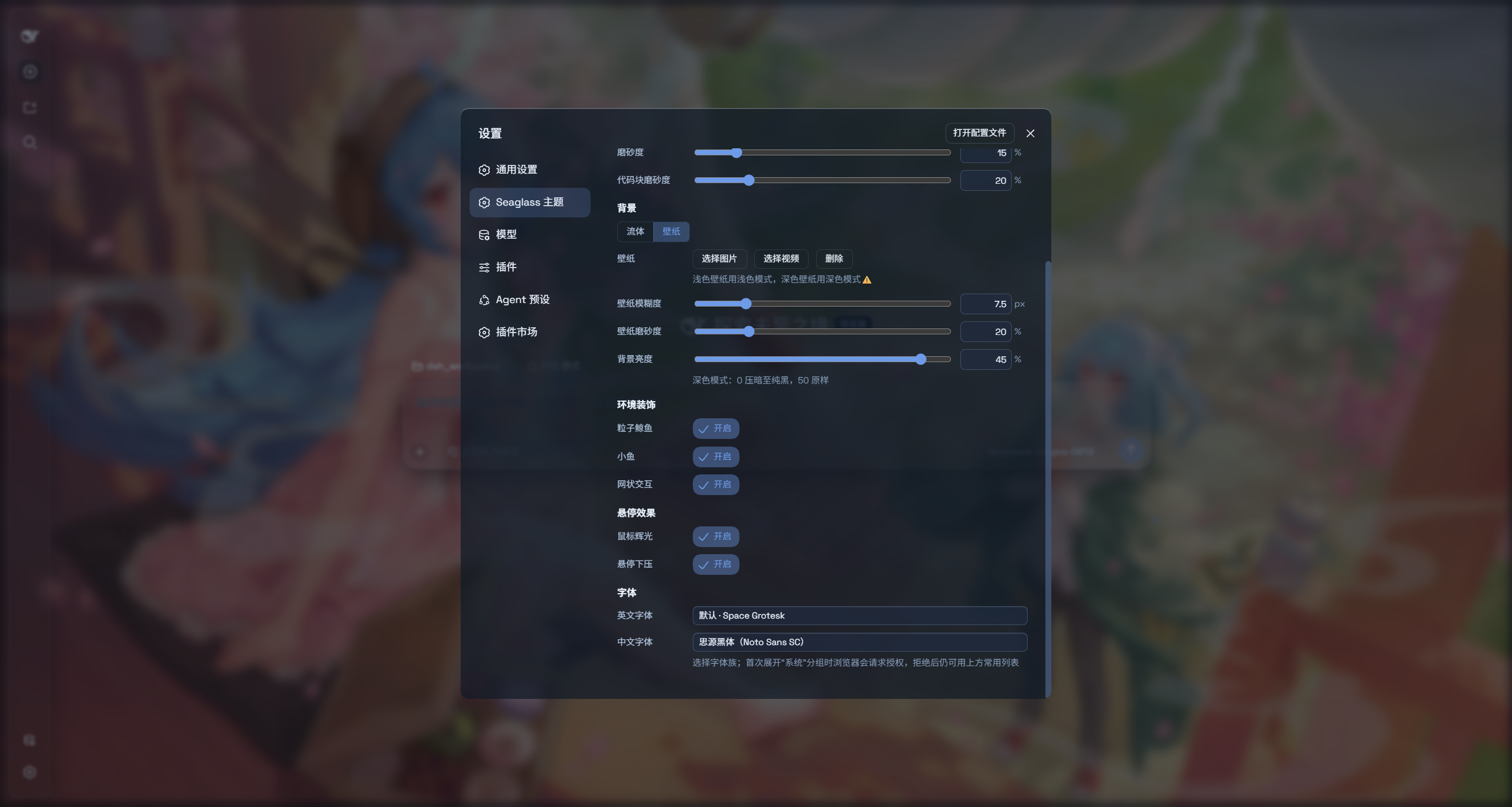
README
English | 中文
Compatibility — DSH
0.1.5-rc.1· Updated 2026-09-11 · Plugin v1.6.7
Seaglass is a highly customizable glassmorphism theme: it turns many surfaces into frosted-glass panes, and you can use your own images or videos as the backdrop. Switch the theme off and you are back to the stock UI — without changing a single line of DSH source. If you like the theme, feedback and PRs are welcome.
Features
- Two modes: Mica restyles the layout into floating glass cards; Compatibility Mode keeps the stock layout byte-for-byte and only swaps the material to generic glass
- Free backdrop: switch freely between an image or a video background
- One switch: off restores the stock UI exactly
- Per-script font customization (Chinese/English)
Installation
Option 1: npm one-liner (recommended)
dsh plugin --profile web add dsh-client-ui-seaglass
Installs the latest version from npm and registers it as a profile plugin layer (the dsh.bundle patch) — works on every platform. Reload the web UI and it is on.
Option 2: Local folder install (recommended if you want to hack on / modify the theme source)
Clone the repo anywhere, then hand the local folder straight to dsh plugin add — it links the folder into the profile and registers the layer for you, no manual cordis.patch.yml edits. The repo ships its build output, so it works right after installing; no npm release needed.
git clone https://github.com/xiyunyunyun/dsh-client-ui-seaglass.git
npm install
dsh plugin --profile web add "C:\\path\\to\\dsh-client-ui-seaglass"    # your actual clone path (absolute path recommended)
Comments
Comments live in GitHub Discussions. Sign in with GitHub to post or react.