
Install
Inside DeepSeek Harness, with dsh-market
dsh plugin --profile web add dshmarket
Or from the command line
dsh plugin --profile web add @kelearns/dsh-navigation-bar
Installing runs third-party code with your own permissions — it can read your files, use your credentials and reach the network. Review the source first, and pin a commit (github:owner/repo#sha) when you can.
README
A piano-key in-conversation navigation bar for the DeepSeek Harness Web GUI: one key anchors one user message of the current session, hovering shows a "user message + model reply" preview, and clicking smooth-scrolls to that message. Built on the official DSH dual-face plugin mechanism (host + browser half) — no DSH source changes.
Screenshots
Dark theme · hovered (full view + focused detail):
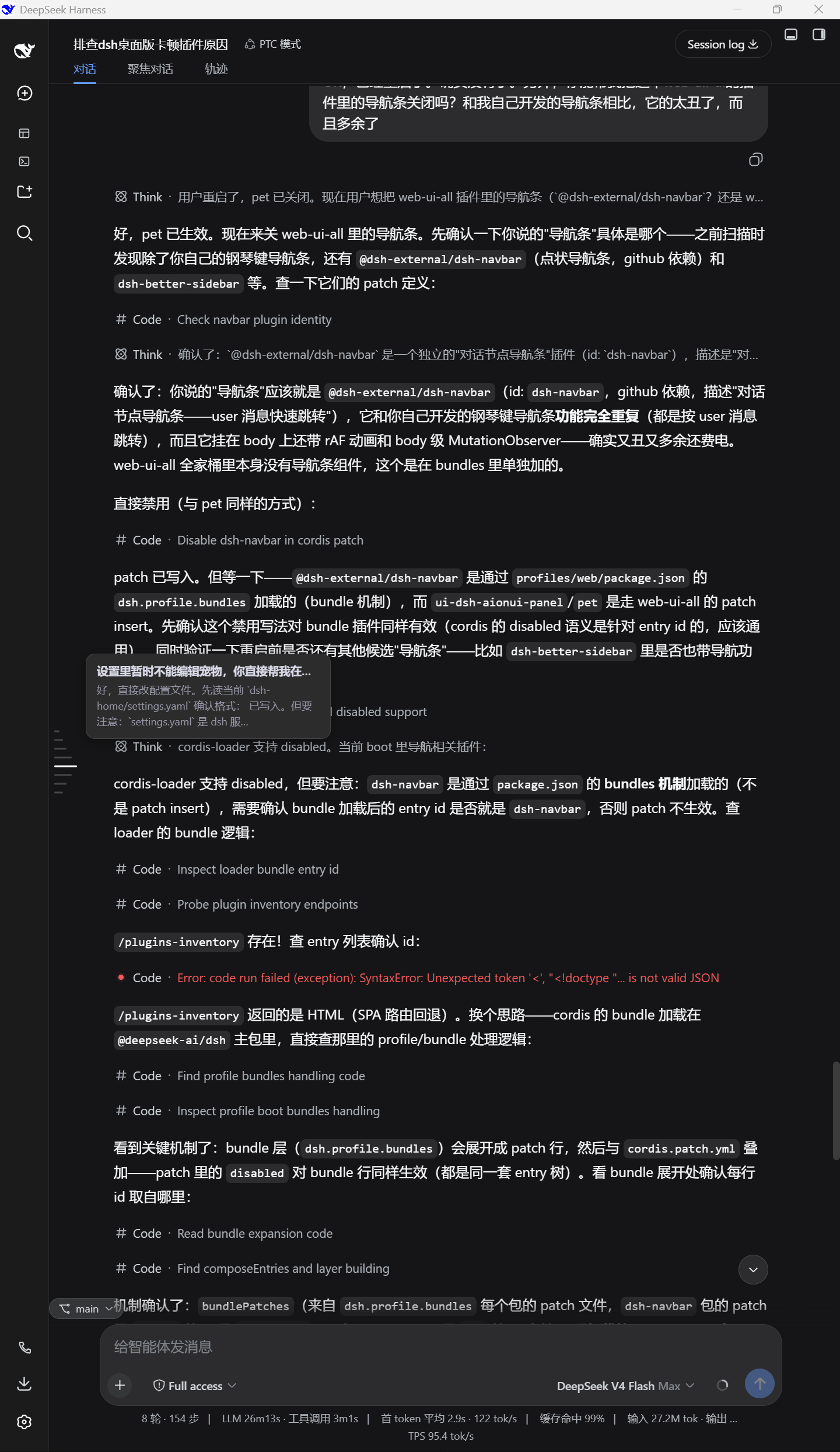
| Dark hover focus | Dark idle focus |
|---|---|
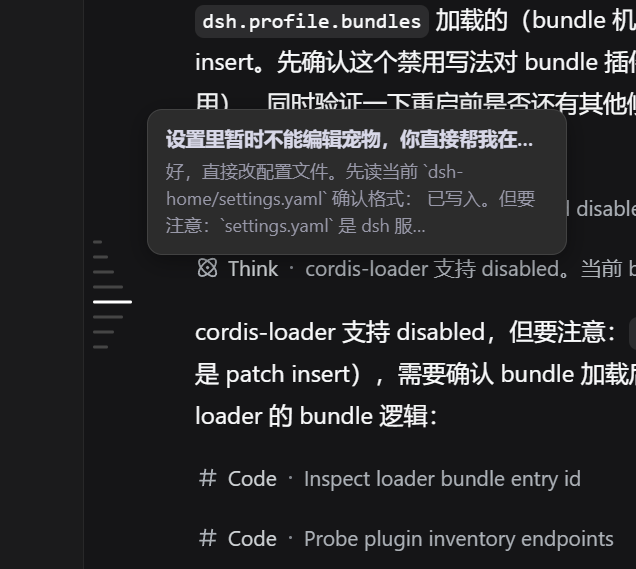 |
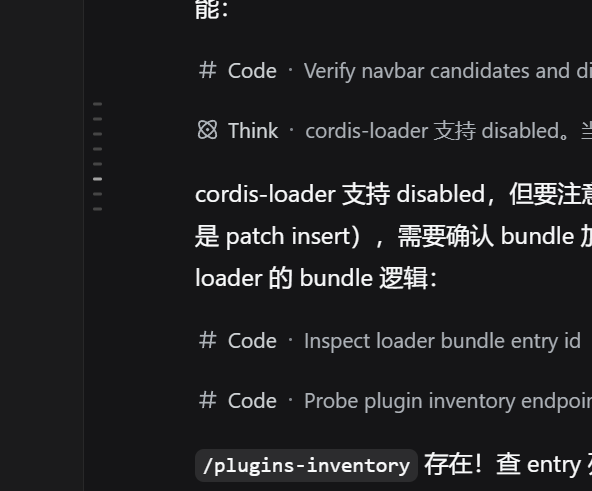 |
Light theme (hovered / idle full views):
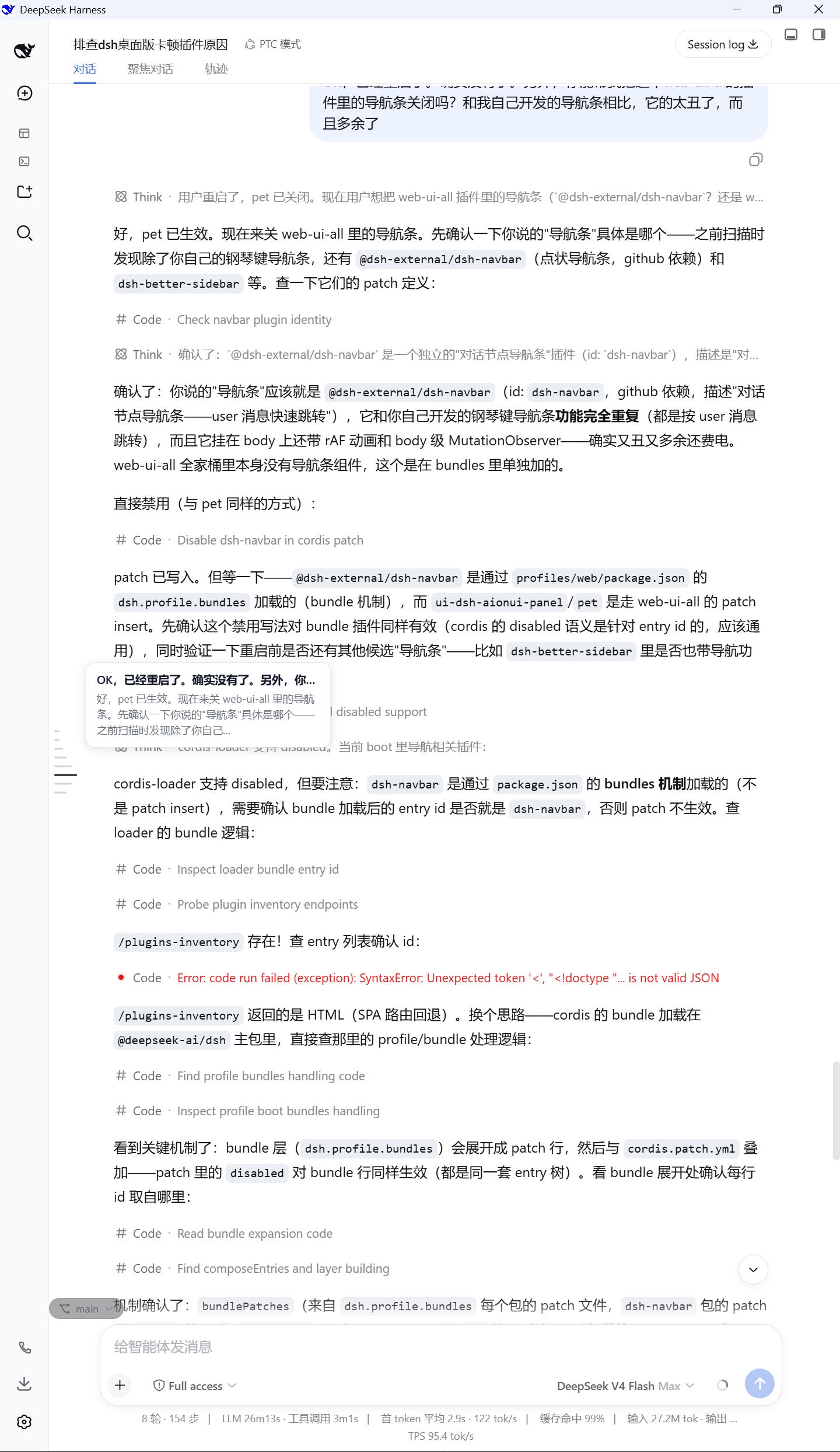
| Light hover focus | Light idle focus |
|---|---|
 |
 |
Full views show the bar in its real position within a session; focused views show the piano-key details (key shapes, hover ladder, message preview tooltip).
Features
- In-conversation navigation: one key per user message (including steering messages sent while an agent is running), in chronological order; model replies share their turn's key and appear in the preview.
- Reference-accurate visuals: fixed 10px key pitch, 2px bars, 6px resting /
26px hovered length (≈4.3×), cluster vertically centered in the message
area; colors measured pixel-by-pixel from the reference images (light
#D2D3D3/#767779/#1A1C1F, dark#454545/#A3A3A3/#FFFFFF). - Hover ladder: the hovered key lengthens and recolors, the 3 adjacent keys step down (20 / 14 / 10px, ≈77% / 54% / 38%), the 4th neighbor returns to resting length, and edge keys clip naturally on one side.
- Hover tooltip: user message on one line (ellipsis) + the matching model
reply in at most 3 lines (width-model JS truncation +
-webkit-line-clampfallback; overflow ends with …). - Active highlight: while idle, the key of the message currently in view changes color only (length unchanged), following the scroll in real time.
- Click to jump; automatic light/dark theming (
data-ds-dark-theme+ prefers-color-scheme fallback).
Install
Installed into the web profile through the official DSH plugin mechanism:
# From npm (released)
dsh plugin --profile web add @kelearns/dsh-navigation-bar

# Or local development (link mode; edits to lib/client.js apply on page refresh)
dsh plugin --profile web add link:<this-directory>
Published on npm: npmjs.com/package/@kelearns/dsh-navigation-bar
Listed in awesome-dsh-plugin curated registry; also searchable as
navigation-barin the Plugin Market tab of dsh settings (dsh-market).
Note: the plugin roster is loaded at instance startup — after adding a new
plugin, restart the dsh web instance, then refresh the page.
Layout
| File | Purpose |
|---|---|
index.js |
host half (no-op cordis plugin) |
lib/client.js |
browser half (hand-written bundle, no build step; window.__ModuleLoader__.load) |
cordis.patch.yml |
bundle patch: inserts the plugin row into the web profile roster |
package.json |
dsh.bundle.patch + dsh.client (platform web) declarations |
test/ |
headless-browser CDP diagnostics + standalone offline test page |
Data sources (all official APIs):
ctx.sessions.binding(currentId).session→ConversationSnapshot(subscribed live viauseSyncExternalStore)- DOM anchors: scrollport
[data-conversation-scroll], message rows[data-chat-anchor-key]
Development / Testing
# Headless Edge + CDP audit: open a real session, check layout / colors / tooltip
node test/cdp-audit.mjs

# Reference-image pixel measurement (key pitch / ladder / palette)
node test/img-analysis.cjs   # idle reference images
node test/img-strip.cjs      # hover reference images (ladder lengths & colors)
License
MIT
Comments
Comments live in GitHub Discussions. Sign in with GitHub to post or react.