
Install
Inside DeepSeek Harness, with dsh-market
dsh plugin --profile web add dshmarket
Or from the command line
dsh plugin --profile web add @januory/dsh-gateway-agent
Installing runs third-party code with your own permissions — it can read your files, use your credentials and reach the network. Review the source first, and pin a commit (github:owner/repo#sha) when you can.
Screenshots
README
English | 中文
The customer-machine access plugin for deepseek-harness-gateway.
What it is
dsh-gateway-agent is a DeepSeek Harness plugin installed in the dsh that runs on a customer machine. It opens a single outbound WebSocket to the gateway and bridges the machine's local dsh web UI over that same tunnel — so the machine needs no inbound port, port mapping, or public IP.
Requirements
- A DeepSeek Harness installation (web profile) on the machine.
- The gateway server (see
../../apps/gateway) running and reachable from the machine, e.g.wss://gateway.example.com/agent. - A pairing code issued by the gateway administrator.
Install
dsh plugin --profile web add ./plugins/dsh-gateway-agent
(Once published, this becomes dsh plugin --profile web add @januory/dsh-gateway-agent.)
Usage
- Ask the gateway administrator for a pairing code.
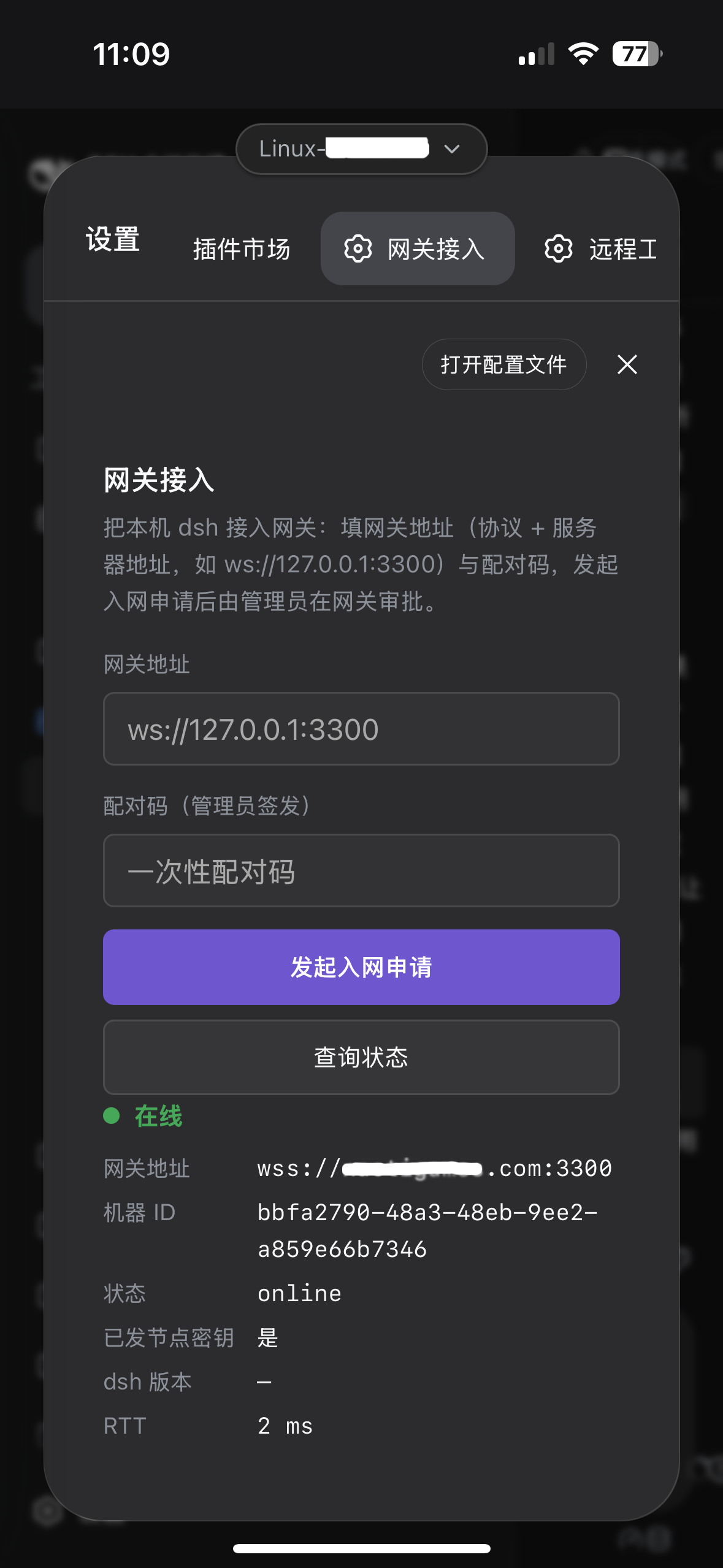
- Open the machine's dsh web UI and go to Settings → 网关接入 (Gateway access).
- Enter the gateway address (
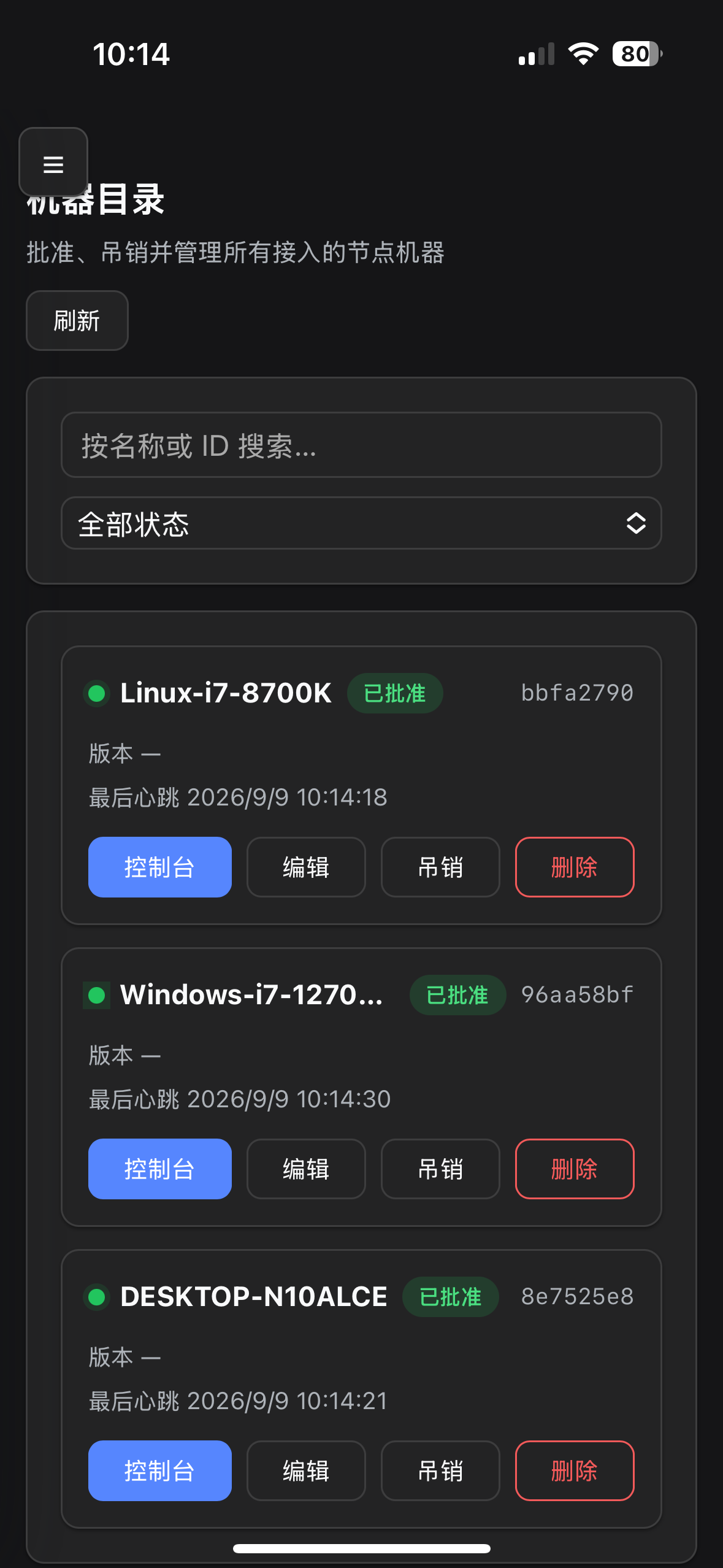
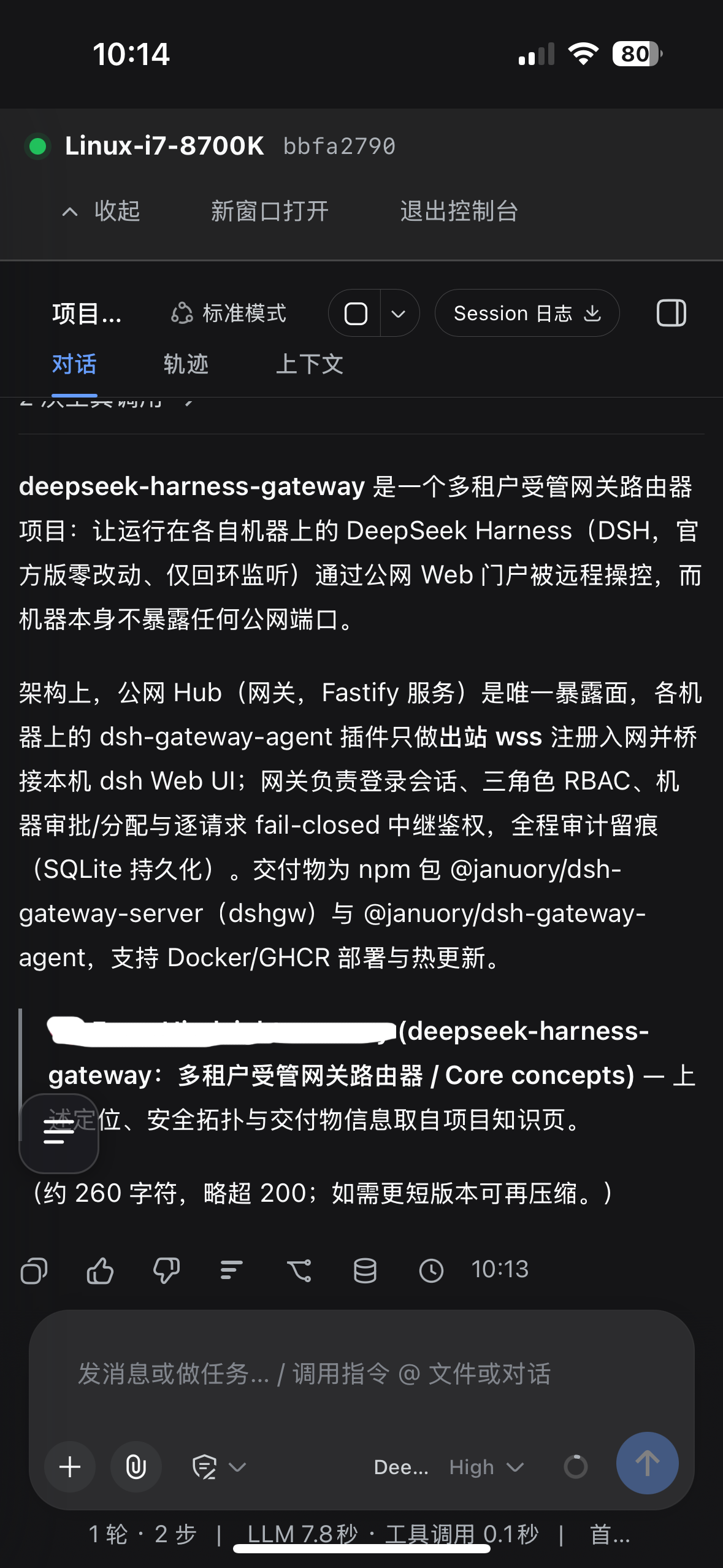
wss://<gateway-host>/agent) and the pairing code, then click 发起入网申请 (Request onboarding). - After the machine is approved at the gateway, the plugin reconnects automatically and keeps the tunnel alive — the machine is then operable from the gateway portal.
Configuration
The plugin persists its configuration as JSON at $DSH_HOME/dsh-gateway-agent/config.json:
| Key | Description |
|---|---|
gatewayUrl |
The gateway WebSocket endpoint, e.g. wss://gateway.example.com/agent. |
pairingCode |
The pairing code issued by the gateway administrator. |
dshPort |
The local dsh web port to bridge (default 3080). |
Values entered in the 网关接入 UI are saved here; the plugin auto-connects on boot when gatewayUrl is already set.
How it works
The plugin runs as a dsh host plugin (Node) plus a small settings card in the browser client. On the host side it dials gatewayUrl, completes a pairing-code + HMAC challenge-response, then relays browser requests and WebSocket streams from the gateway to the machine's loopback dsh web (127.0.0.1:<dshPort>), injecting an operator cookie minted in-process via the dsh Connection service. Each relayed request is re-declared as one consistent same-origin loopback request: besides rewriting Host, the agent sets Origin (and any Referer) to http://127.0.0.1:<dshPort>, so third-party handlers that require Origin === Host — such as the plugin market's POST routes — work over the tunnel too.
See the project README for the full architecture.
Daemon supervision (optional, off by default)
Tick Settings → 网关接入 → 守护进程服务 and the machine’s dsh lifecycle (start / stop / restart) is owned by a standalone supervisor process, so the gateway portal’s machine catalog can control it remotely.
Leave it unticked if you do not need remote lifecycle control — nothing else changes.
Comments
Comments live in GitHub Discussions. Sign in with GitHub to post or react.