
Install
Inside DeepSeek Harness, with dsh-market
dsh plugin --profile web add dshmarket
Or from the command line
dsh plugin --profile web add github:du-u-uck/DSH-Prompt-Optimization
Installing runs third-party code with your own permissions — it can read your files, use your credentials and reach the network. Review the source first, and pin a commit (github:owner/repo#sha) when you can.
Screenshots
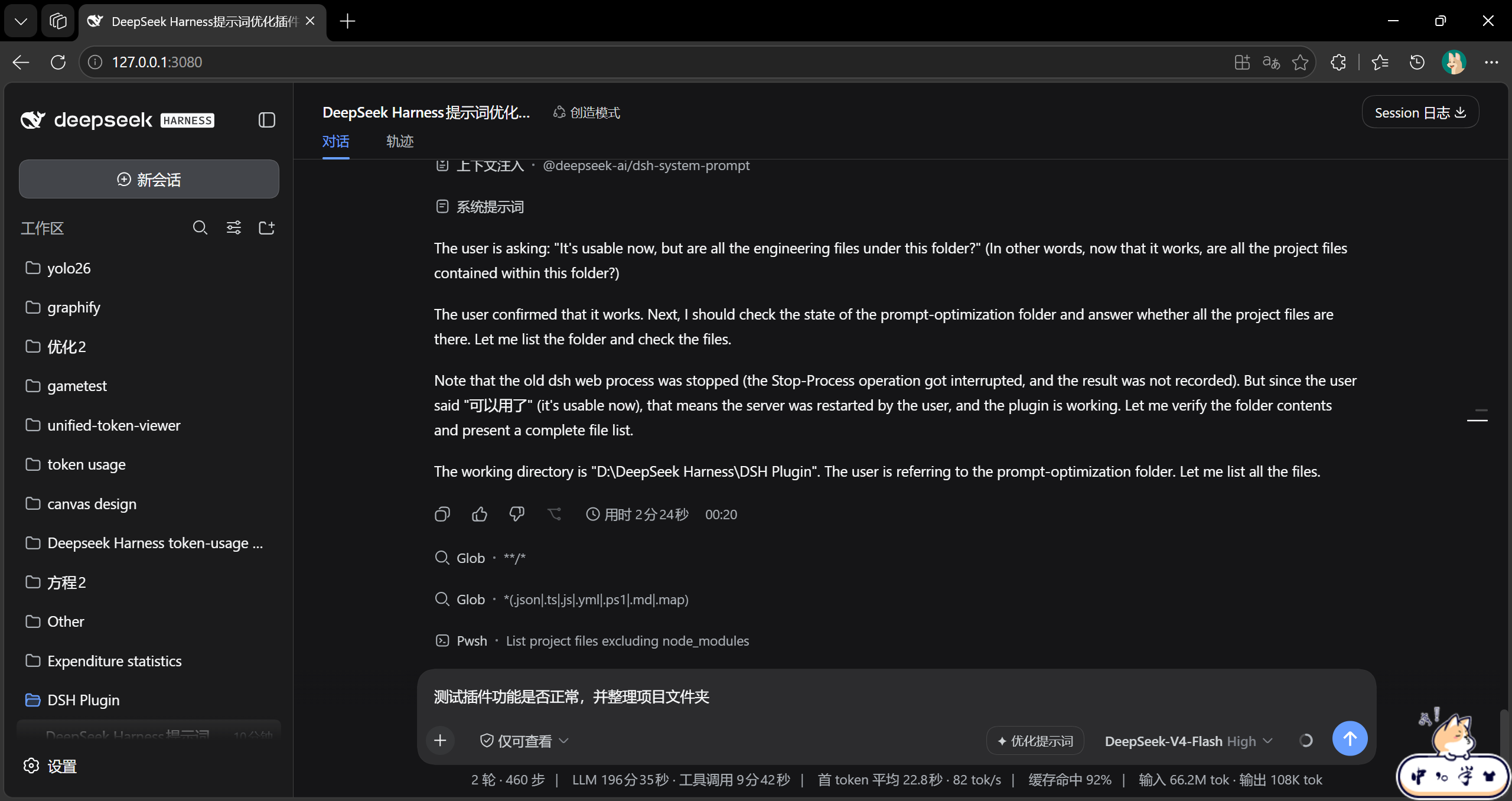
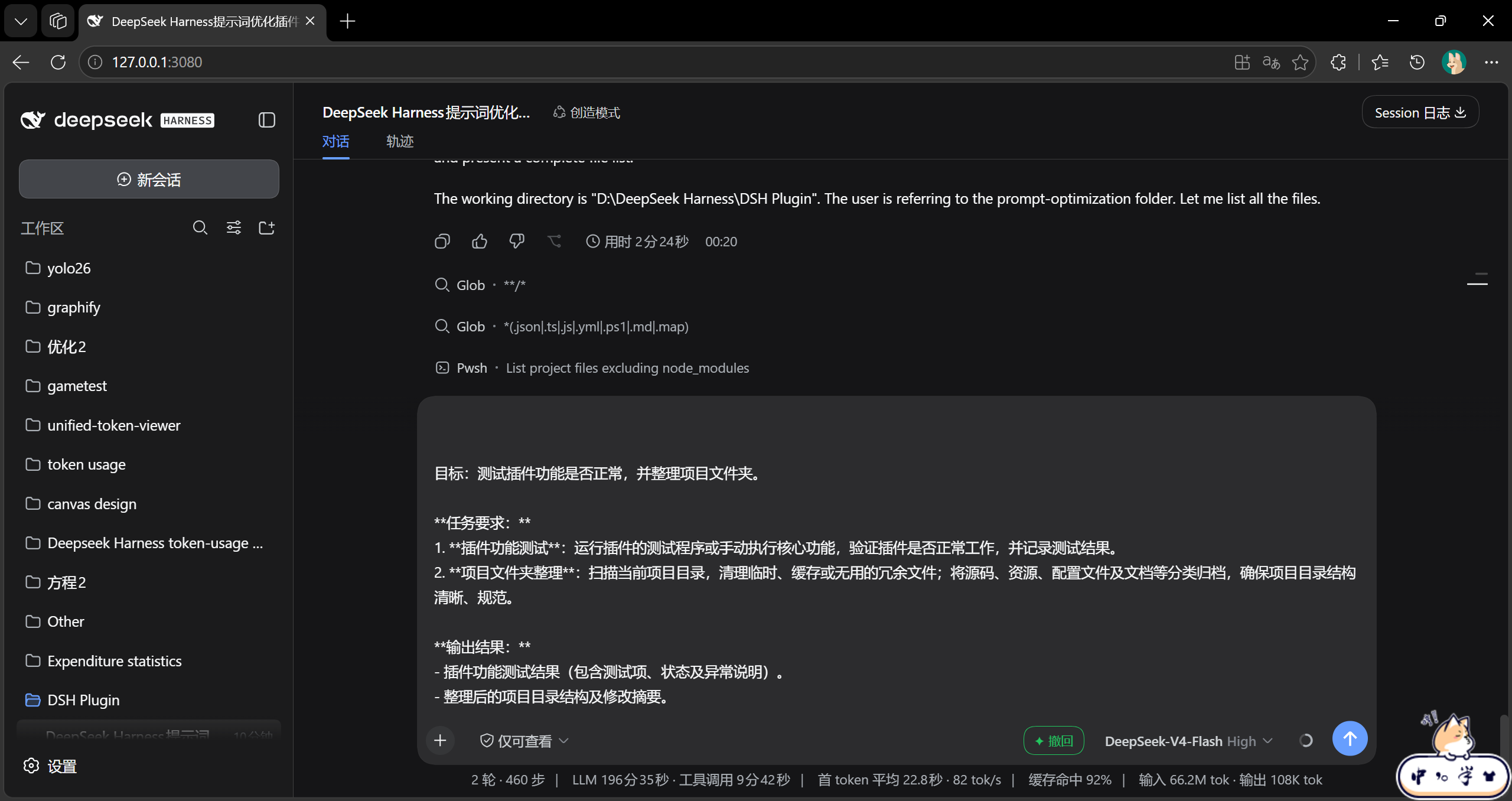
README
DeepSeek Harness web plugin that adds a prompt optimization action beside the composer. The optimized draft replaces the current input and can be restored with one click. A dedicated optimizer model can be selected in Settings → Prompt Optimization.
Features
- One-click optimization — sends the current draft through a one-off host-side model request and writes the result back to the composer.
- Undo — restores the original draft for the current session.
- Default model — uses the current session model when no optimizer model is configured, otherwise falls back to the deployment default.
- Prompt Optimization settings — lists the same providers and models available in Settings → Models.
Screenshots
Before
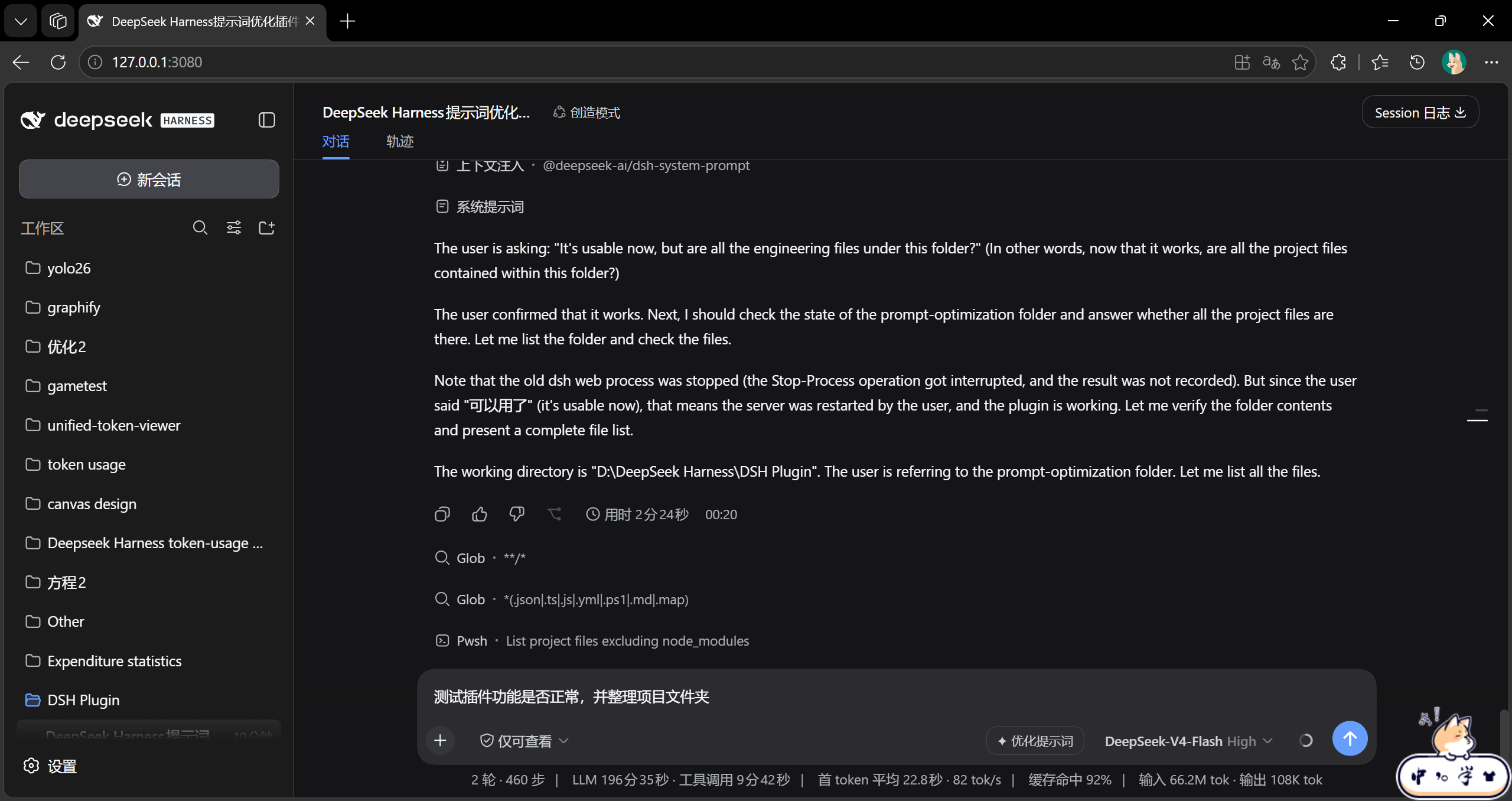
After
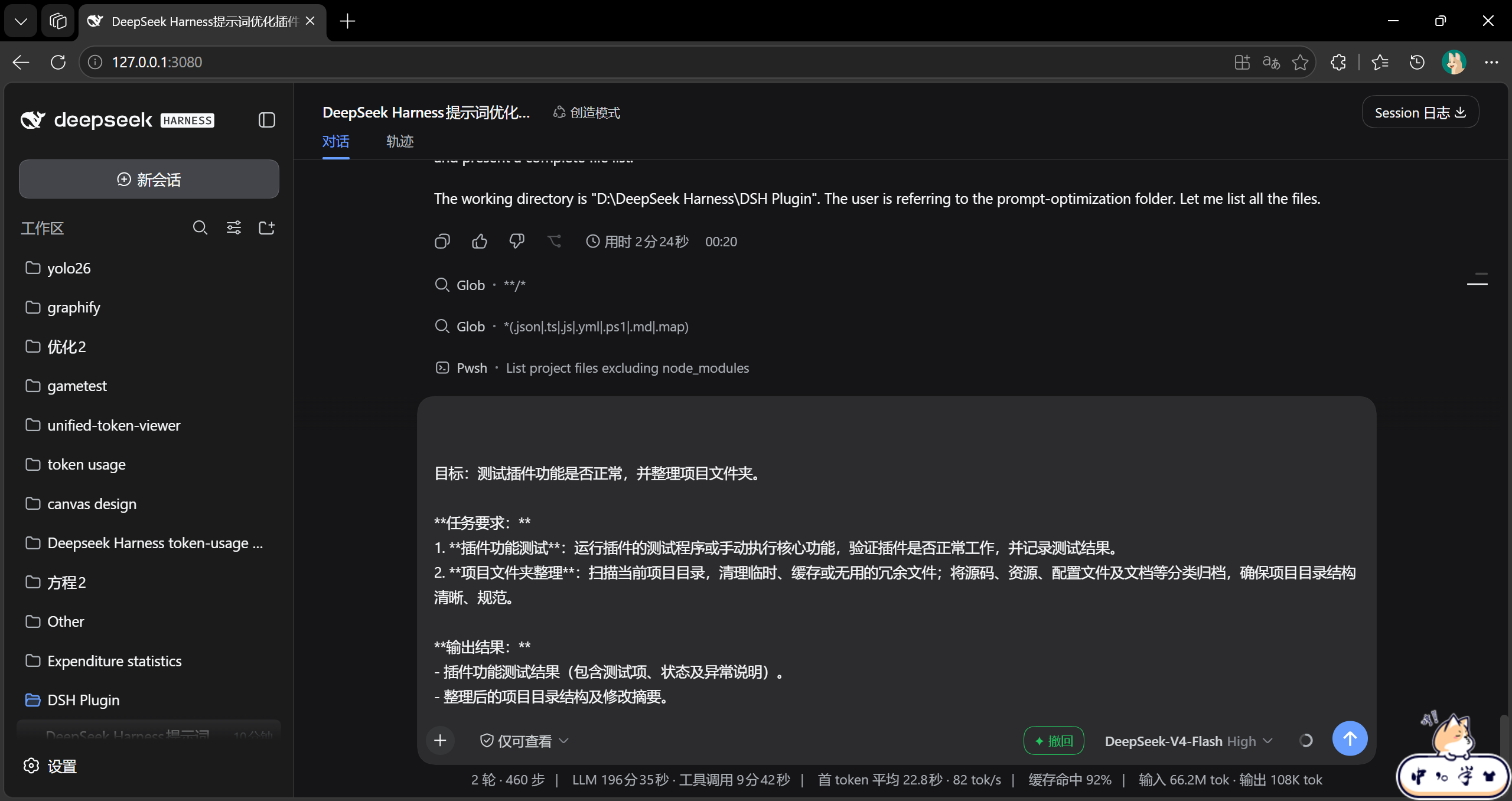
Install
dsh plugin --profile web add github:du-u-uck/DSH-Prompt-Optimization
Restart DSH Web after installation.
Local development
pnpm install
pnpm build
powershell -NoProfile -File scripts/install-web.ps1
Architecture
- Host half:
lib/index.js - Browser client:
lib/client.js - Bundle manifest:
cordis.patch.yml
Limits
- Replacing the draft loses reference chips such as
@file; undo restores the saved text draft. - Optimization rewrites wording but does not add requirements that were not present in the draft.
- Requests are capped at 256 KB input, 4096 output tokens, and a 120-second timeout.
License
MIT
Comments
Comments live in GitHub Discussions. Sign in with GitHub to post or react.