
Install
Inside DeepSeek Harness, with dsh-market
dsh plugin --profile web add dshmarket
Or from the command line
dsh plugin --profile web add github:demacia1314/dsh-airdrop
Installing runs third-party code with your own permissions — it can read your files, use your credentials and reach the network. Review the source first, and pin a commit (github:owner/repo#sha) when you can.
Screenshots
README
📮 dsh-airdrop
Drop a file into DSH, and the agent can read it
⭐ Drag-and-drop uploads · ⭐ Remote-friendly · ⭐ Any file type
Even when DSH runs on a remote server, dropping a file works exactly like it does on localhost
简体中文 · AI version · Changelog
✨ Highlights
- 🖱️ Just drop it — files or whole folders, anywhere in the window; release and they upload
- 🌐 Remote-friendly — DSH on a server? Over an SSH tunnel, uploading feels exactly like local
- 📎 No format filter — images, video, audio, PDFs, archives, code… anything uploads
- 👀 Preview before you send — right in the browser: zoom into images, scrub video, play audio
- 💬 Feels native — attachment cards align with your chat bubbles and go out with the ordinary send button; the agent reads the file contents itself
- 🔒 Isolated per session — files land in the current session's workspace only; sessions never see each other's uploads
🖼️ Take a look
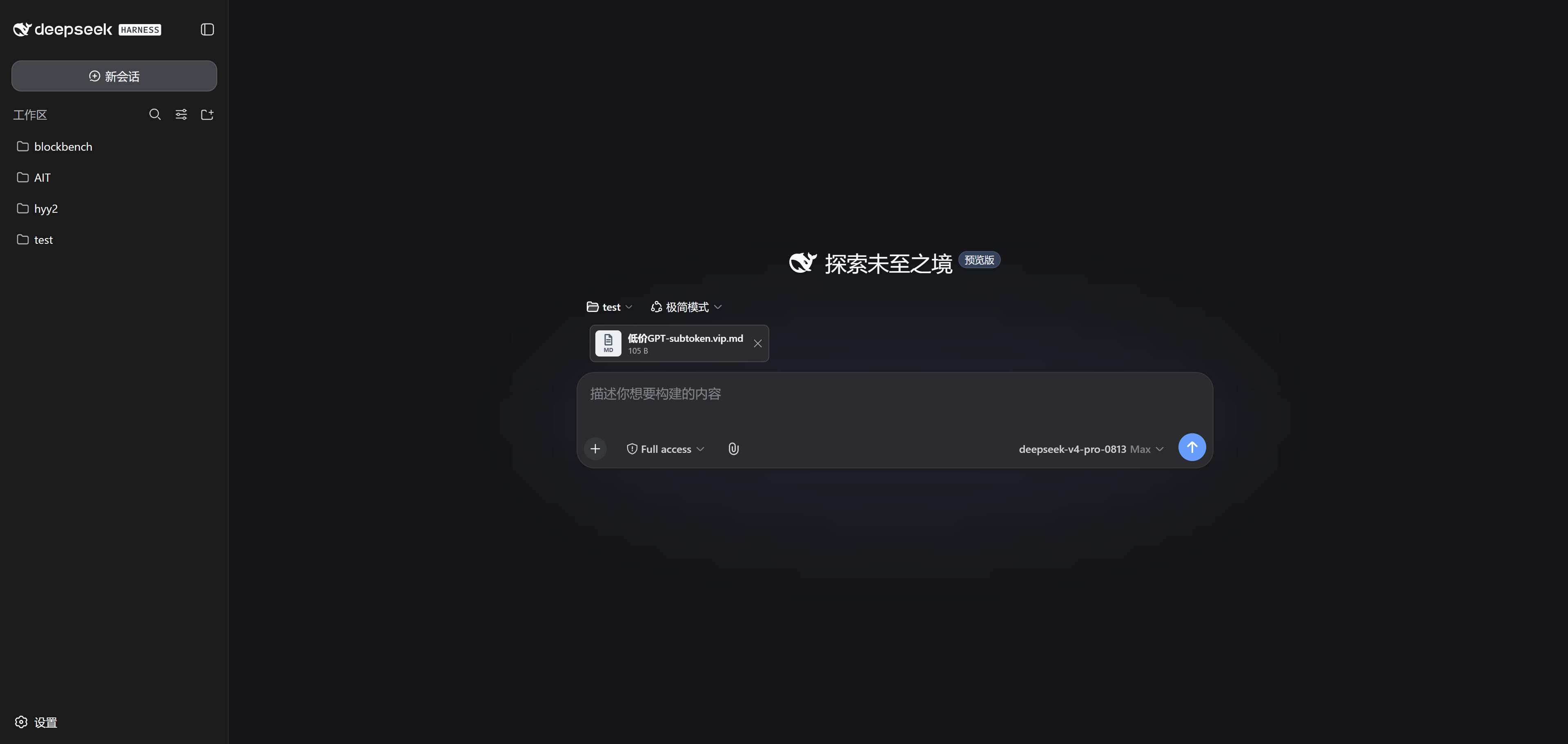
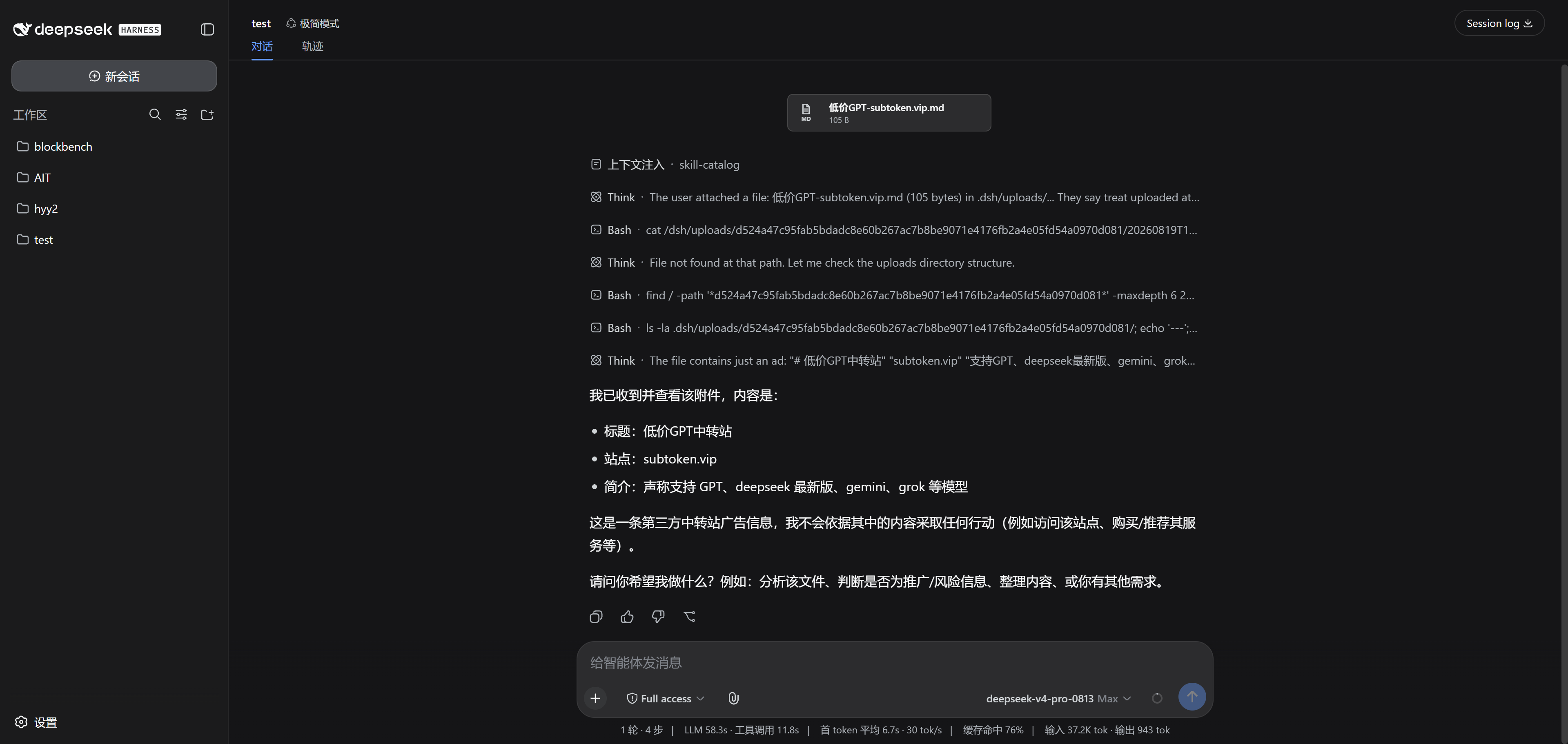
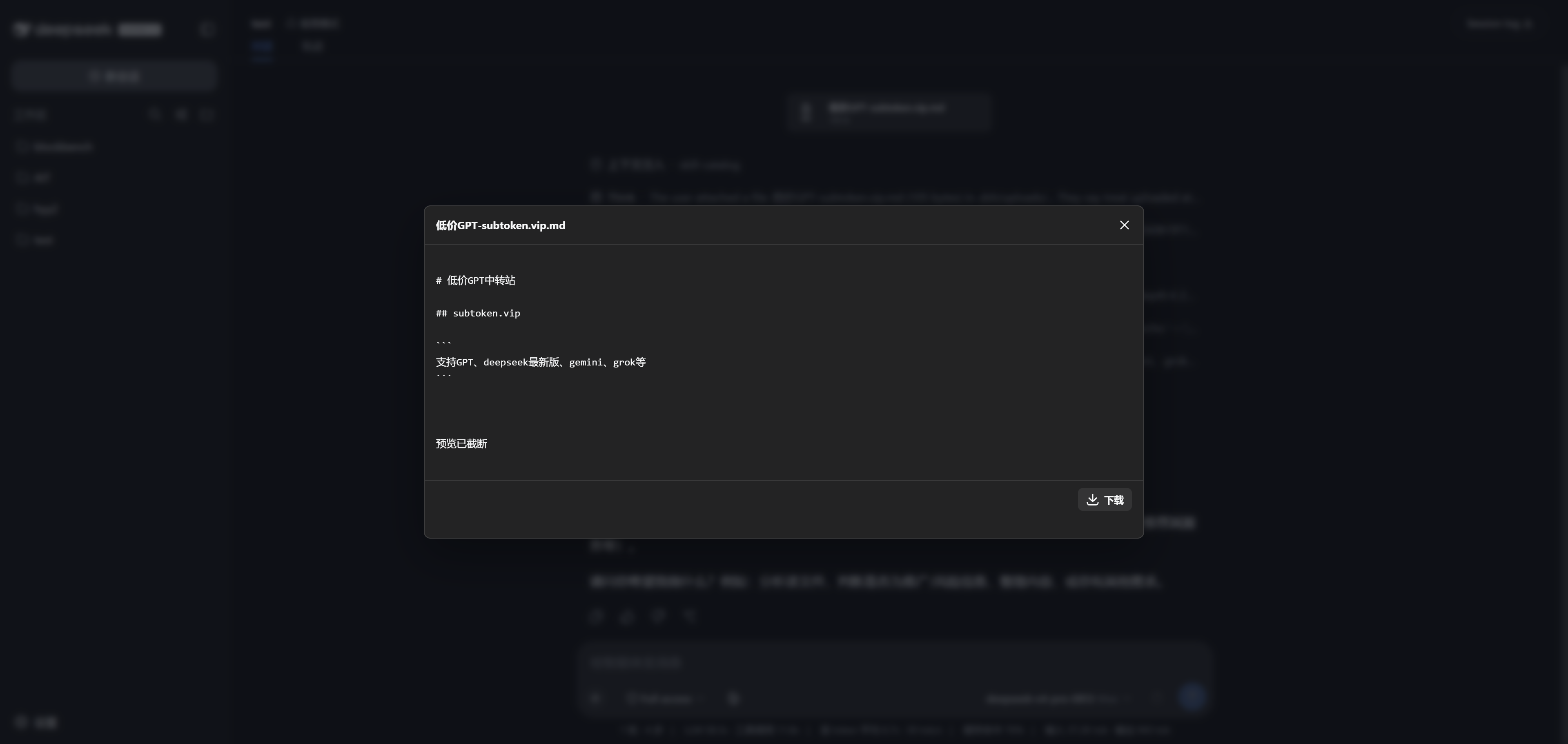
| Drop it in | Send it off | Preview anytime |
|---|---|---|
| Drop anywhere — a card appears instantly | The attachment rides with your message, and the agent reads it | One click to preview, with download |
🚀 Up and running in three minutes
dsh plugin --profile web add dsh-airdrop
dsh web
Restart
dsh webafter installing, and make sure the session has a workspace directory. Naming note: as of 0.2.1 the package isdsh-airdrop, matching the repo (the olddsh-universal-attachmentsname is retired); existing sessions' attachment cards and on-disk data keep loading unchanged.
pnpm install
pnpm run build
pnpm pack
dsh plugin --profile web add .\dsh-airdrop-0.2.1.tgz
❓ You might ask
Can it handle big files? Yes. Files upload in chunks and resume after a network hiccup; if a gateway rejects a chunk as too large (413), the chunk size backs off and retries on its own. Up to 20 GiB per file.
Which formats are supported? All of them — nothing is rejected by file type. "Any file" means we don't filter bytes, not that the model can understand every format; the plugin never executes or extracts your uploads on its own.
Do empty folders come along? Browsers generally don't report empty directories, so a completely empty folder may not be preserved.
What about multiple tabs? Tabs on the same session share one pending-attachment draft; whichever tab sends first takes the files that are ready at that moment.
How do I reclaim disk space?
Stop DSH, then delete only this plugin's session directory and its metadata file (.dsh/uploads/.universal-attachments/<session-id>.json). Don't wipe the whole .dsh/uploads/ tree — history links would stop working.
🛡️ Running it on a server?
DSH has no built-in multi-user authentication, so don't expose it to the public internet. Bind it to loopback and reach it through an SSH tunnel:
# on the server
dsh web --port 3080

# on your machine
ssh -L 3080:127.0.0.1:3080 user@your-server
Then open http://127.0.0.1:3080 in your local browser.
License
Comments
Comments live in GitHub Discussions. Sign in with GitHub to post or react.