
Install
Inside DeepSeek Harness, with dsh-market
dsh plugin --profile web add dshmarket
Or from the command line
dsh plugin --profile web add owndsh-plugin
Installing runs third-party code with your own permissions — it can read your files, use your credentials and reach the network. Review the source first, and pin a commit (github:owner/repo#sha) when you can.
Screenshots
README
This plugin publishes its README in Chinese only.
owndsh-plugin
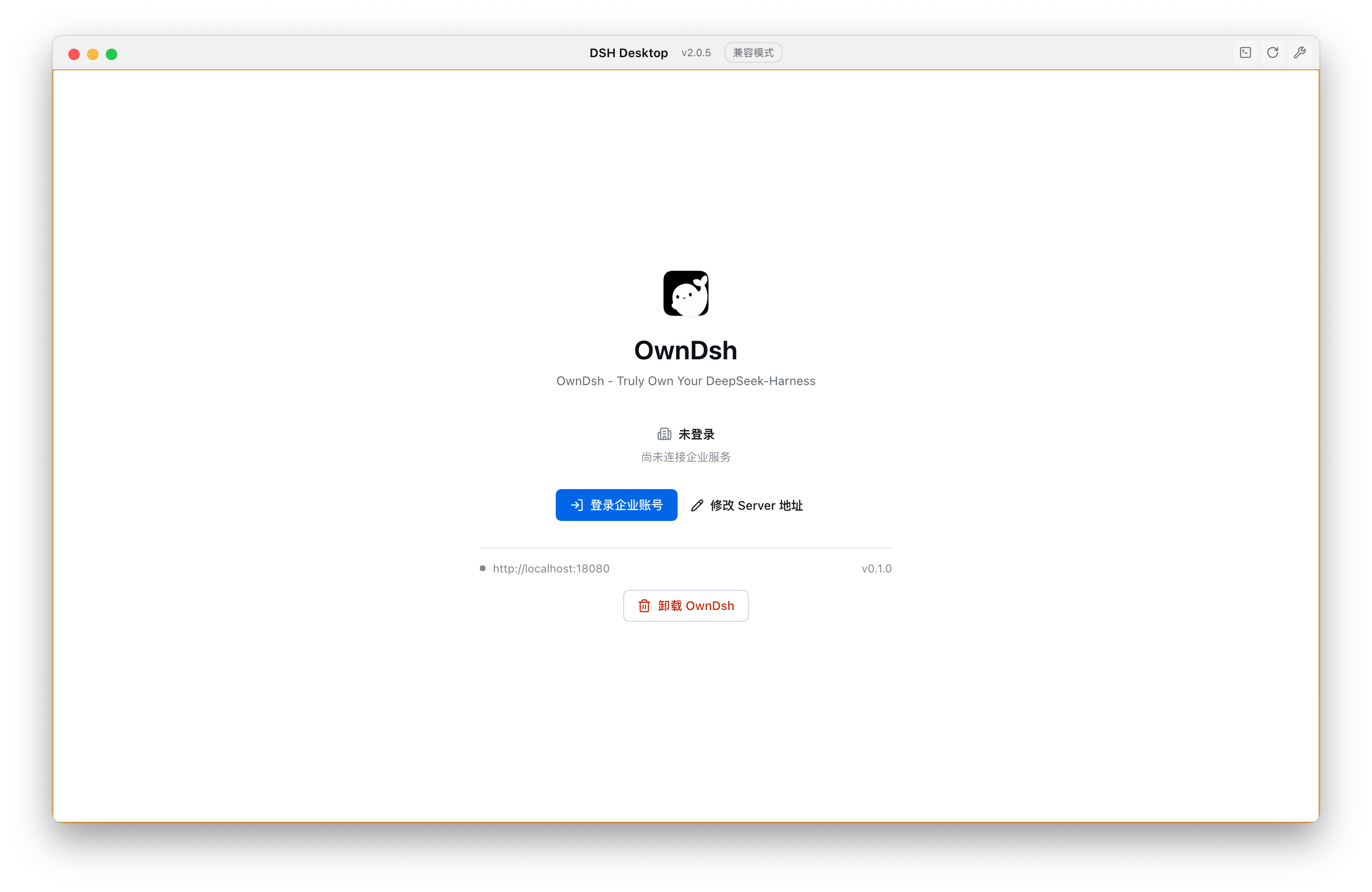
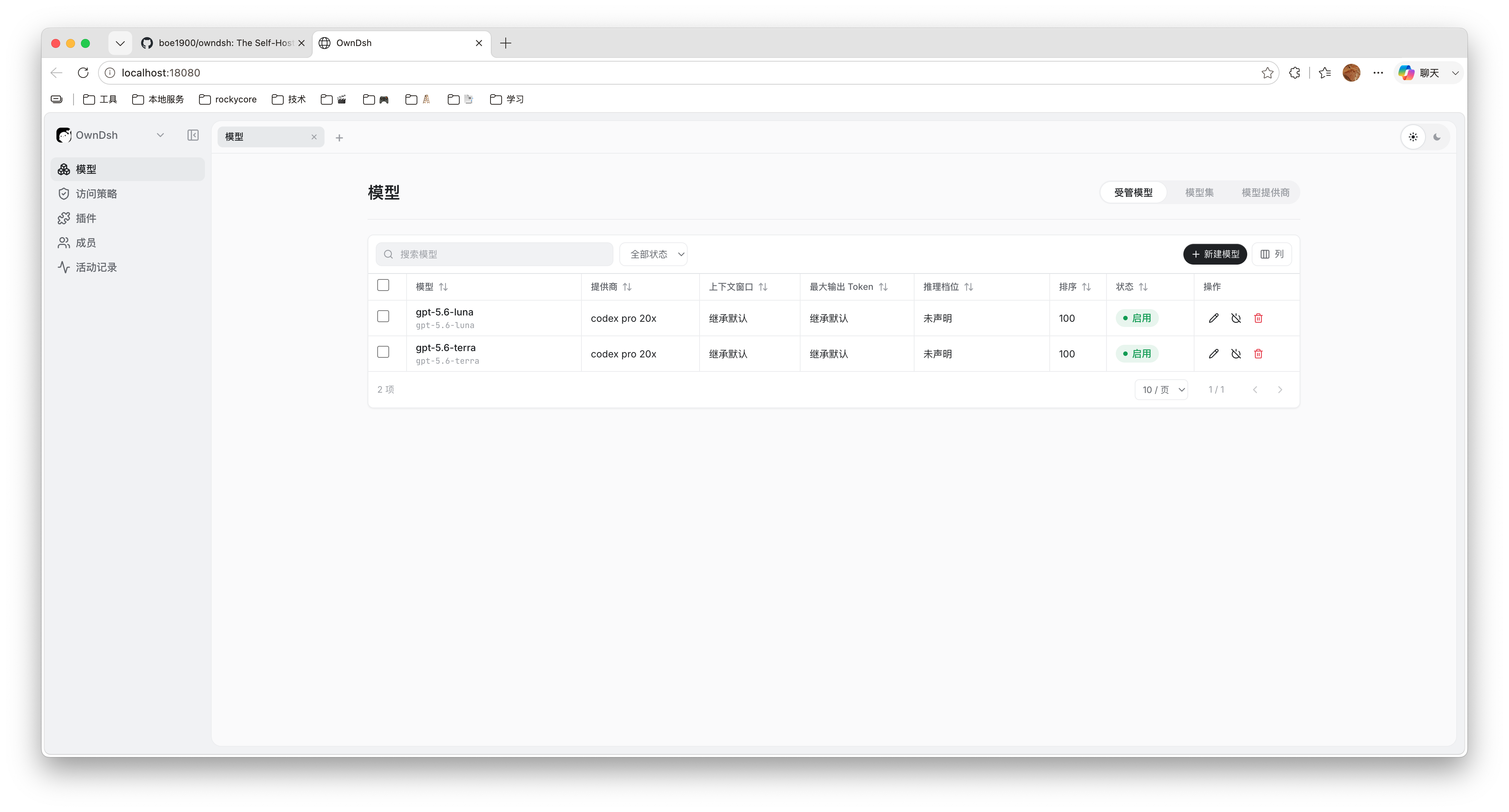
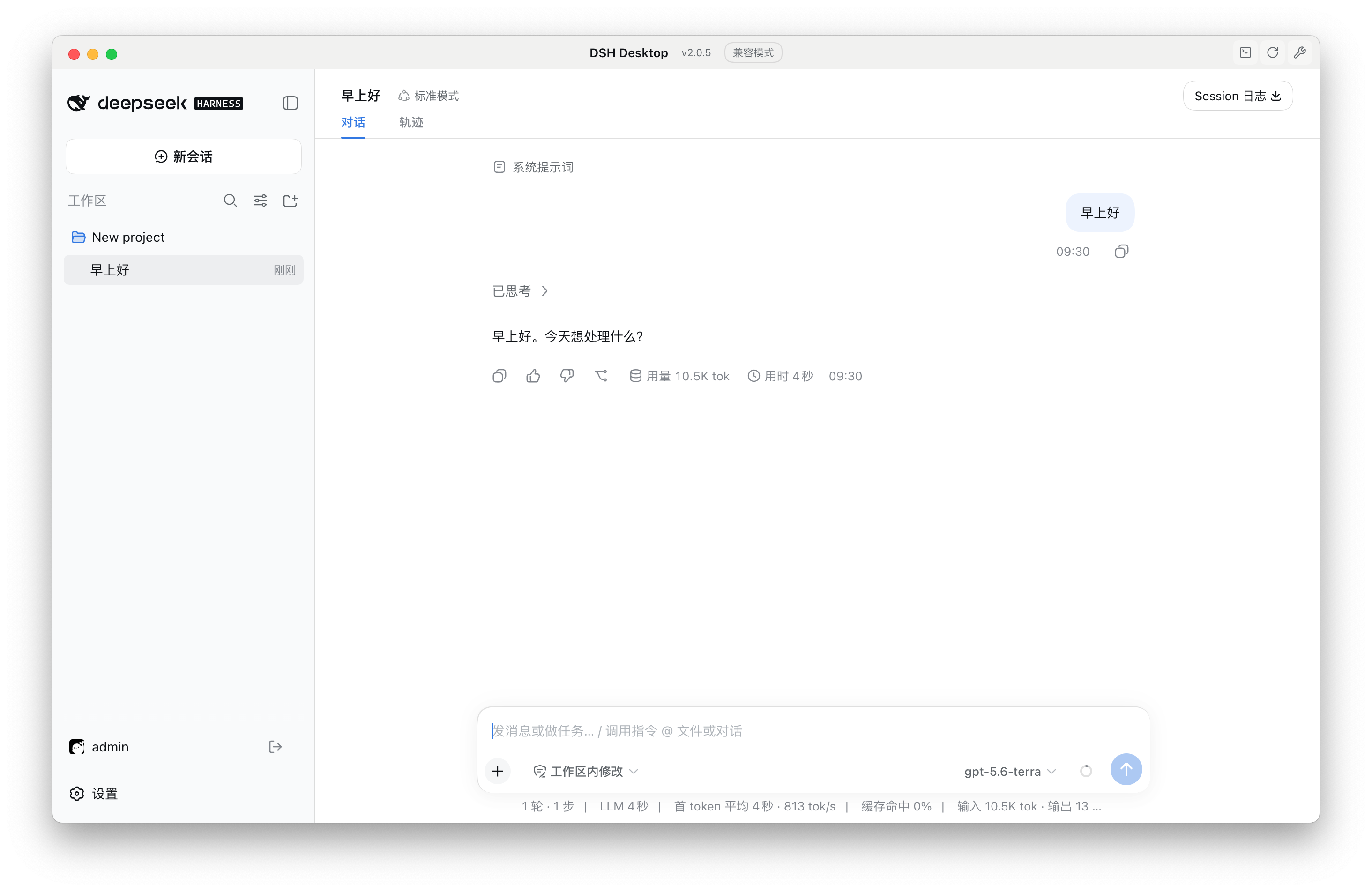
OwnDsh 的 DeepSeek Harness 官方扩展点插件。它把 DSH Desktop 或 Harness Web 连接到自托管 OwnDsh Server,让员工使用企业身份、受管模型和受管插件,而不在本机保存供应商 API Key。
本包版本为
0.1.0-beta.15,面向 Harness0.2.0-rc.1,发布渠道为 npmnext。
安装
先让 pnpm 在 PATH 中可用:
corepack enable
corepack install --global pnpm@11.7.0
选择实际使用的 Harness profile:
# Harness Web
dsh plugin --profile web add --ignore-scripts owndsh-plugin@next

# DSH Desktop
dsh plugin --profile desktop add --ignore-scripts owndsh-plugin@next
从 Harness 源码运行 CLI 时:
pnpm --dir /path/to/deepseek-harness dsh \
  plugin --profile web add --ignore-scripts owndsh-plugin@next
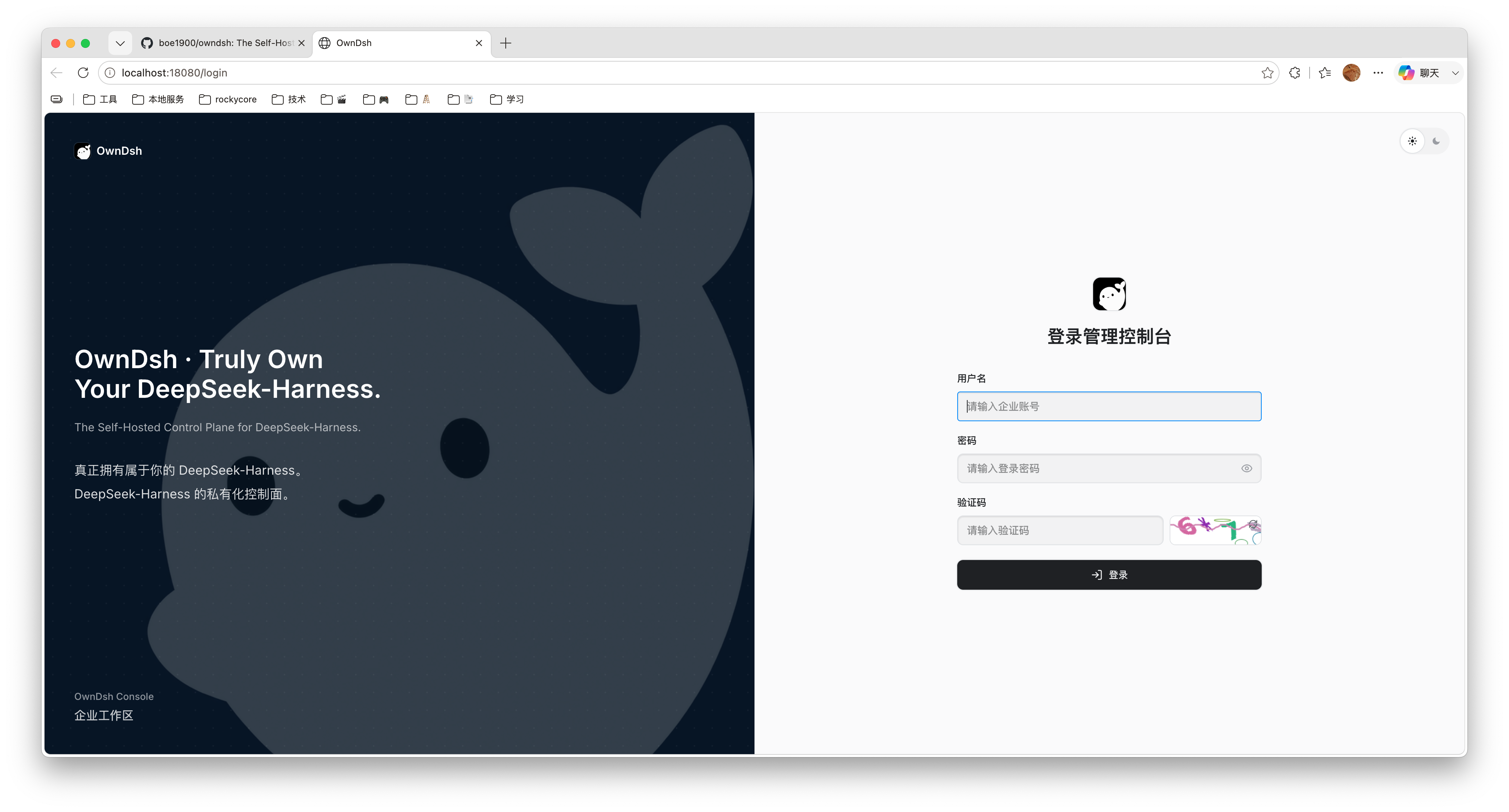
安装后重启对应 profile。填写管理员提供的 OwnDsh Server HTTP(S) 地址并完成企业登录。
登录保持
Server 地址由 Harness 官方 settings 服务保存;轮换 Refresh Token 由 Host 官方 credentials 服务保存;Access Token 只保留在 Host 内存。正常重启会静默恢复登录,浏览器 Client 不会读取或保存 Token。
主动退出、设备撤销、成员停用、改密或 30 天有效期结束后需要重新登录。
闲置时没有企业 SSE、定时配置请求或提前续期。请求遇到 Access Token 到期才续期,并合并并发续期;服务端认证 401 最多续期重试一次。Refresh Token 失效时显示登录门禁,网络故障保留凭据供下次请求重试。打开 OwnDsh 设置或点击刷新时更新目录;页面复用 Harness 已有通知读取本机状态,登录中仅作有截止时间的临时查询。
更新与卸载
dsh plugin --profile web remove owndsh-plugin
dsh plugin --profile web add --ignore-scripts owndsh-plugin@next
完全卸载只执行第一条命令。把 web 换成实际 profile。
兼容性与边界
当前验证基线是 DeepSeek Harness 0.2.0-rc.1。OwnDsh 不替换官方 Web/Desktop UI,不访问员工工作区,也不实现第二套模型协议。MCP 工具、资源和 OAuth 连接均使用官方 client:OwnDsh 只提供 OAuth SDK 所需的凭据记录、系统浏览器和本机 loopback callback 宿主接缝。
登录和企业模型只需安装本包。管理员登记 npm 包名、精确版本,发布并配置可见范围后,员工在「OwnDsh 设置 → 插件」查看企业目录,按分类或关键词筛选,并确认安装、更新或卸载。官方「插件」页面保持原样,保留“添加插件”自由安装入口、插件配置和启停操作;两处操作都使用官方 pluginManager,其他设备独立选择。
项目与完整部署说明:github.com/boe1900/owndsh
企业插件支持普通运行依赖,使用宿主 pnpm 和私有源认证配置。服务端只下发包名、精确版本、安装 spec 和展示元数据;客户端不维护第二套安装状态或配置 schema。
Comments
Comments live in GitHub Discussions. Sign in with GitHub to post or react.