
Install
Inside DeepSeek Harness, with dsh-market
dsh plugin --profile web add dshmarket
Or from the command line
dsh plugin --profile web add dsh-auto-collapse
Installing runs third-party code with your own permissions — it can read your files, use your credentials and reach the network. Review the source first, and pin a commit (github:owner/repo#sha) when you can.
Screenshots
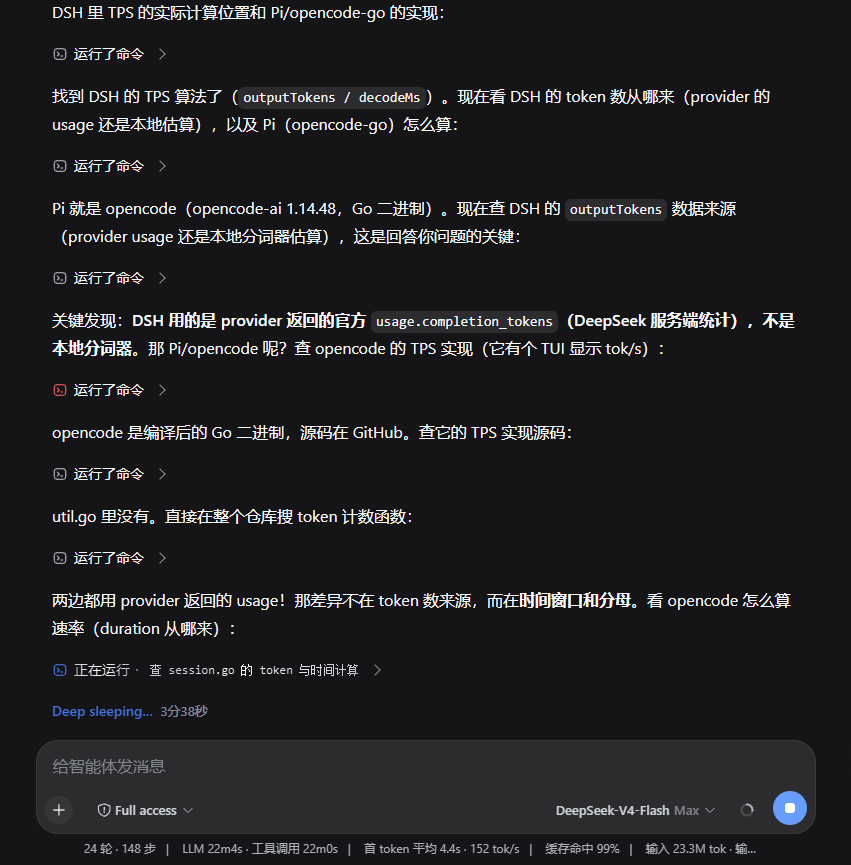
README
DSH Web workflow folding: keep the native turn disclosure, combine thinking, tools and context between prose into one second-level summary, and reveal the original rows when expanded.
Interaction
Prose A
▸ Thought · Used the browser · Added context · Edited files
Prose B
▸ Running npm run check
Prose C
Each interval has one summary. Switching from thinking to a tool or adding context extends that interval. New prose closes it; later work starts another interval. A single work item also forms a group.
- Level 1 belongs to DSH: completed-turn folding, counts and final-answer visibility.
- Level 2 belongs to this plugin: one mixed-work summary between prose fragments, during streaming and after reopening the native turn.
- Level 3 stays native: thinking, tool and context rows in their original order, retaining their own disclosure state.
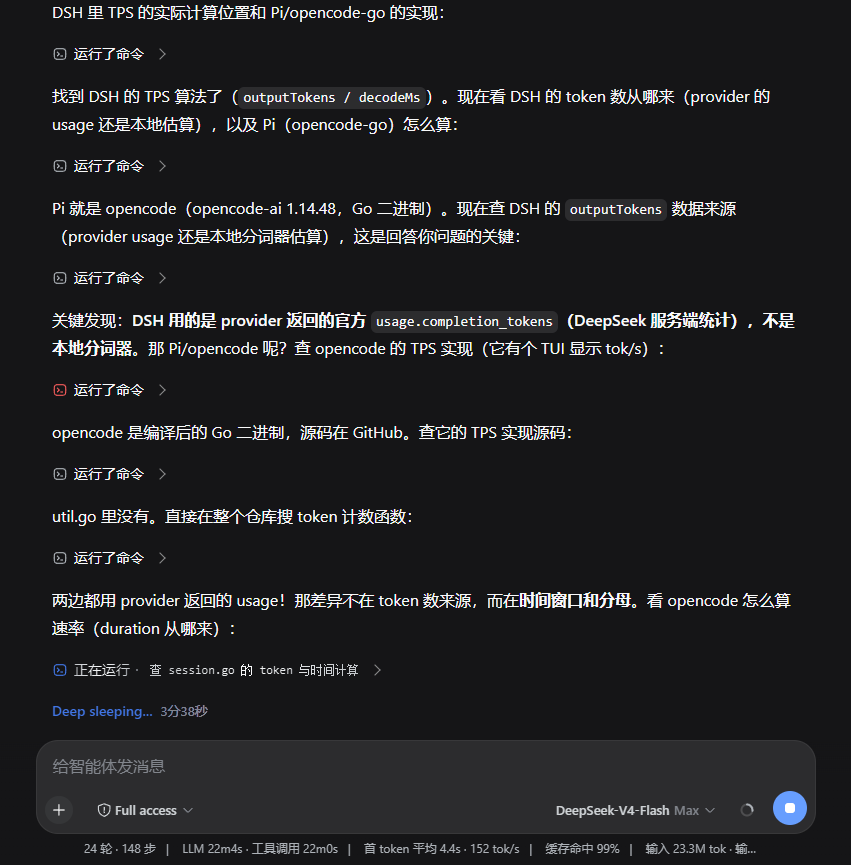
The preview is a browser acceptance fixture using native DSH 0.1.2-rc.1 disclosure, reasoning and turn-process components.
Behavior
Prose is a hard grouping boundary, including thinking/prose/thinking inside a single assistant-step. Markdown line breaks do not create groups. Images, SVG and other answer content remain native. Groups never cross user/steering messages, turns or unknown semantic surfaces.
Closing native Level 1 hides its groups without discarding their expansion state. Context outside the native process range keeps an accessible Level 2 entry; opening it can also open the native turn. Level 2 remains available in native Normal mode.
System prompts join the adjacent context work group. A prompt with an explicit turn owner follows that native Level 1 disclosure. Reopening Level 1 shows Level 2 first; opening Level 2 reveals the original system-prompt row with its detail state preserved.
Summaries describe actions and current activity; they never replace full reasoning content. hidden="until-found" and beforematch preserve browser search. Selection, focus and pending user input stay accessible. Session changes, HMR and error recovery restore plugin-controlled attributes without overwriting later host changes.
The optional status-text setting remains available under Settings → Plugins → Plugin configuration. It defaults to Deep sleeping...; saving an empty string restores the official wording while preserving elapsed-time suffixes. Its lifecycle is independent of grouping.
Compatibility and migration
| Plugin | Verified DSH |
|---|---|
| 0.2.x | 0.1.2-rc.1; 0.1.5-rc.2 (current browser component fixture) |
| 0.1.8 | 0.1.2-rc.1, legacy implementation |
| ≤ 0.1.6 | 0.1.1.x |
0.2.0 rewrites the folding engine. It retains mixed-work Level 2, removes the custom processed-time Level 1 and copied reasoning-body layer, and includes context in its surrounding group. Existing statusText configuration is preserved. Unrecognized DOM nodes remain visible; other host versions need separate validation.
Install
To install the published release:
dsh plugin --profile web add dsh-auto-collapse
To install from source, build a complete tarball and install the generated path:
npm ci
npm run package
dsh plugin --profile web add <absolute-path-to-generated-tgz>
Reload the plugin or restart the host Web app, then refresh the page. Roll back by installing a complete previous package, such as dsh-auto-collapse@0.1.8.
npm run package and its compatibility alias npm run deploy only produce a tarball. They no longer replace installed files individually, read credentials or stop/restart DSH.
Development
Node.js 22+. Install Playwright Chromium once; Windows can also use an installed Chrome/Edge. Override the executable with DSH_TEST_BROWSER if needed.
npm ci
npx playwright install chromium
npm run check
Linux CI uses npx playwright install --with-deps chromium.
npm run test:unit
npm run test:browser
npm run preview        # http://127.0.0.1:43190
npm run package        # complete tarball in artifacts/
Build after source changes before standalone browser testing or refreshing the preview. npm run check runs typechecking, a fresh build, unit tests, browser tests and package smoke tests.
Browser tests use real React, captured DSH 0.1.5-rc.2 widget implementations and the current client bundle. They cover mixed groups, inline prose boundaries, native turns, details, search, focus, SVG, recovery, settings and 100/1,000/5,000 historical nodes. The pwsh cases run the official Tool renderer bundle and terminal component, covering failed retries, error-body transitions and missing call heads. The complete suite includes a 30-second idle check. Fixtures use synthetic content without personal sessions or credentials; they do not validate an entire backend deployment. See the fixture notes.
The implementation separates host recognition, ordered work modeling, pure grouping/state, summaries, DOM rendering, scheduling and optional status text. It never copies message bodies, reparents native nodes, replaces the host renderer, infers a final answer, cleans arbitrary empty elements or writes the main scroll position.
License
MIT. Captured native test widgets retain DeepSeek's MIT license.
Comments
Comments live in GitHub Discussions. Sign in with GitHub to post or react.