
Install
Inside DeepSeek Harness, with dsh-market
dsh plugin --profile web add dshmarket
Or from the command line
dsh plugin --profile web add dsh-attachment
Installing runs third-party code with your own permissions — it can read your files, use your credentials and reach the network. Review the source first, and pin a commit (github:owner/repo#sha) when you can.
Screenshots
README
dsh-attachment
Drag-and-drop file and folder attachments for DeepSeek Harness.
简体中文 · English

dsh-attachment adds file and folder attachments to the DeepSeek Harness Web UI. Images continue through Harness's native image pipeline; the plugin handles generic files and complete directory trees.
Features
- Drop ordinary files, images, or folders from the operating system.
- Keep native PNG/JPEG/WebP/GIF preview, history gallery, and model-capability checks.
- Represent one dropped folder as one attachment card while preserving its directory tree.
- Copy committed files and folders into
.deepseek-harness/attachments/in the active workspace before the model step. - Render attachment cards in both the composer and persistent message history.
- Stream upload and download bytes without adding plugin-defined file-count or per-file-size limits.
- Leave the original composer layout unchanged while no plugin-owned attachment is present.
Screenshots
Drag-and-drop surface
The plugin adds its window-level dashed drop boundary while preserving Harness's native image-intake surface.
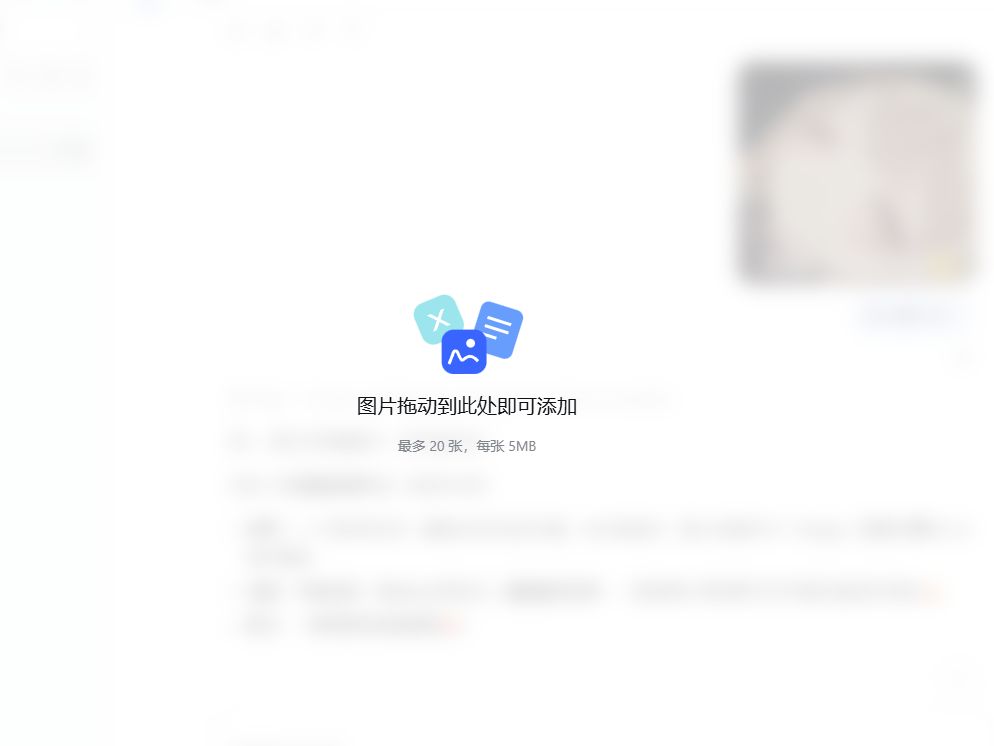
Image conversation history
Native image messages continue to render in persistent conversation history and remain available to multimodal models.
Multiple image previews
Multiple native image previews share the composer attachment rail used by plugin-provided file and folder cards.
Install
Install the prebuilt package from npm into a native DSH web profile:
dsh plugin --profile web add dsh-attachment
Build and install a local checkout:
pnpm install
pnpm run build
dsh plugin --profile web add .
Inspect the composed profile and start DSH:
dsh --profile web --dump-config
dsh --profile web
Remove the plugin:
dsh plugin --profile web remove dsh-attachment
DSH package contract
This package follows the installable DSH bundle format:
dsh.bundle.patchpoints tocordis.patch.yml, which inserts the Host plugin row.dsh.client.platformisweb, andexports["./client"]exposes the prebuilt browser bundle.- Official
@deepseek-ai/*compatibility packages are declared as peer dependencies. - The npm tarball contains prebuilt
lib/artifacts, so registry installs do not need to build the browser bundle.
The Host half owns byte transport, durable metadata, and workspace materialization. The browser half contributes composer and history UI through Harness extension slots. The package has no Tauri runtime dependency.
Compatibility
The current release targets the interfaces in DeepSeek Harness 0.1.0-rc.5: standard bundle loading, web client discovery, conversation input/history slots, session events, and Host route registration.
Development
pnpm install
pnpm run build
pnpm test
npm pack --dry-run
The ready-to-copy catalog YAML and screenshot URL template are maintained in MARKETPLACE.md. README image assets belong in assets/markdown/.
Security and portability
- Filenames, MIME types, attachment IDs, and directory member paths are treated as untrusted input.
- Drive-prefixed, UNC, absolute, and traversal paths are rejected before workspace materialization.
- GitHub CI exercises both Linux and Windows path semantics.
- See
SECURITY.mdfor supported versions and private-reporting guidance.
License
Comments
Comments live in GitHub Discussions. Sign in with GitHub to post or react.