
Install
Inside DeepSeek Harness, with dsh-market
dsh plugin --profile web add dshmarket
Or from the command line
dsh plugin --profile web add "https://github.com/TikaFlow/dsh-model-fix/releases/latest/download/dsh-model-fix.tgz"
Installing runs third-party code with your own permissions — it can read your files, use your credentials and reach the network. Review the source first, and pin a commit (github:owner/repo#sha) when you can.
Screenshots
README
This plugin publishes its README in Chinese only.
本插件已被 awesome-dsh-plugin 收录,同时可在 dsh-market 中搜索、安装。
DSH(DeepSeek Harness) 插件:给非官方(自定义)提供方的模型自动填充推理级别(reasoningEfforts)、最大上下文(contextWindow)、输出上限(maxTokens)与图片模态(input)等参数,数据来自 models.dev。同时,提供兼容性提升、记住推理级别等用户体验优化。
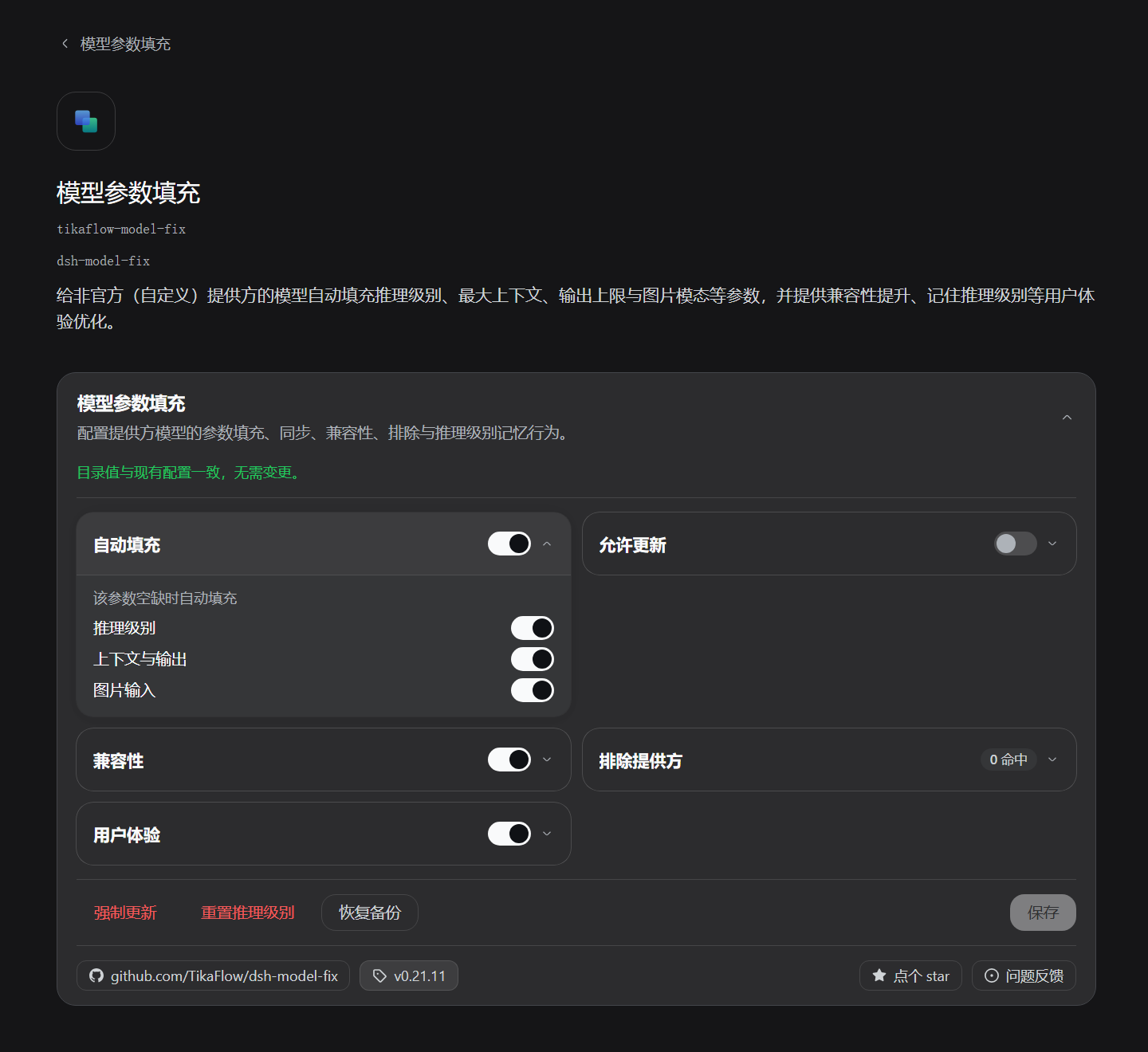
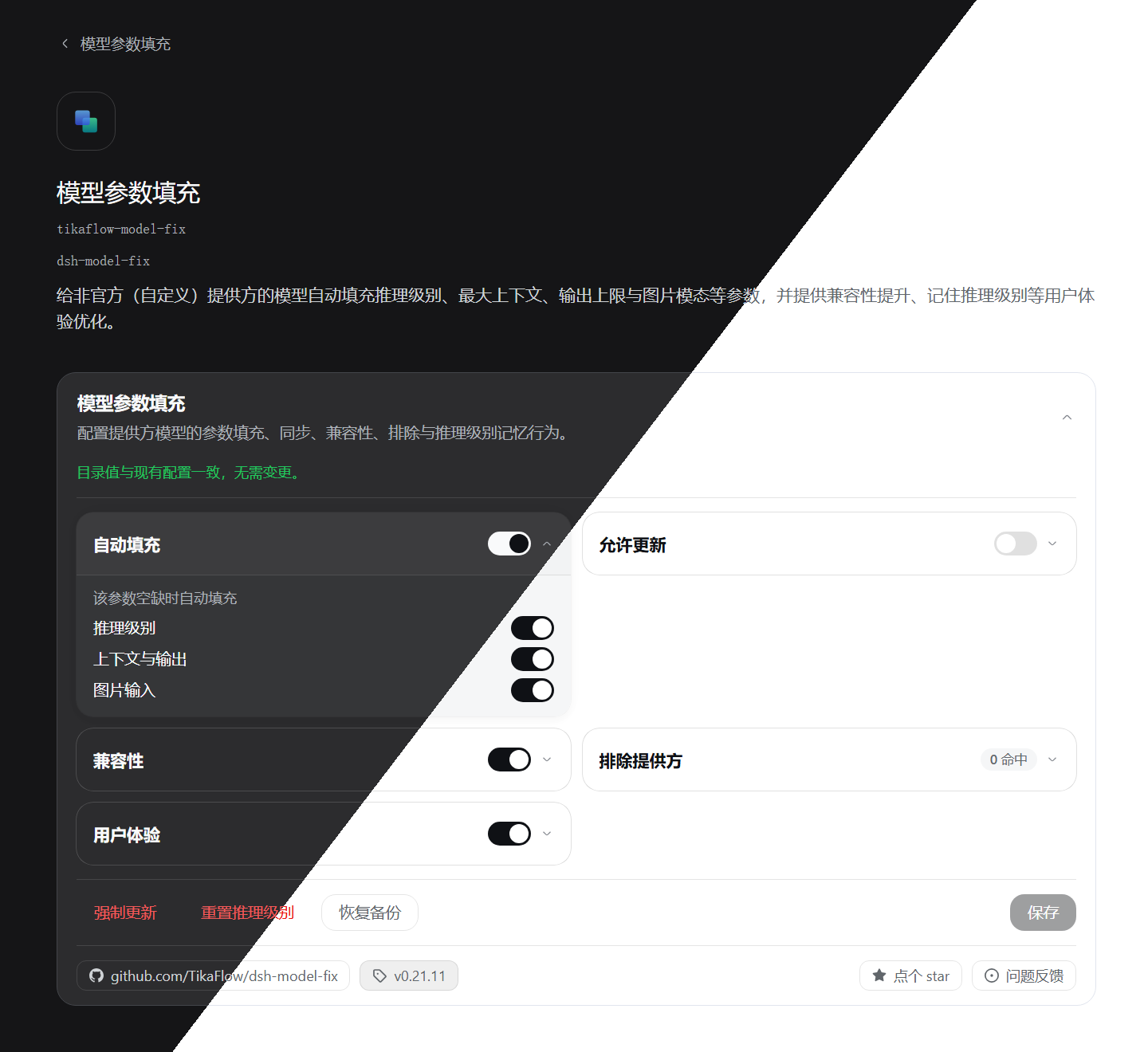
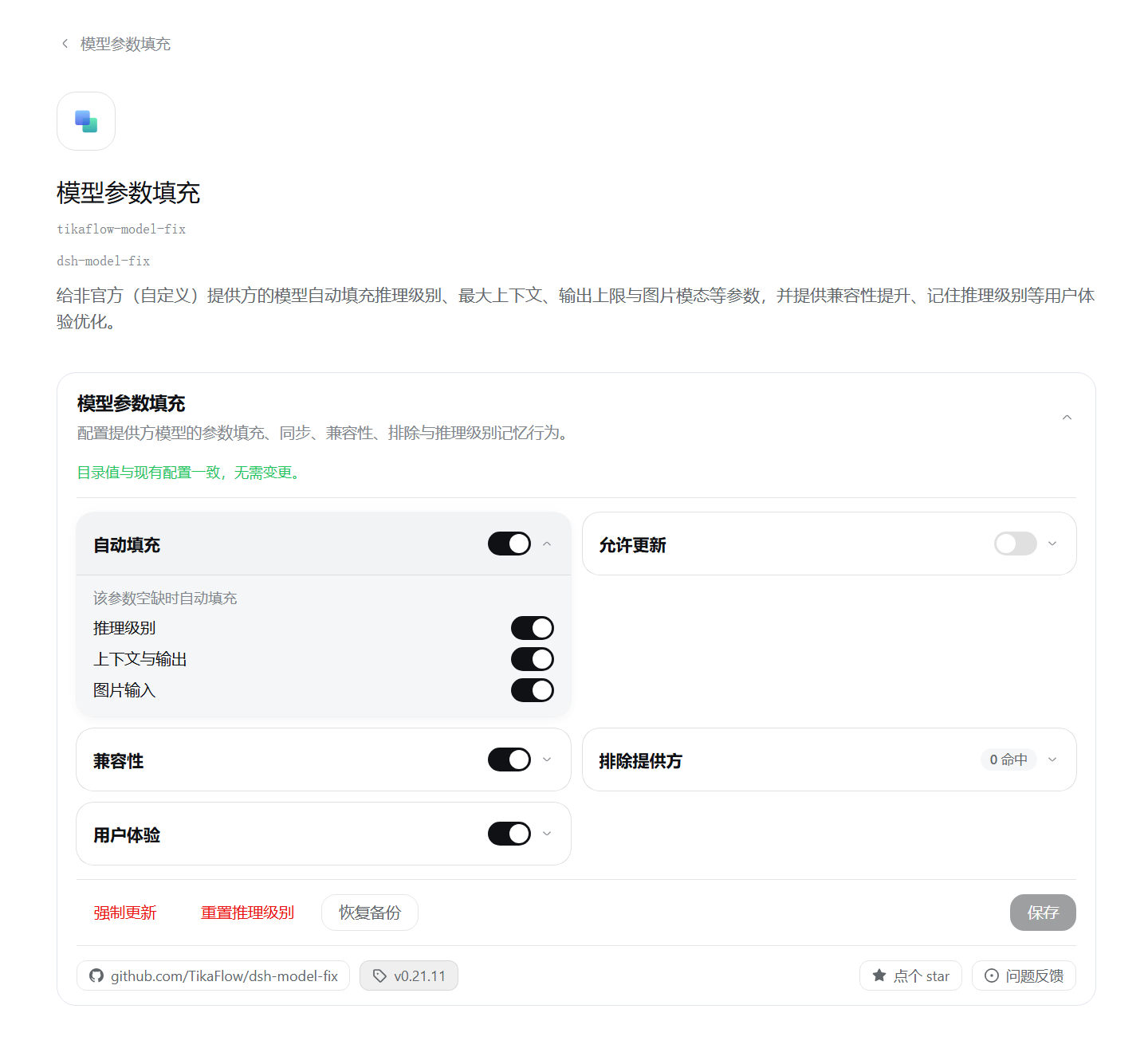
插件截图:
功能
- 自动填充:模型缺失
reasoningEfforts/contextWindow/maxTokens/input时按 models.dev 数据补全;已有配置不受影响 - 允许更新:当 models.dev 数据更新时,插件会自动更新模型参数(已有配置也会更新)
- 不使用
developer角色:为所有api: openai-completions的提供方路由写入compat.supportsDeveloperRole: false(不使用developer角色);关闭该开关则移除此字段 - 排除提供方:列出的提供方本插件完全不动(填充、更新、兼容性写入、强制更新、重置推理级别时跳过),基本等效于对它关闭插件
- 记住推理级别:每模型独立记住上次手动选择的推理级别,切换模型时自动恢复
- 清除记忆:关闭「记住推理级别」时,将会询问是否确认清除记忆,可在清除后不保存设置,依然可以继续记忆,但旧记忆已清除
- 默认使用 high:切换模型时,若没有该模型的记忆,且模型提供
high档位,则自动把推理级别设为high - 强制更新:按 models.dev 当前值立即覆盖一遍
- 恢复备份:回退到插件启动时已存在的模型参数
- 可视化设置:见下文
- 开箱即用:启动即以内置缓存填充(离线可用),数据随后自动保持最新
可视化设置
- 入口:
- 「设置」-->「模型」-->「模型参数填充」卡片
- 「设置」-->「插件」-->「插件配置」-->「模型参数填充」卡片
- 「插件」-->「已安装」-->「模型参数填充」详情页(需要版本 >=
0.1.6-alpha.2)
安装
以下所有安装方式安装的内容、效果完全相同。
方式一:通过插件管理页面安装(推荐)
需要 DSH 版本 >=
0.1.6-alpha.2。
在 DSH 中,点击「插件」-->「添加插件」,复制以下链接到输入框,完成安装:
https://github.com/TikaFlow/dsh-model-fix/releases/latest/download/dsh-model-fix.tgz
方式二:通过插件市场安装(推荐)
使用
dsh-market插件市场安装时无需重启 DSH 即生效。
直接在插件市场搜索我的用户名:TikaFlow,找到「dsh-model-fix」插件,即可安装。
方式三:通过 Release 预构建包安装
dsh plugin --profile web add https://github.com/TikaFlow/dsh-model-fix/releases/latest/download/dsh-model-fix.tgz
方式四:通过 Git 安装(不推荐)
使用这种方式安装需要现场编译插件,不推荐。
dsh plugin --profile web add github:TikaFlow/dsh-model-fix
版本说明
由于 DSH 正在快速迭代,因此本插件所依赖/兼容的 DSH 宿主版本总是追随较新的版本。若插件功能异常,请检查 DSH 版本是否满足插件依赖版本。
支持范围
DSH 0.1.2-rc.1 ~ 0.2.0-rc.2
使用说明
无需任何操作,进入 DSH 后插件即自动生效:自动填充缺失的模型参数,并记住用户手动选择的推理级别。某个提供方不想被接管,就把它的 id 加进「排除提供方」(见下文)。
配置
图形界面(推荐):见 可视化设置
手动编辑(等效方式):Web 设置界面右上角「打开配置文件 / Open configuration file」直接编辑 settings.yaml:
tikaflow-model-fix:
  version-6:
    autoFill:           # 自动填充缺失的字段;默认 true
      reasoning: true
      context: true
      image: true
    allowUpdate:        # 允许更新已有模型的字段;默认 false
      reasoning: false
      context: false
      image: false
    compat:             # 兼容性写入
      disableDeveloper: true
    excludes: []        # 排除的提供方 id 列表;默认空
    efforts: {}         # 每模型推理级别记忆(运行时自动维护,无需手动编辑)
    userExperience:     # 用户体验(前端行为开关),对所有提供方生效,不支持排除
      rememberEfforts: true
      defaultHigh: false
注意 compat 与其余开关不同:开启即写入、关闭即移除。关闭期间该字段由你自己管理。
排除提供方(excludes)
- 在「排除提供方」里输入 id 并回车添加,点「保存」后生效;id 规则与宿主新建提供方一致:小写字母开头,之后可用小写字母、数字和短横线。
- 推荐顺序:先加排除、再新建提供方——新建会立即触发一次填充,需要先加才来得及。
- 排除只对保存之后的行为生效:此前已填充的参数不会自动撤销,需要的话请自行清理。
- 条目样式:绿点 + 绿色胶囊=该提供方已存在,保存后排除将会生效;灰色=暂无同名提供方(不是写错,创建后即生效)。
- 列表按录入顺序保存;输入已存在的 id 会提示并不添加;每条右侧的删除按钮可移除。
- 想让某个已有提供方从此不再被接管,同样把它加进排除列表。
- 「排除提供方」不影响「用户体验」组的开关:记住推理级别、默认使用 high 对所有提供方一律生效。
Comments
Comments live in GitHub Discussions. Sign in with GitHub to post or react.