
Install
Inside DeepSeek Harness, with dsh-market
dsh plugin --profile web add dshmarket
Or from the command line
dsh plugin --profile web add github:SkyblueeeLabs/dsh-iconic-launcher
Installing runs third-party code with your own permissions — it can read your files, use your credentials and reach the network. Review the source first, and pin a commit (github:owner/repo#sha) when you can.
Screenshots
README
Portable launcher toolchain for DeepSeek Harness (deepseek-harness) on
Windows. It turns the Web UI into a one-click desktop shortcut with a real
icon, so you never have to type the long startup command again.
Preview / 预览
Why this exists / 初衷
DeepSeek Harness normally starts with a familiar but tedious ritual — open a
terminal, cd into your checkout, then run a long command with the right flags
and environment. That gets old fast, especially after a re-clone or on a new
machine.
This project is deliberately not in the upstream repo. It is a small, separate, self-contained layer that only:
- creates a desktop shortcut (with a real icon) that runs DeepSeek Harness;
- regenerates that icon from an SVG when you need it;
- restores everything after you re-clone the upstream repo.
It does not modify, patch, or rebuild DeepSeek Harness core code. The upstream stays untouched and upstream-clean — the launcher only wraps its startup. In short: one less thing to type, zero risk to the product.
Because it lives in its own repository (not inside the harness checkout),
re-cloning the harness tree never wipes it: the moment you re-clone, you run
deploy.ps1 and the shortcut (and its icon) are back in seconds.
Install / 安装
Platform / 平台:Windows only(快捷方式依赖 Windows 的
.lnk/ PowerShell)。macOS / Linux 上插件可安装,但"写入桌面快捷方式"一项不可用。当前仅支持 Windows 系统。
Needs a working DeepSeek Harness with the dsh CLI. The repo root is the
plugin package, so either method installs the same thing. / 需要已装好
DeepSeek Harness 并有 dsh 命令。仓库根就是插件包,两种方式装的是同一个东西。
A. From GitHub — recommended; this is what the plugin market uses. Installs straight from source (the plugin has no build step). / 直接从源码安装 (插件无构建步骤),插件市场走的就是这条。
dsh plugin --profile <name> add github:SkyblueeeLabs/dsh-iconic-launcher

# Pin a release instead of tracking the default branch:
dsh plugin --profile <name> add github:SkyblueeeLabs/dsh-iconic-launcher#v0.1.1
B. From a prebuilt tarball — offline / air-gapped.
Get dsh-iconic-launcher-<version>.tgz from the GitHub Releases page, or
build your own with npm pack in a clone, then point dsh at the file. /
从 GitHub Releases 下载 .tgz,或在克隆里 npm pack 自己产出,再指向该文件。
dsh plugin --profile <name> add C:\path\to\dsh-iconic-launcher-0.1.1.tgz
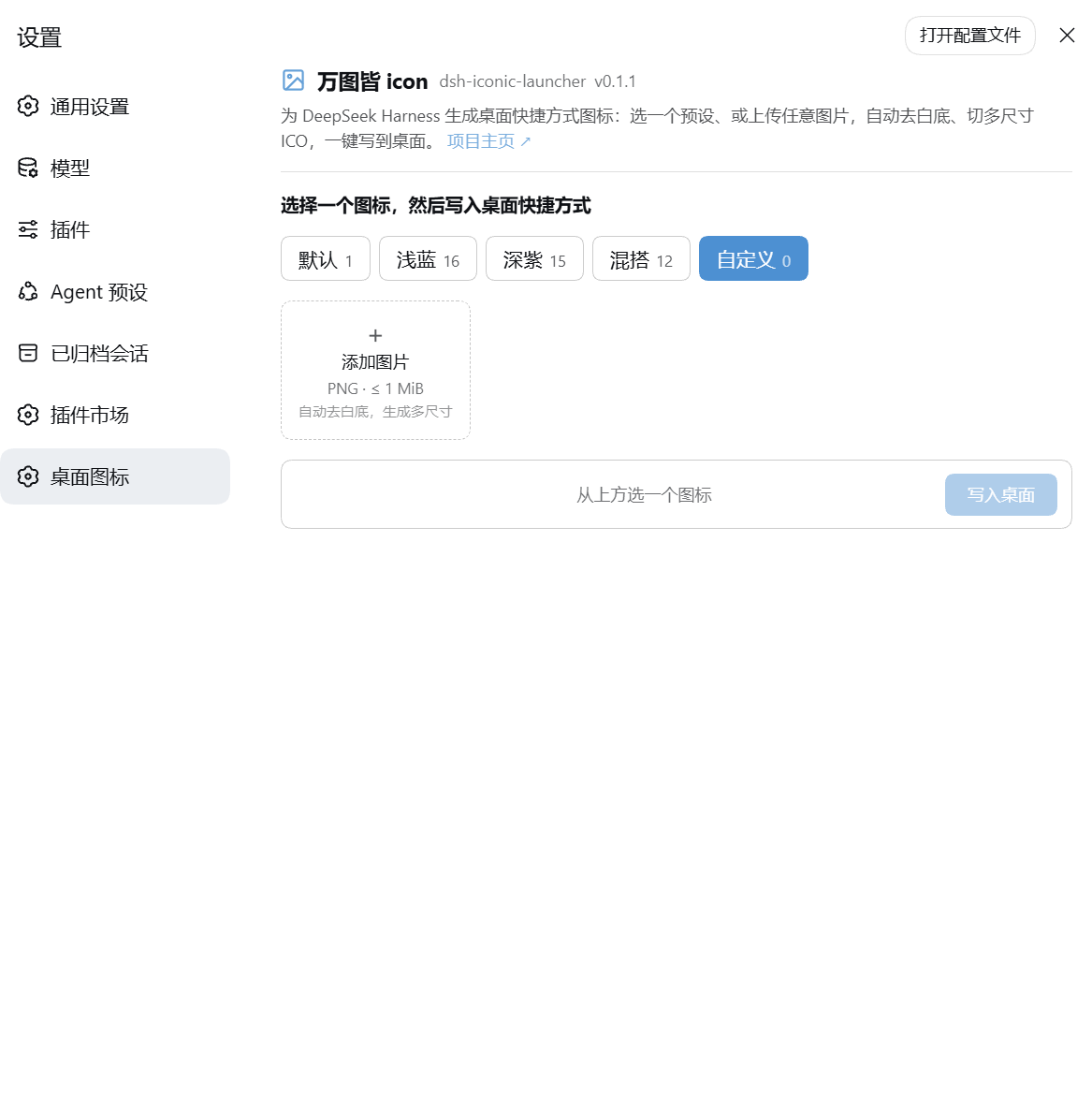
After installing, restart the web app (dsh web) and open
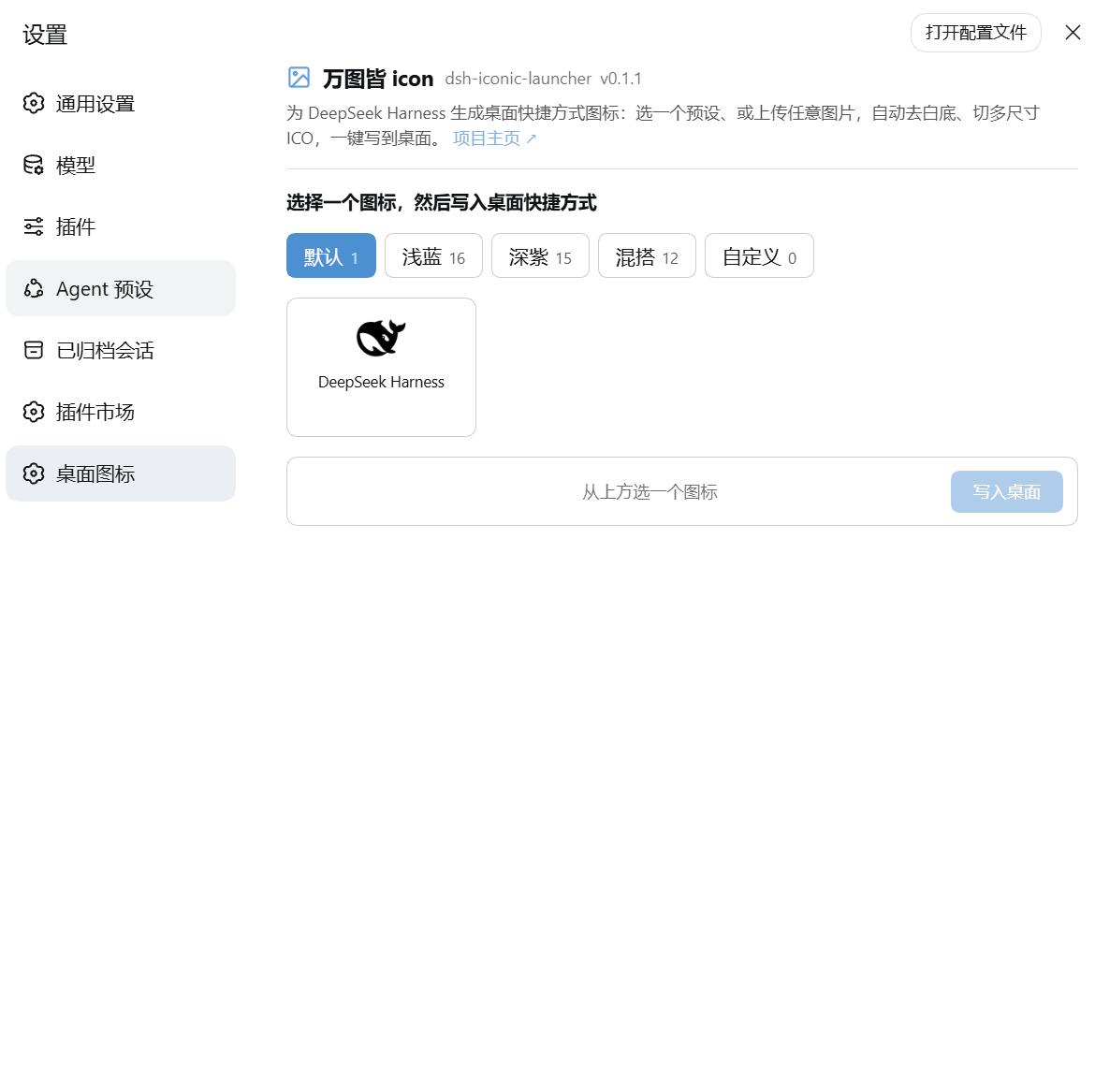
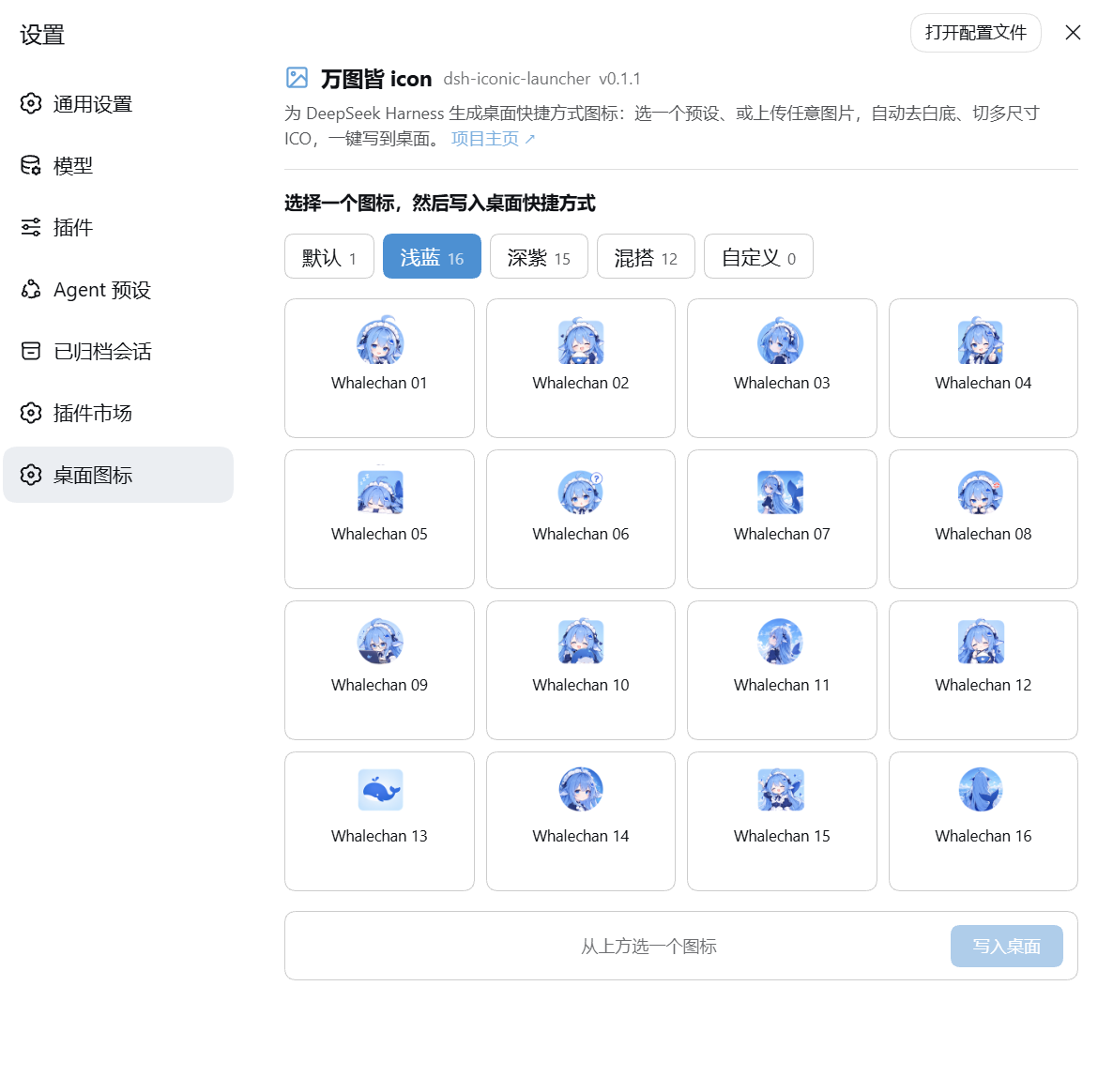
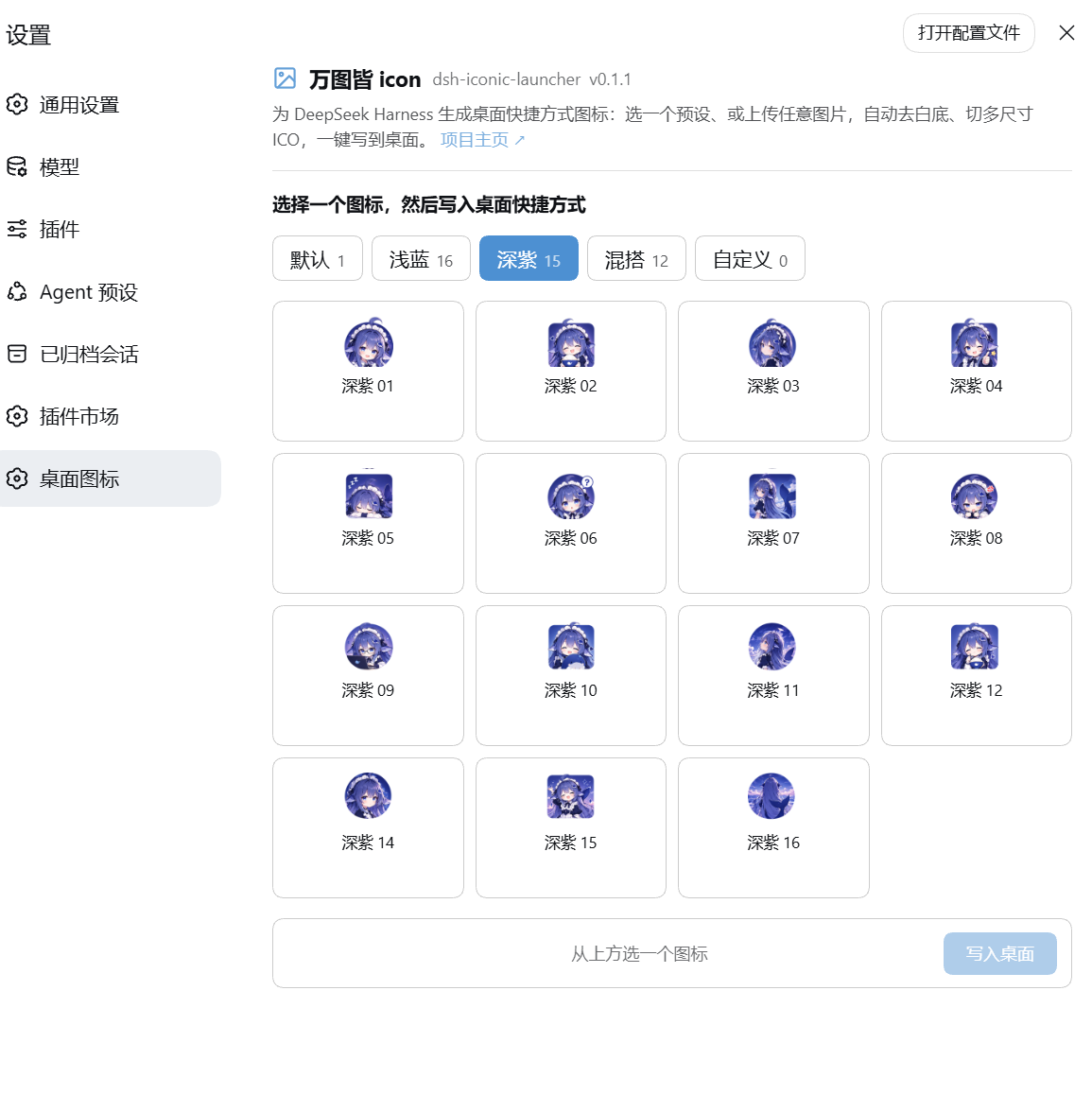
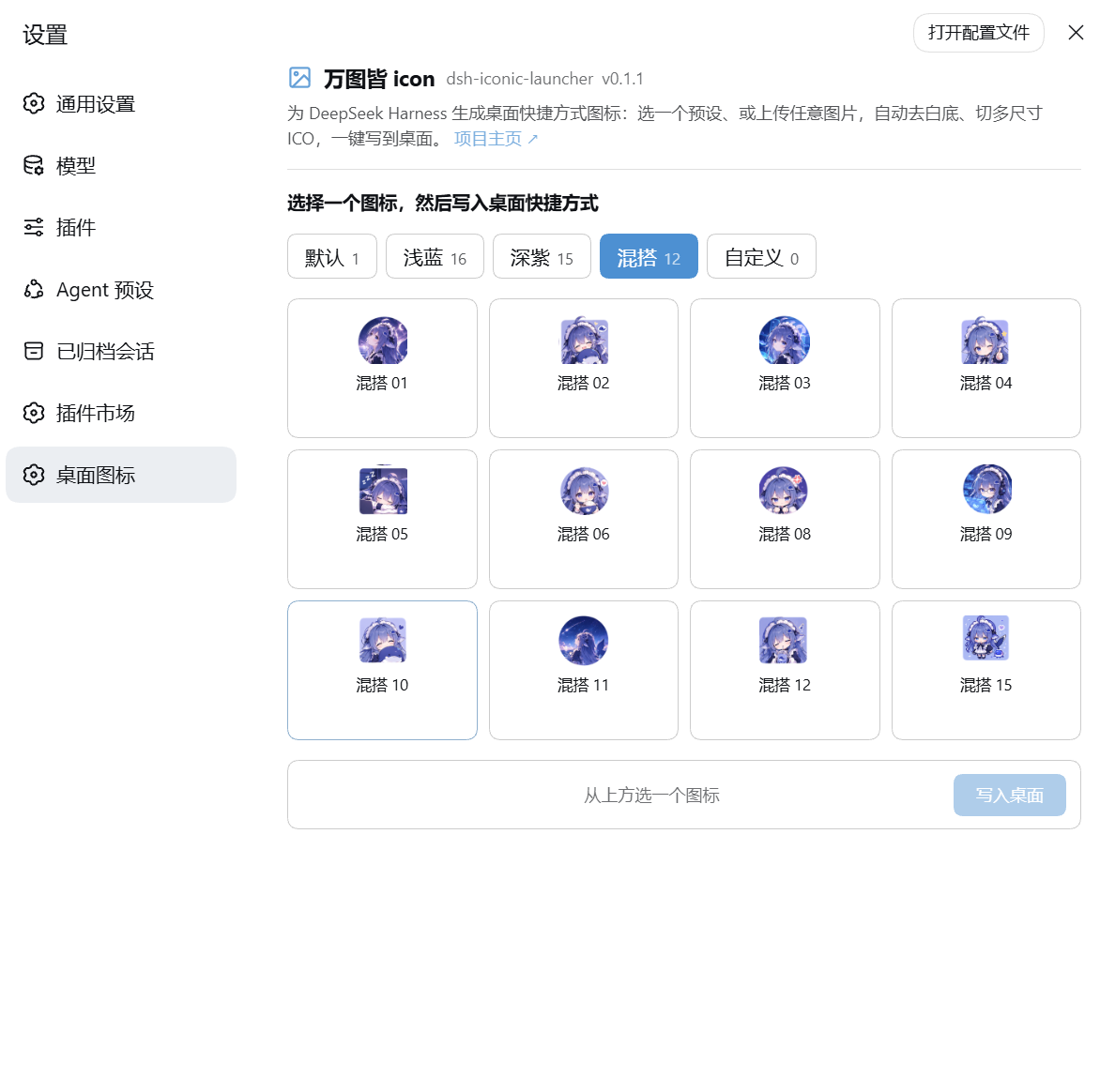
设置 → 桌面图标 (or 插件 → 插件配置) to pick or upload a desktop icon.
/ 装完重启 dsh web,在 设置 → 桌面图标(或 插件 → 插件配置)里选图 / 上传。
Layout
| Path | Purpose |
|---|---|
scripts/start-dsh-web.bat |
Portable launcher. Locates node on PATH (or DSH_NODE_DIR) and runs dsh web via the tsx/esm entry (node --import tsx/esm .../apps/cli/src/bin.ts web). Logs every step to scripts/launcher.log. |
scripts/dsh-icon.ico |
Multi-resolution icon shown on the desktop shortcut. |
scripts/convert-svg-to-ico.mjs |
SVG → multi-size .ico writer (16–256), no build deps beyond sharp. |
scripts/generate-icon.ps1 |
Rebuilds dsh-icon.ico from an SVG (probes a sharp install). |
scripts/create-desktop-shortcut.ps1 |
Creates/refreshes the desktop .lnk pointing at start-dsh-web.bat with dsh-icon.ico. |
scripts/SETUP-SHORTCUT.md |
Full setup / troubleshooting notes. |
deploy.ps1 |
One-shot restore: copies scripts/ back into a DeepSeek Harness checkout and refreshes the shortcut. |
install.ps1 |
One-shot install for a new user: build a fresh deepseek-harness checkout, generate the icon, create the shortcut. |
| repo root | dsh-iconic-launcher — the DSH plugin itself (host half + browser settings card): pick or upload a desktop shortcut icon, auto backdrop-removal, multi-size ICO, one-click .lnk write. |
data/ |
PNG icon source material (also usable as extra presets via the plugin). |
Quick use
Restore after re-cloning the upstream repo
# from anywhere, point at your harness checkout (auto-detected or -RepoRoot)
./deploy.ps1 -RepoRoot "C:\where\you\cloned\deepseek-harness"
First-time setup (new machine)
./install.ps1 # clone upstream + install icon + create shortcut
Rebuild just the icon
powershell -ExecutionPolicy Bypass -File ./scripts/generate-icon.ps1
powershell -ExecutionPolicy Bypass -File ./scripts/create-desktop-shortcut.ps1
Custom desktop shortcut icon plugin (web UI)
The plugin adds a "pick or upload a desktop shortcut icon" capability that runs
inside the DeepSeek Harness web app. Install it either way shown in
Install / 安装 above. See docs/plugin.md
for routes, config, and current status. The scripts/ and data/ folders are
development tooling and source material — they are not part of the installed
package.
Requirements
- Windows 10/11(快捷方式 =
.lnk+ PowerShell,Windows only)。 - PowerShell 5.1+ (or PowerShell 7).
- Node.js on PATH (the launcher also probes
%ProgramFiles%\nodejsand%LOCALAPPDATA%\Programs\nodejs; override withDSH_NODE_DIR). sharponly if you need to rebuild the icon (optional).
License
MIT. The icon is derived from DeepSeek Harness's own favicon (MIT).
Notes / caveats
- These files are intentionally not part of the upstream repository. Do not commit them there; keep them here and push to your own fork instead.
- The desktop shortcut references the icon and the launcher by absolute
path under your checkout; after re-cloning, re-run
deploy.ps1so the shortcut re-points correctly.
Comments
Comments live in GitHub Discussions. Sign in with GitHub to post or react.