
Install
Inside DeepSeek Harness, with dsh-market
dsh plugin --profile web add dshmarket
Or from the command line
dsh plugin --profile web add dsh-splash-launcher
Installing runs third-party code with your own permissions — it can read your files, use your credentials and reach the network. Review the source first, and pin a commit (github:owner/repo#sha) when you can.
Screenshots
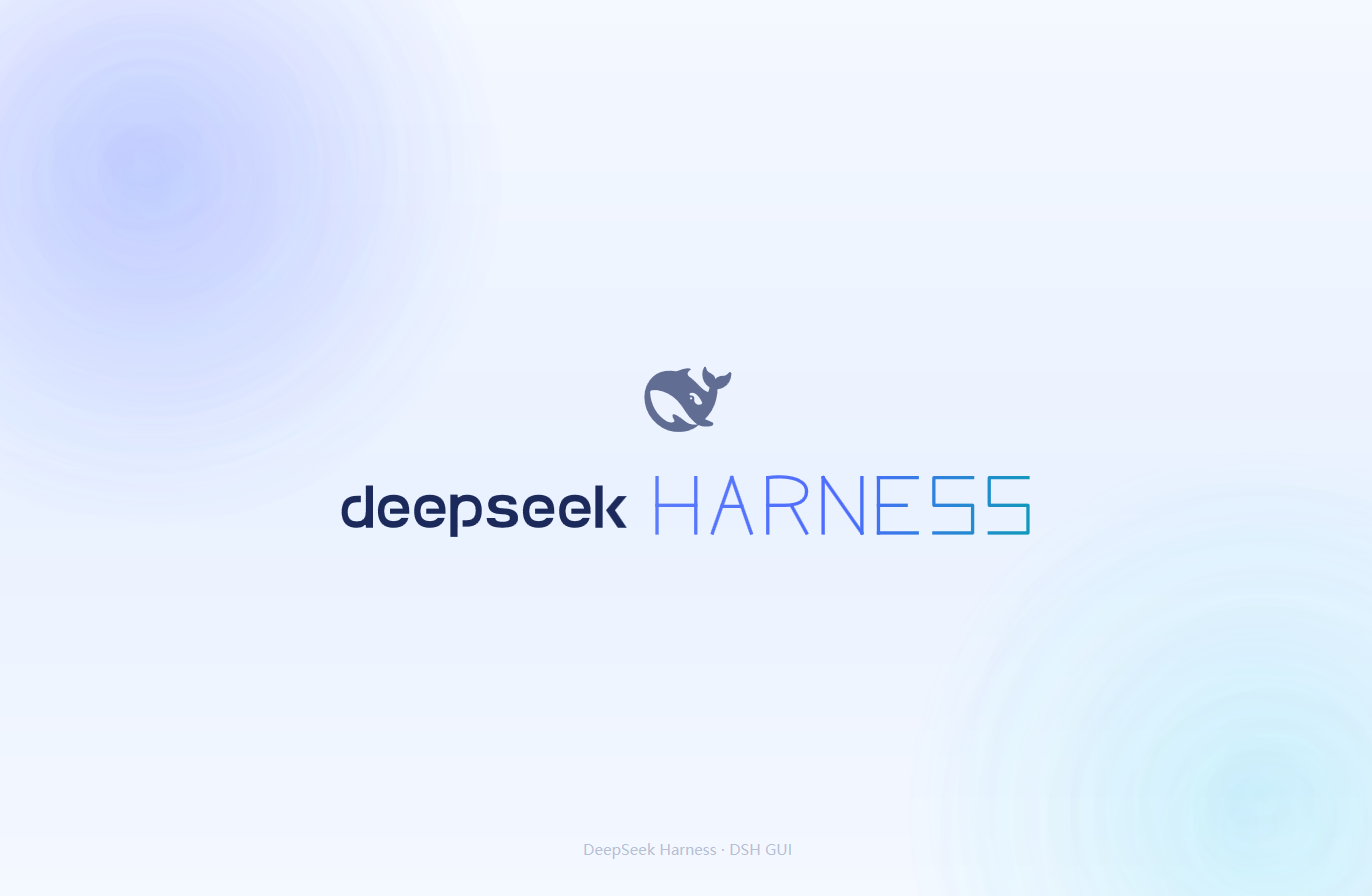
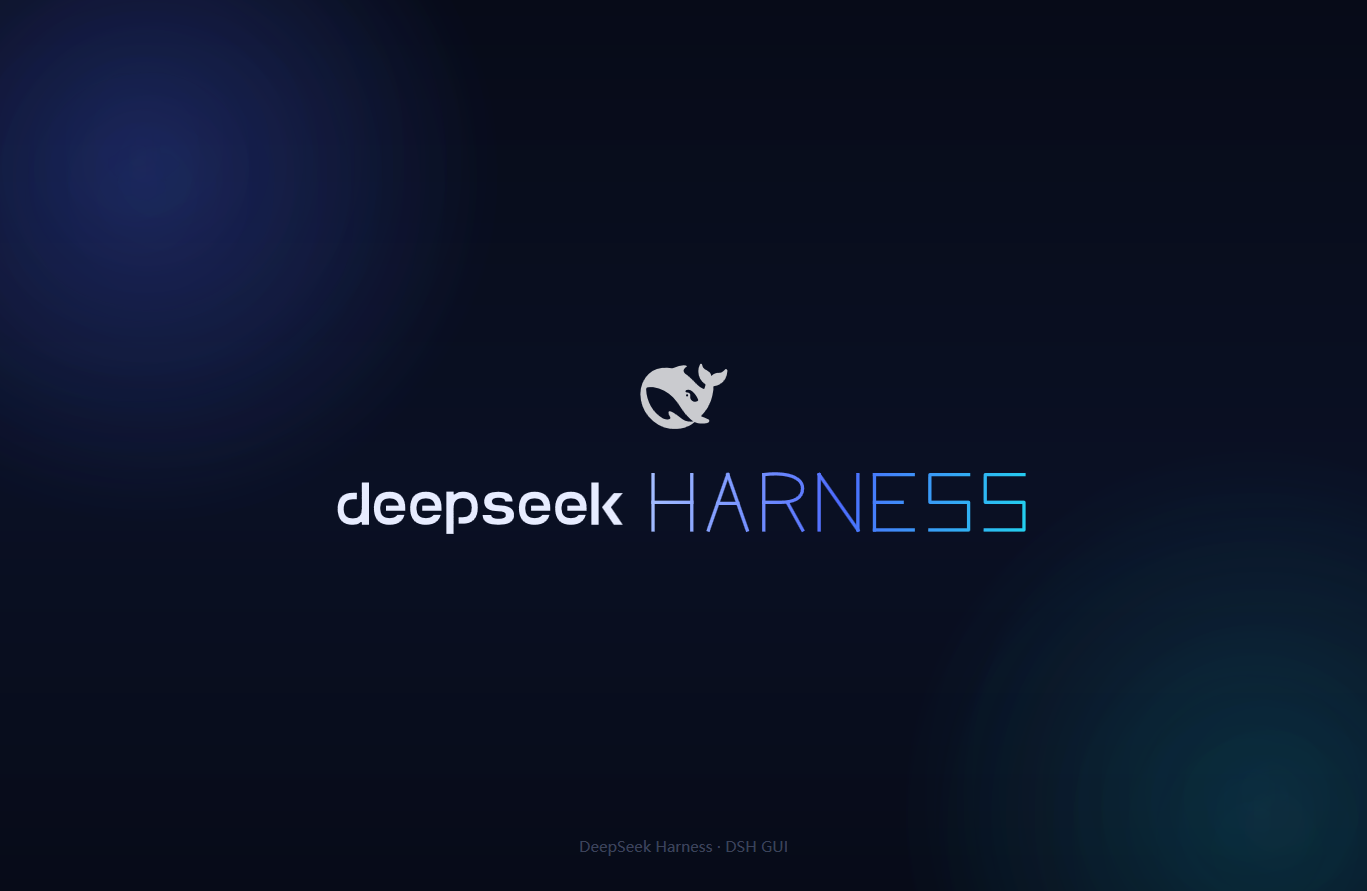
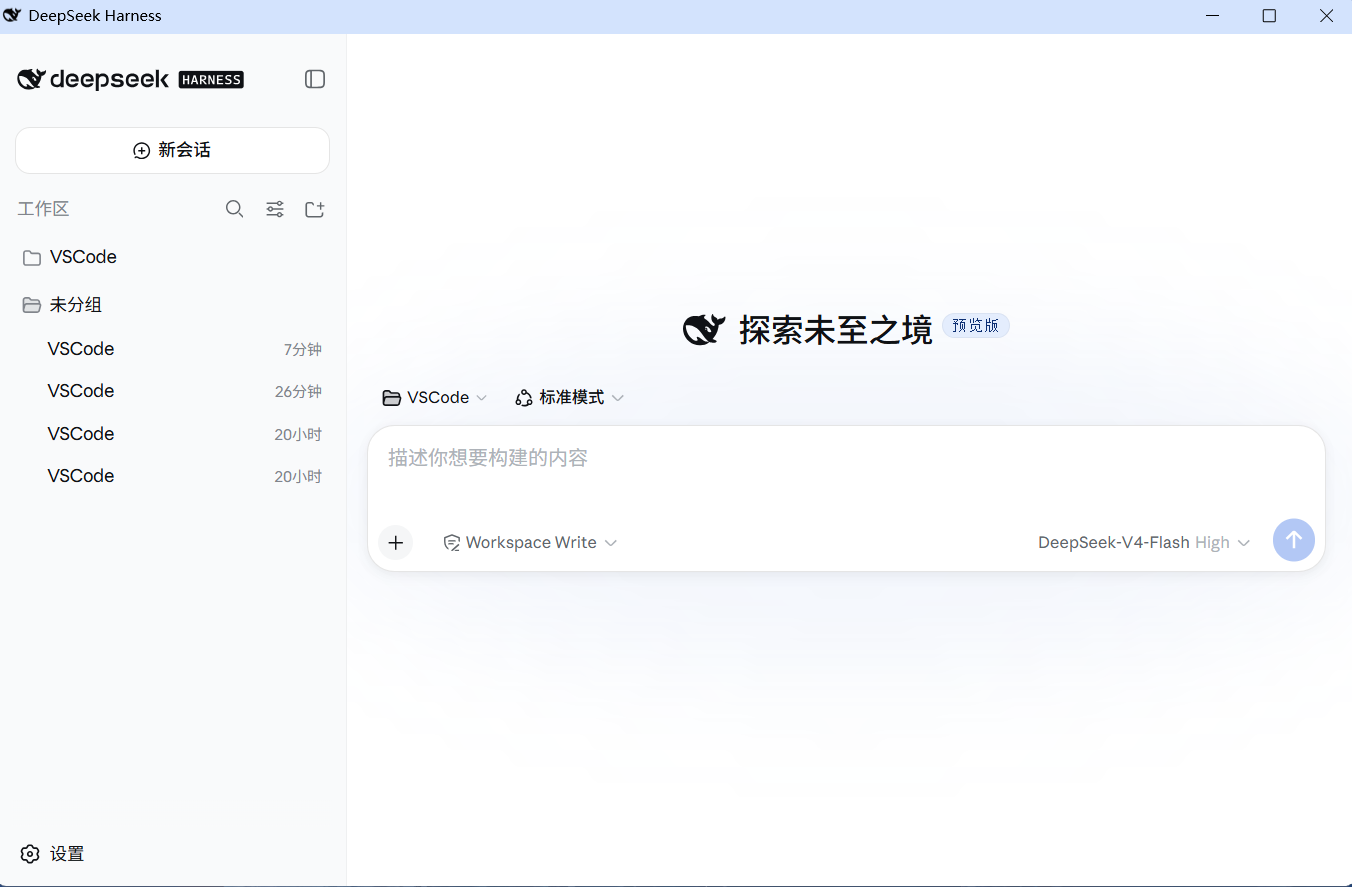
README
A one-click Windows launcher for the DeepSeek Harness (dsh) Web GUI with a borderless WPF startup animation (stroke-by-stroke "HARNESS" lettering inspired by SPlayer-Next). It starts dsh web in the background, preloads the real GUI behind the animation, and fades into it only when the GUI is actually ready. Closing the window stops the service it started.
Quick start
Option A: Download the portable build (recommended, no build required)
- Download
dsh-splash-launcher-vX.Y.Z.zip(or just the single-fileDSH-GUI.exe) from Releases; - Unzip (or drop the exe) anywhere — the exe is self-contained, all splash assets are embedded, a single file is enough;
- Double-click
DSH-GUI.exe.
If SmartScreen shows "Windows protected your PC" on first run: click More info → Run anyway (the exe is unsigned).
Option B: Build from source
build.cmd
Produces a self-contained DSH-GUI.exe (black-whale icon, assets embedded as resources) using the Windows built-in csc.exe (no external toolchain).
Requirements
- Windows 10/11
- Node.js + global
npm install -g @deepseek-ai/dsh - Microsoft Edge WebView2 Runtime (bundled with Windows 10/11 / Edge; standalone installer if missing)
Configuration
DSH_GUI_WORKSPACEenv var, or aworkspace.txtnext to the exe — working directory fordsh web(default: your user profile%USERPROFILE%)DSH_GUI_PORT— port (default3080)- Window form is remembered: if you close the window maximized, it reopens maximized next time (only normal/maximized — size and position are not stored; delete
%LocalAppData%\DSH-GUI\window.stateto reset to the default normal window). - Splash assets are embedded in the exe; drop the same-named files (
splash.html,*.svg,whale.png) next to the exe to override them (custom splash, no rebuild needed).
Known issues
- Startup takes a while (dsh boot + browser cold start + plugin loading). The animation covers the whole wait and only fades out when the GUI is ready.
See the Chinese README for full details. Code is MIT; brand assets derive from DeepSeek Harness (MIT, © 2026 DeepSeek).
Comments
Comments live in GitHub Discussions. Sign in with GitHub to post or react.