
Install
Inside DeepSeek Harness, with dsh-market
dsh plugin --profile web add dshmarket
Or from the command line
dsh plugin --profile web add github:Han-1413141/dsh-sticky-disclosure
Installing runs third-party code with your own permissions — it can read your files, use your credentials and reach the network. Review the source first, and pin a commit (github:owner/repo#sha) when you can.
README
 English | 中文
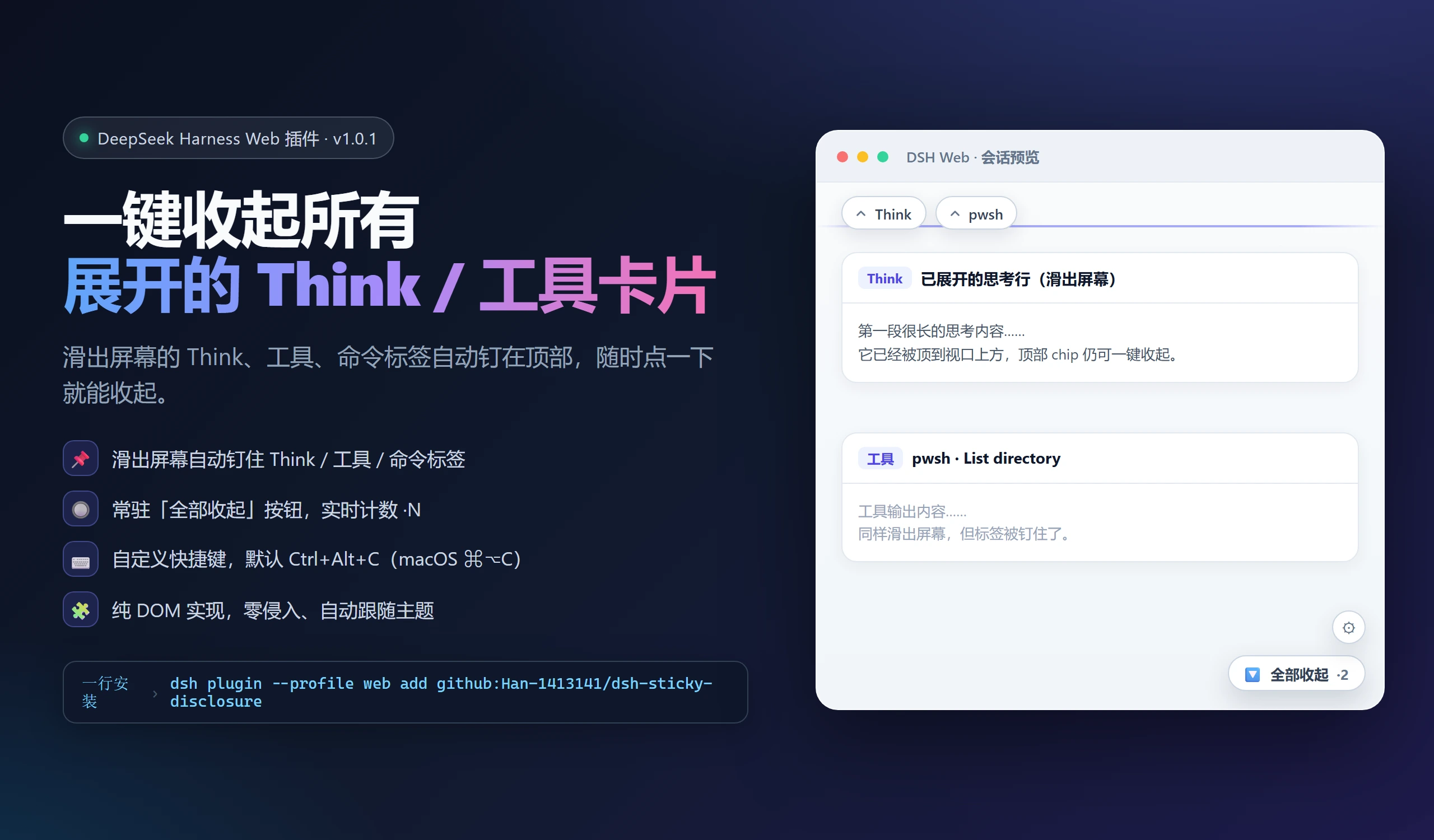
A DeepSeek Harness (DSH) Desktop and Web plugin: collapse expanded conversation sections in one click, including Think, tool cards and turn-process groups. A persistent button shows the expanded count, and the shortcut is customizable. Off-screen headers remain accessible as pinned buttons.
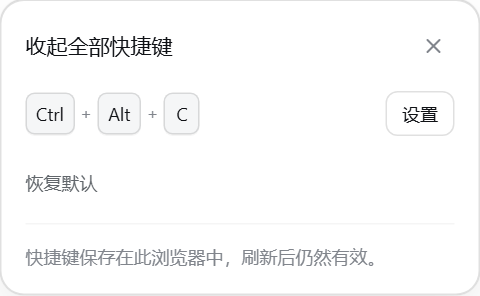
Native shortcut settings
| Light | Dark |
|---|---|
 |
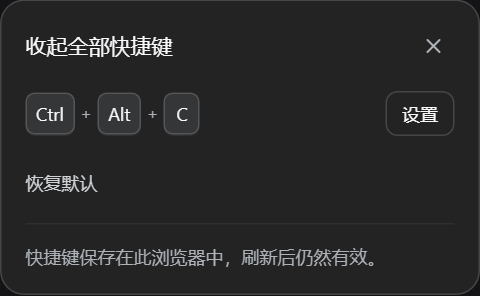 |
Uses current DSH surfaces, typography and corner radii, with individual keycaps. The panel stays within narrow windows and below native titlebars. These are actual plugin renders using the official theme and a local fixture.
Recent improvements
- Supports the turn-process buttons in DSH 0.2.0-rc.2 alongside Think and tool cards.
- Chinese/English UI and the correct
⌘⌥Cdefault on macOS. - Closing settings or switching sessions stops shortcut capture; IME composition is ignored.
- Escape dismissal, focus restoration and Desktop
no-dragsurfaces.
✨ Features
| Feature | Description |
|---|---|
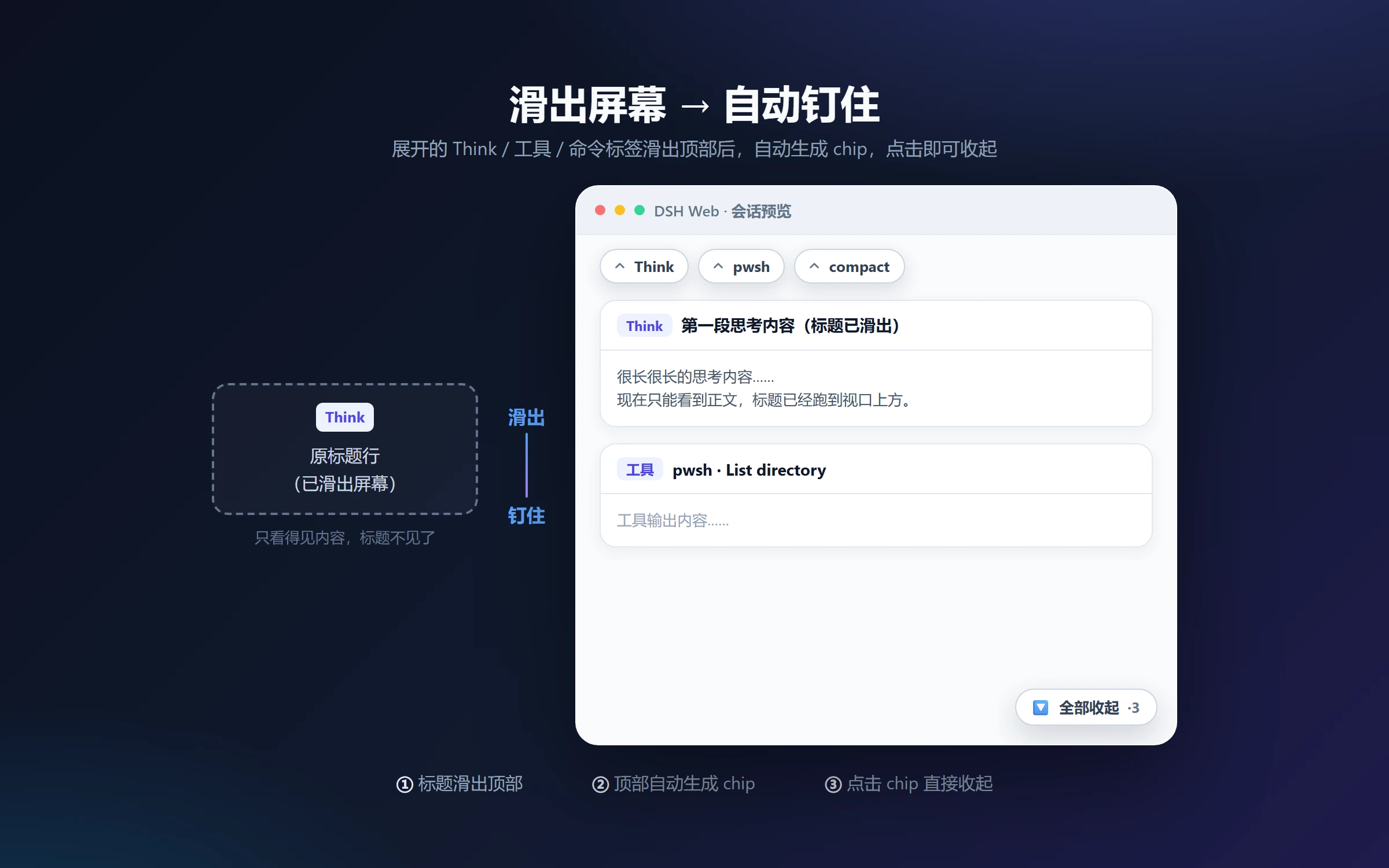
| 📌 Pin off-screen labels | Expanded Think / tool / command labels that slide off the top get pinned as chips; click a chip to collapse the original section |
| 🔘 Collapse-all button | Always-visible button at the bottom-right of the chat with a live count (·N = expanded sections); one click collapses them all |
| ⌨️ Customizable hotkey | Default Ctrl+Alt+C (macOS ⌘⌥C); press the gear, press a new combo, done — persisted locally |
| 🎨 Native look | Styled entirely with the app's --dsw-* design tokens; follows dark/light themes |
| 🪶 Non-invasive | Pure DOM implementation — no app code touched; full cleanup on unload |
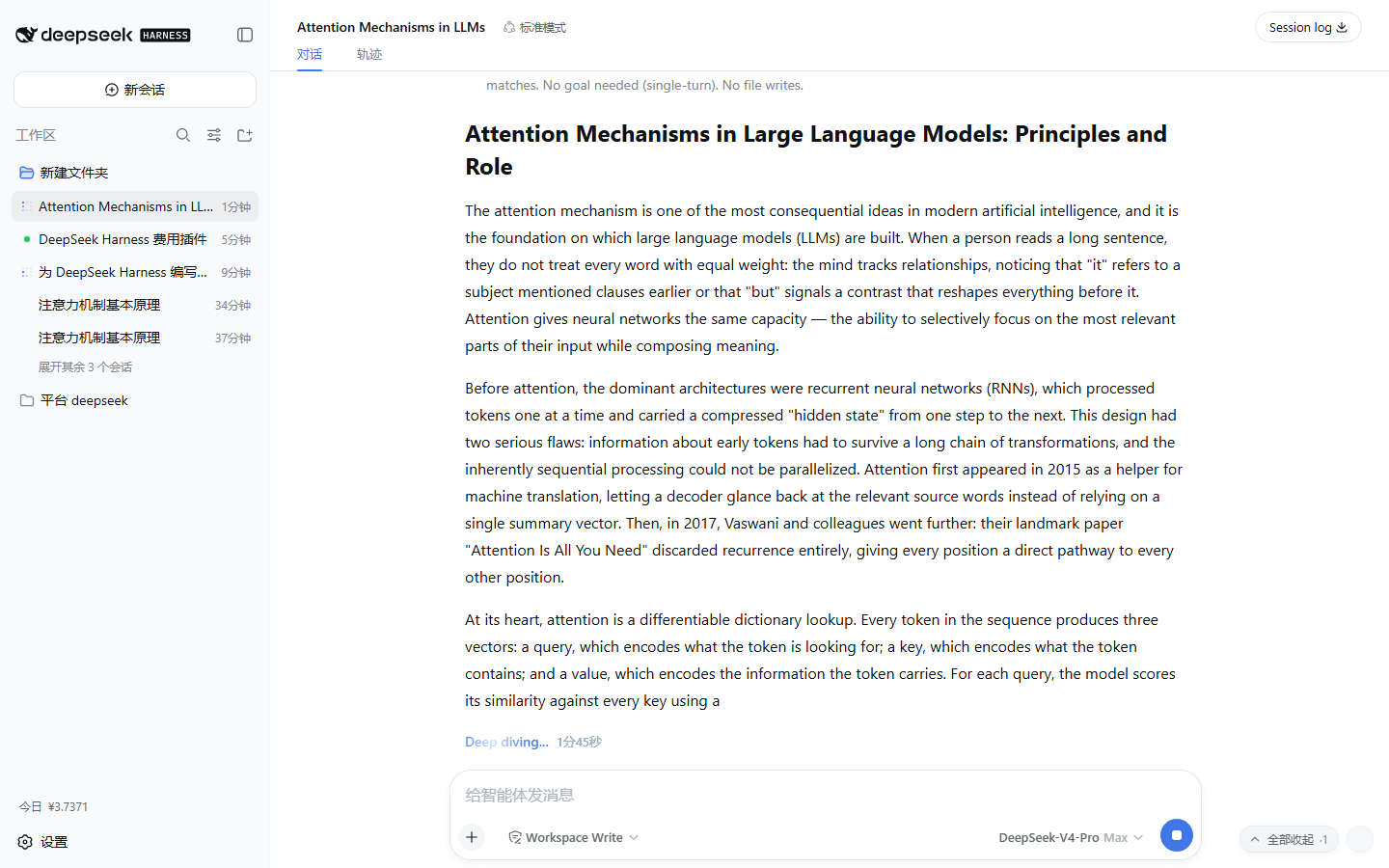
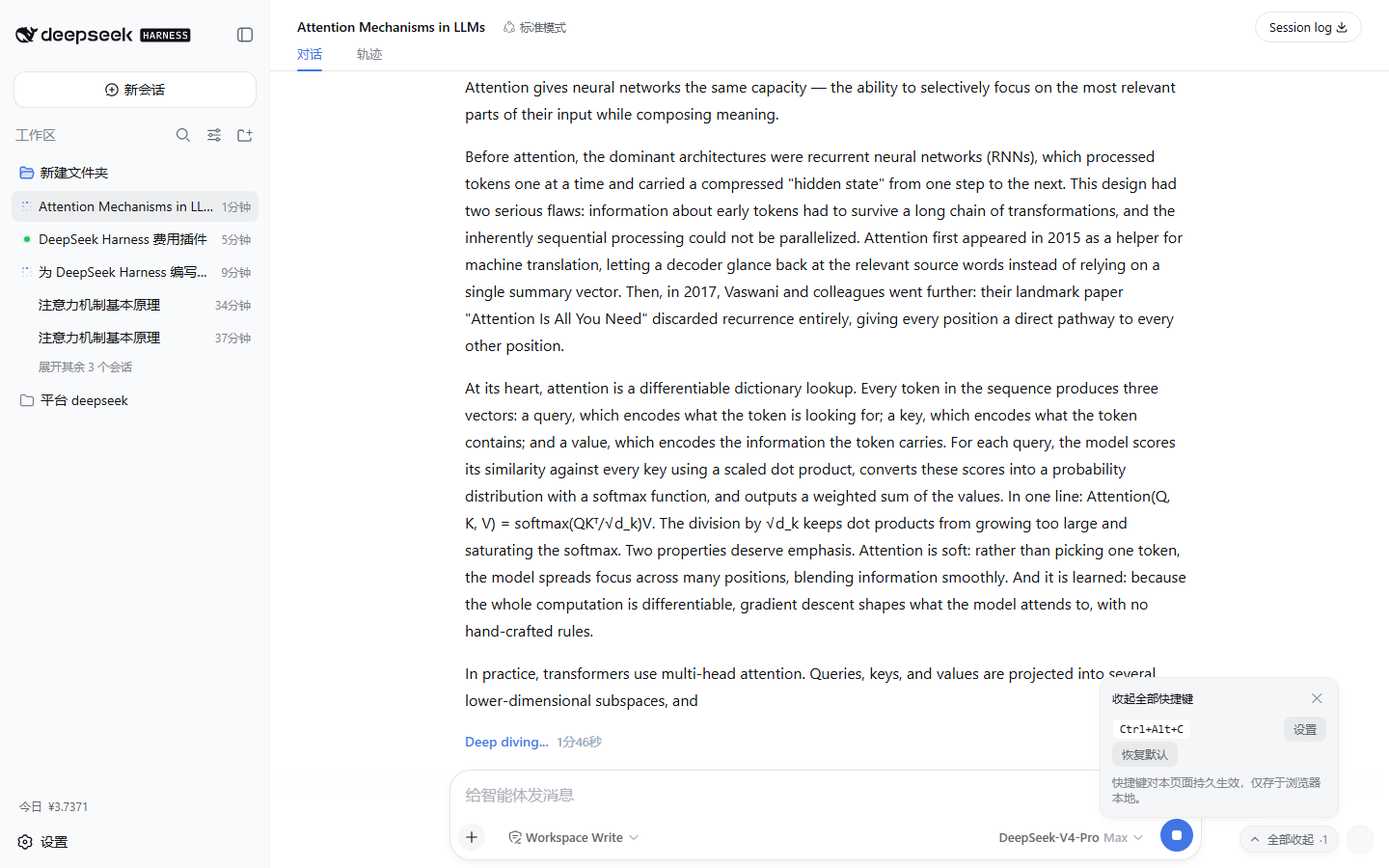
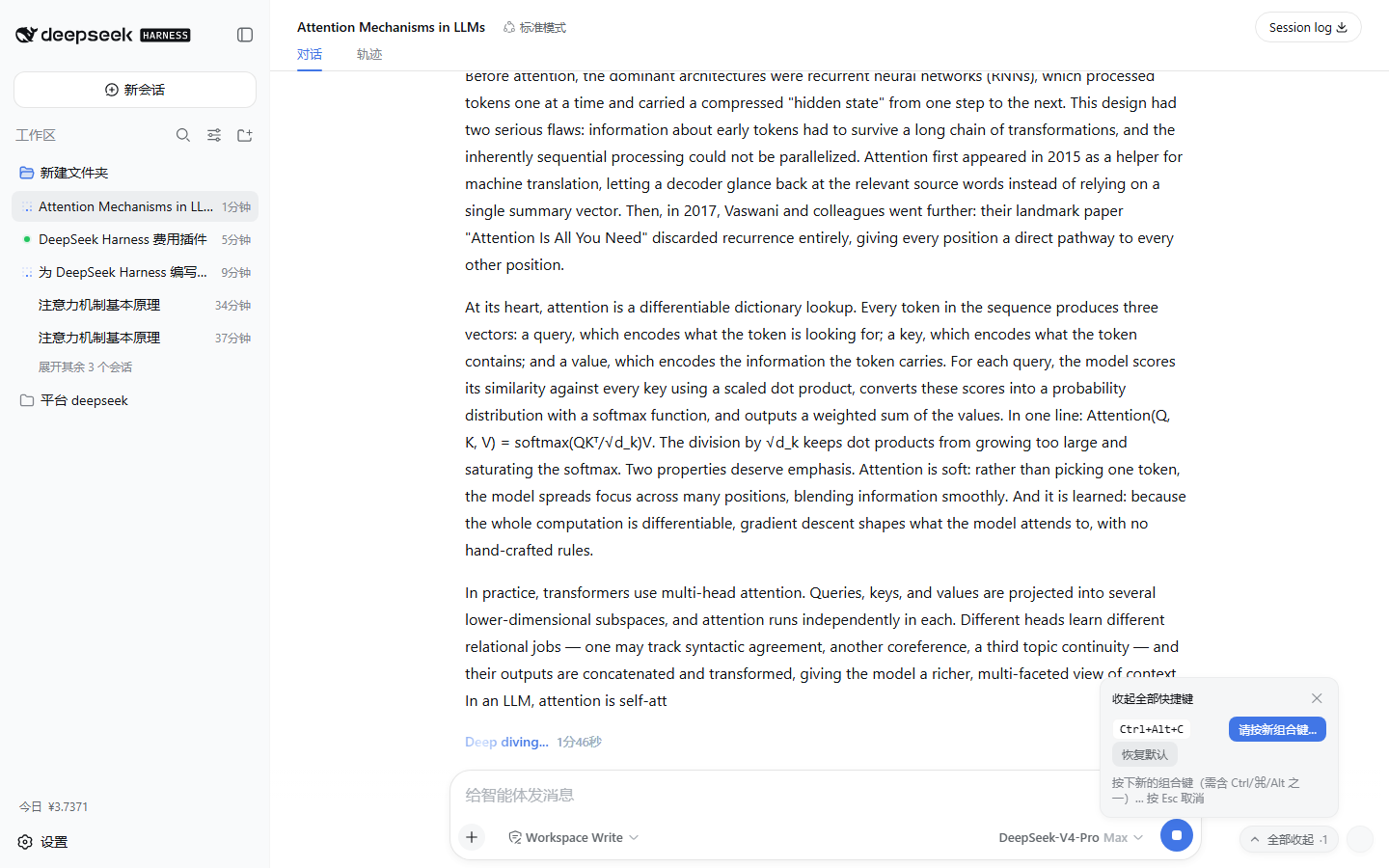
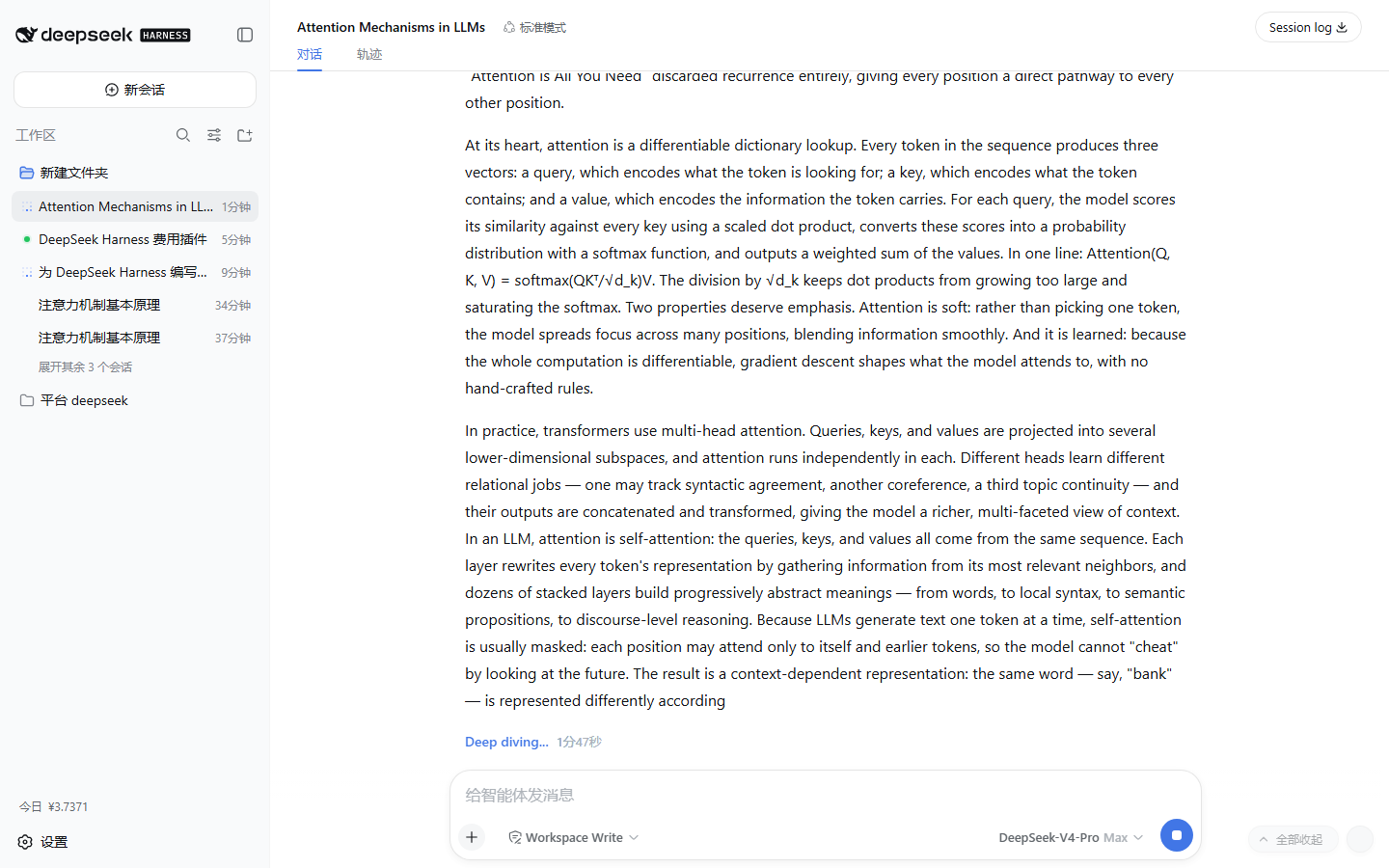
Interaction examples (earlier UI in a live DSH Web instance)
Expanded Think row + the collapse-all button with its live count:
Hotkey settings popover (gear → set → press the new combo):
After one click — the count drops to zero:
Why
Long conversations accumulate expanded Think rows and tool cards, and collapsing them means hunting down each header one by one — often after it has already scrolled out of view. This plugin puts a permanent "collapse all" pill at the bottom-right of the chat — with a live count of how many sections are expanded — plus a customizable hotkey: one click or one keystroke returns the conversation to its clean, collapsed view. When a section scrolls off the top, its header is pinned at the top of the conversation so you never lose the collapse control.
Behavior
- Off-screen pinning: once an expanded header fully slides past the top edge of the conversation scrollport, a chip appears at the top labelled with the section title (
Think, tool name, …); clicking the chip collapses the original section, and the chip disappears when the header scrolls back into view or the section is collapsed. - The collapse-all button sits at the bottom-right of the conversation scrollport with a live count (
·N); clicking it collapses every expanded disclosure in the conversation. - The hotkey (default
Ctrl+Alt+C, macOS⌘⌥C) does the same thing, so pressing it always has an immediately observable effect. - Expand/collapse state, streaming output, and session switches are tracked via
MutationObserver+ scroll/resize listening so the count stays accurate; plugin disposal (HMR/stop) restores everything. - On apply, the plugin logs
console.info("[dsh-sticky-disclosure] applied …")and exposeswindow.dshStickyDisclosure(expanded()/hotkey()/setHotkey(spec)).
⌨️ Custom hotkey
- Click the keyboard gear next to the collapse-all button to open the settings popover;
- Click Set — the popover enters capture mode;
- Press the new combo (it must include
Ctrl/⌘/Alt, e.g.Ctrl+Shift+K) — applied immediately and persisted in the browser'slocalStorage(nothing leaves your machine); Esccancels capture; Reset default restoresCtrl+Alt+C.
Programmatic access:
window.dshStickyDisclosure.setHotkey({ ctrl: true, shift: true, code: "KeyK" }) // Ctrl+Shift+K
window.dshStickyDisclosure.hotkey()                                              // "Ctrl+Shift+K"
Hotkey design
- Deliberately not Escape: the app's dialogs and popups already own
Escape(the plugin only uses Esc to cancel its own capture, which never interferes); - it works while an input is focused — the most common state, since focus usually stays in the composer;
- it backs off during IME composition (
isComposing); - it backs off on AltGr (
getModifierState("AltGraph")— on some keyboard layouts AltGr is reported as Ctrl+Alt and must never intercept the characters it types).
Stacking
- The collapse-all button and the gear are fixed to the scrollport's bottom-right corner.
z-index: 15(popover: 16): above chat content, below the app's overlay layer (20) and all dialogs/popups (100/1000-tier) — it never covers permission prompts, settings panels, or onboarding masks.- Everything uses the app's design tokens (
--dsw-*: background, border, shadow, type), so it follows dark/light themes and fonts automatically, with an entrance animation that respectsprefers-reduced-motion.
Install
Desktop (DSH 0.2.0-rc.2): open Plugins → Add plugin in the sidebar, paste the following source, install it, then choose Enable now. Follow DSH's restart prompt if shown.
github:Han-1413141/dsh-sticky-disclosure
Desktop includes Node and pnpm. For terminal installation, first install the bundled command through Manage dsh command in the application menu. Open Desktop once to initialize its profile, fully quit it, and run:
dsh plugin --profile desktop add github:Han-1413141/dsh-sticky-disclosure
Then reopen Desktop. Web uses a separate profile:
dsh plugin --profile web add github:Han-1413141/dsh-sticky-disclosure
dsh web
The standalone CLI follows DSH's Node requirement: ^22.19.0 || >=24.0.0 for the version checked here. Desktop's bundled command needs no separate Node or pnpm installation.
PowerShell installer (automatically selects desktop for the bundled command, otherwise web):
irm https://raw.githubusercontent.com/Han-1413141/dsh-sticky-disclosure/main/install.ps1 | iex
To select a profile explicitly, download install.ps1 and run ./install.ps1 -Profile desktop or -Profile web. Without Git, use https://github.com/Han-1413141/dsh-sticky-disclosure/archive/refs/heads/main.tar.gz as the source.
# Replace desktop with web for a Web installation.
dsh plugin --profile desktop update dsh-sticky-disclosure
dsh plugin --profile desktop remove dsh-sticky-disclosure
Layout/shortcut preferences belong to the browser origin: Desktop and Web keep separate preferences. Compatibility details and verification limits are in COMPATIBILITY.md.
Tuning
All behavior parameters live in the constants block at the top of lib/client.js:
| Constant | Default | Meaning |
|---|---|---|
DEFAULT_HOTKEY |
Ctrl+Alt+C |
Default hotkey (changeable in the settings popover, persisted) |
STORAGE_KEY |
dsh-sticky-disclosure:hotkey |
localStorage key for the persisted hotkey spec |
DOCK_Z_INDEX |
15 |
Stacking level of the pill/gear (must stay below the app overlay layer at z-20) |
PANEL_Z_INDEX |
16 |
Settings popover level (above the pill, below app overlays) |
CONTROL_INSET |
16 |
Inset of the collapse-all button from the scrollport's bottom-right corner |
Tests
python -X utf8 test/verify.py
python -X utf8 test/verify_compat.py   # needs Python 3 + playwright (python -m playwright install chromium)
test/ contains:
mock.html— a static harness reproducing the DSH DOM contract (DisclosureRowstructure + the[data-conversation-scroll]scrollport);verify.py— a Playwright verification script ;capture.py— a script that captures the demo screenshots/GIF against a live instance.
Coverage: pill presence and count, one-click collapse-all (visible sections and input-focused scenarios), custom hotkey (settings popover, capture, Esc cancel, persistence across reload, reset to default, invalid-spec rejection), automatic state sync, composer exclusion, and full disposal.
CI (
.github/workflows/test.yml) runs the same suite on every push.
Limitations
- Scoped to the conversation flow (inside
[data-conversation-scroll]). The Trajectory view has its own collapse controls and is out of scope. - It works through the
data-open/data-disclosure-rowDOM contract. If the upstream app changes that internal structure across upgrades, the selectors need to follow — seedocs/ARCHITECTURE.md.
Repository layout
dsh-sticky-disclosure/
├── .github/workflows/
│   ├── test.yml                 # CI: Playwright verification suite
│   └── install-smoke.yml        # CI: one-click install smoke test (Windows + Linux)
├── install.ps1                  # one-click install/update script (irm … | iex)
├── package.json                 # dsh.client (platform: web) + dsh.bundle declaration
├── cordis.patch.yml             # host-tree entry row (bundle patch)
├── lib/
│   ├── index.js                 # host half: inert marker plugin (no behavior)
│   └── client.js                # browser half: self-contained bundle (__ModuleLoader__ handoff)
├── test/
│   ├── mock.html                # static harness reproducing the DSH DOM contract
│   ├── verify.py                # Playwright verification script
│   └── capture.py               # demo asset capture script
├── docs/
│   ├── assets/                  # screenshots and GIF
│   └── ARCHITECTURE.md          # architecture and implementation details
├── README.md / README.en.md
└── LICENSE
How it works
- Host side:
dsh-client-modulesscans Loader entries whose manifest declaresdsh.client.platform === "web", serves the builtexports["./client"]artifact atplugins/??<id>/client.js&rev=<rev>, and injects thewindow.__DSH_BOOT__entry graph. - Browser side: the bundle registers a module via
window.__ModuleLoader__.load({ id, factory }), exports a cordis plugin (name/apply), and the Web shell's Loader activates it. - The plugin body is pure DOM: it touches no app code — it reads the
data-open/data-disclosure-rowcontract and dispatches clicks at the original headers, preserving app-owned state; upstream DOM changes still require adaptation.
See docs/ARCHITECTURE.md for the full pipeline, contracts, state model, hotkey configuration, and stacking design.
License
Comments
Comments live in GitHub Discussions. Sign in with GitHub to post or react.