
Install
Inside DeepSeek Harness, with dsh-market
dsh plugin --profile web add dshmarket
Or from the command line
dsh plugin --profile web add github:Azhe0306/dsh-connectors#path:/packages/browser-connector
Installing runs third-party code with your own permissions — it can read your files, use your credentials and reach the network. Review the source first, and pin a commit (github:owner/repo#sha) when you can.
Screenshots
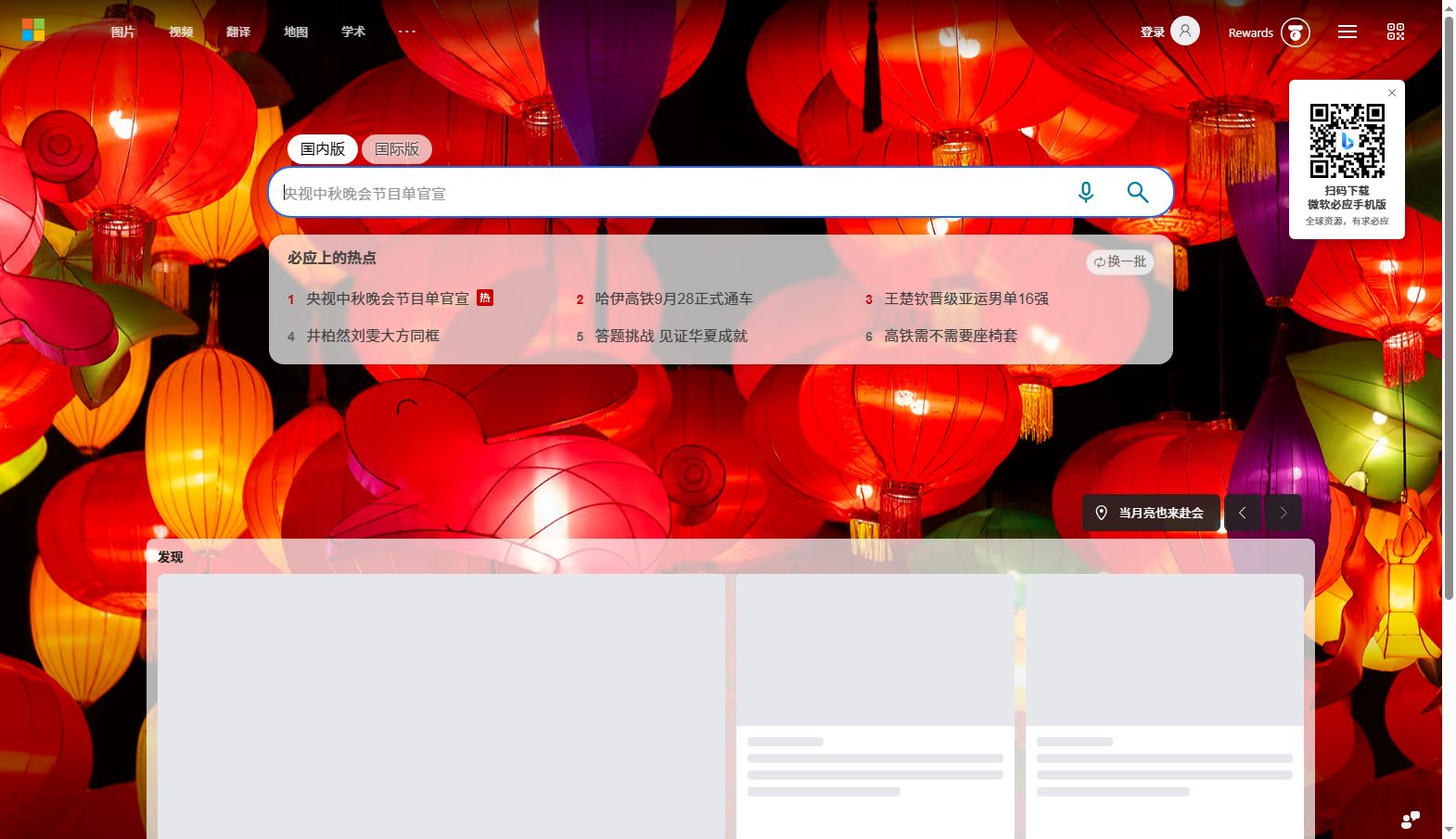
README
This plugin publishes its README in Chinese only.
浏览器自动化连接器:agent 直接驱动本机 Edge / Chrome。
- 零依赖:Node 自带
WebSocket说 DevTools 协议,浏览器发现走它自己的GET /json/list。 - 默认无头 + 一次性 profile:不抢焦点、不碰你的登录态;
browser_connect可接管你自己用--remote-debugging-port=9222开的浏览器。
安装
dsh plugin --profile web add github:Azhe0306/dsh-connectors#path:/packages/browser-connector
装好后这些工具可用:browser_launch、browser_connect、browser_tabs、browser_navigate、
browser_snapshot、browser_eval、browser_click、browser_type、browser_screenshot、
browser_close、browser_quit。
典型一轮:browser_navigate → browser_snapshot(拿到正文与可交互元素)→ browser_click / browser_type → browser_screenshot(看图确认)。
实现细节
core.mjs同时是 MCP stdio 服务端(node core.mjs),index.js是原生工具前端;两者共用同一份实现。- 启动后必须等文档真正就绪(
readyState到 interactive/complete 且 URL 不是about:blank),否则会读到浏览器的启动空白页。 - 浏览器命令行开标签时会多开一个
about:blank,选页时要跳过。
MIT
Comments
Comments live in GitHub Discussions. Sign in with GitHub to post or react.