
Install
Inside DeepSeek Harness, with dsh-market
dsh plugin --profile web add dshmarket
Or from the command line
dsh plugin --profile web add github:AKS1st/dsh-cyber-particle
Installing runs third-party code with your own permissions — it can read your files, use your credentials and reach the network. Review the source first, and pin a commit (github:owner/repo#sha) when you can.
README
English | 中文
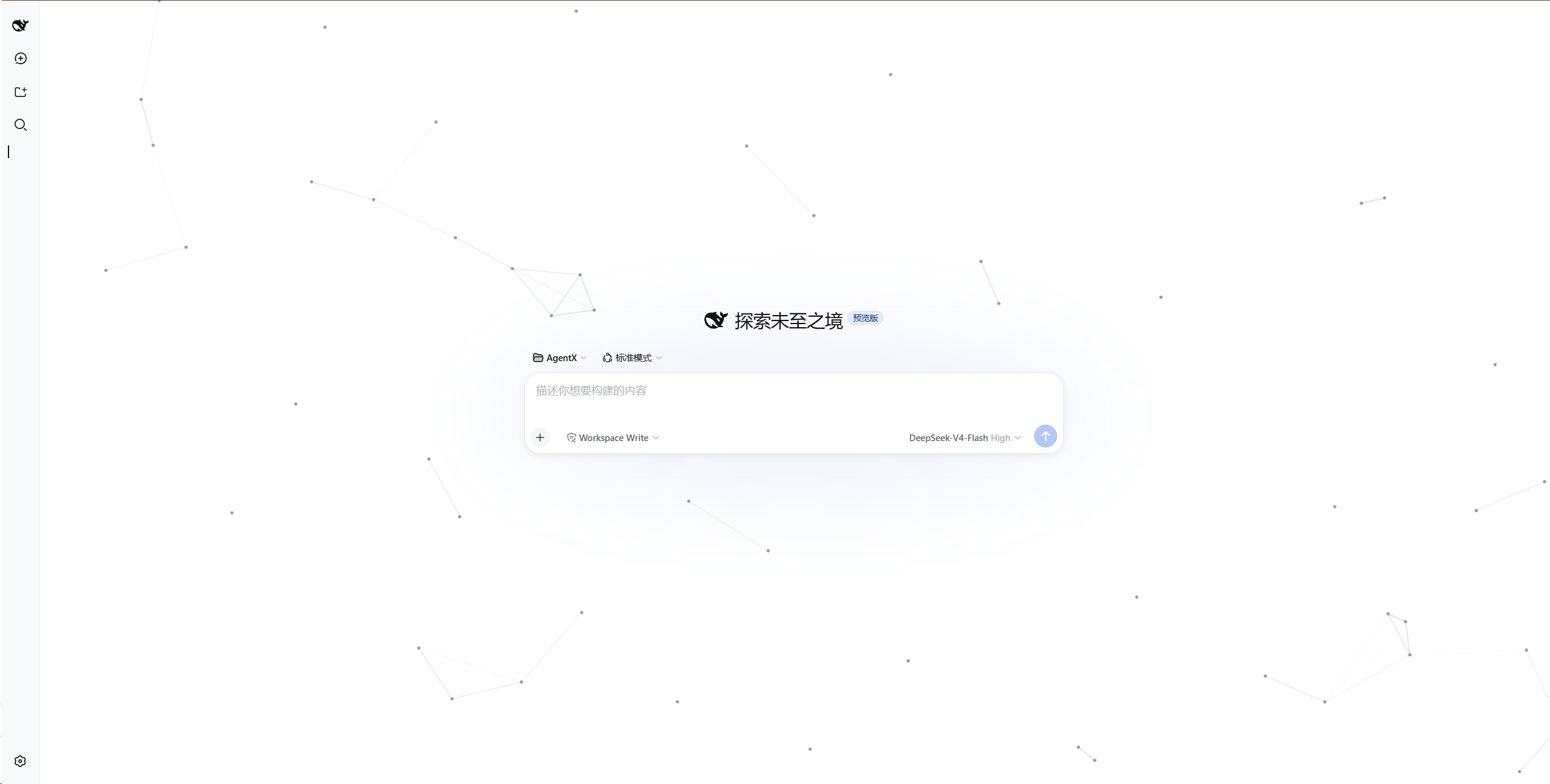
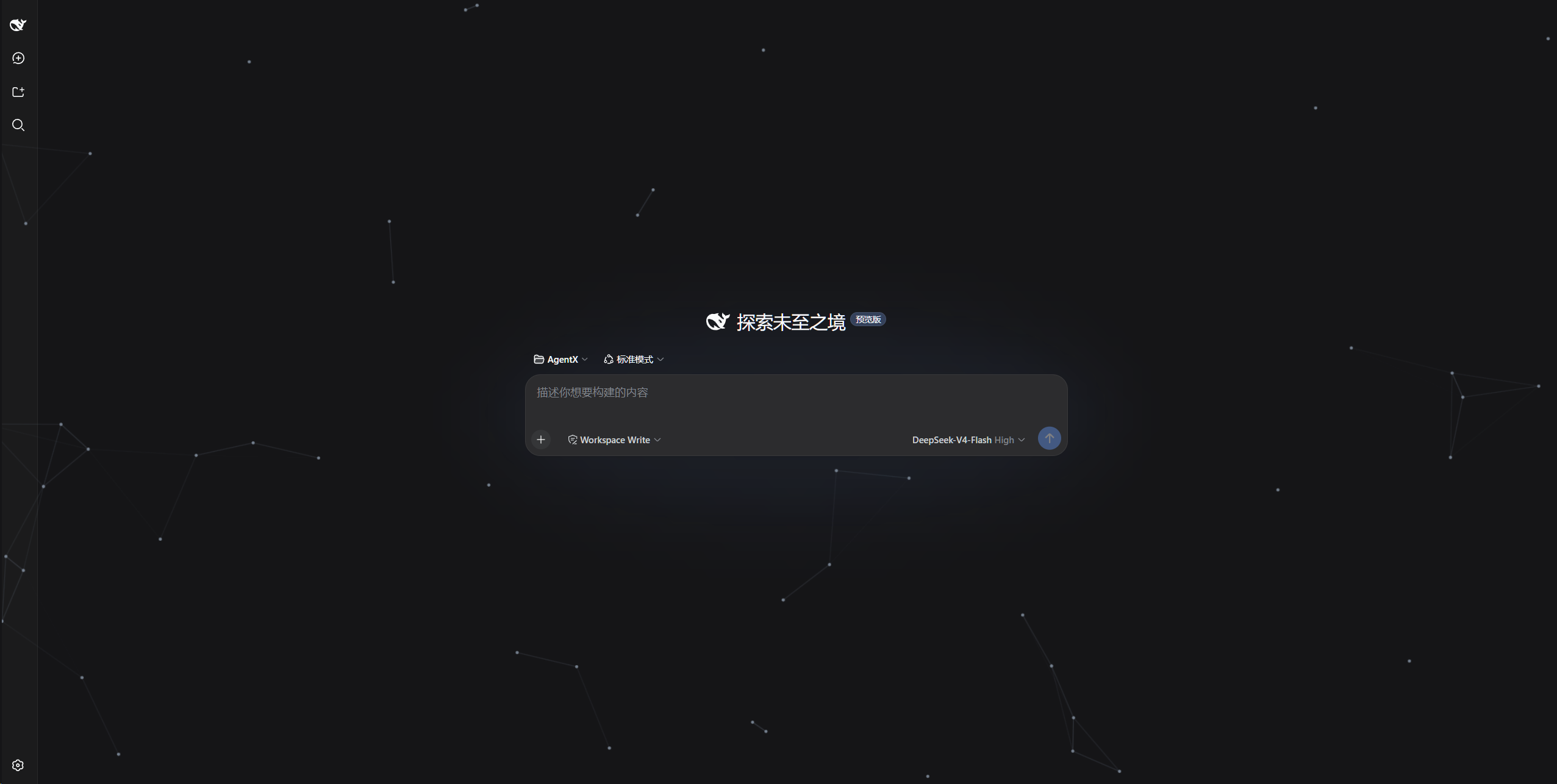
Adds an animated particle-network background to the DeepSeek Harness web UI: gray particles drift in from random screen edges, cross the viewport in straight lines, and re-enter from a new edge after leaving; particles closer than a threshold distance are automatically connected with lines, forming a continuously evolving mesh.
Rendered in a full-screen overlay with pointer-events: none, it never intercepts clicks or scrolling and does not change any UI colors. No npm runtime dependencies.
All logic lives in the browser half: no server-side behavior, no webServer route. Settings persist in browser localStorage (key cyber-particle:config) and restore automatically after a page refresh or restart; dshmarket can toggle the plugin like a skin (no route conflicts).
Preview
Light theme:
Dark theme:
Install
# Option 1: local directory
dsh plugin --profile web add /path/to/dsh-cyber-particle

# Option 2: from the git repository
dsh plugin --profile web add github:AKS1st/dsh-cyber-particle

# Restart the web service for the profile change to take effect
dsh web
Uninstall
dsh plugin --profile web remove cyber-particle
dsh web
Tuning parameters (Settings → Particle Background)
Adjust particle count, dot radius, line width, link distance, speed, and particle/line colors live from the settings page; values normalize against a 2560×1440 reference viewport and persist automatically to localStorage.
Comments
Comments live in GitHub Discussions. Sign in with GitHub to post or react.