
Install
Inside DeepSeek Harness, with dsh-market
dsh plugin --profile web add dshmarket
Or from the command line
dsh plugin --profile web add "https://github.com/5101good/amoji/releases/download/v1.0.0/amoji-dsh-1.0.0.tgz"
Installing runs third-party code with your own permissions — it can read your files, use your credentials and reach the network. Review the source first, and pin a commit (github:owner/repo#sha) when you can.
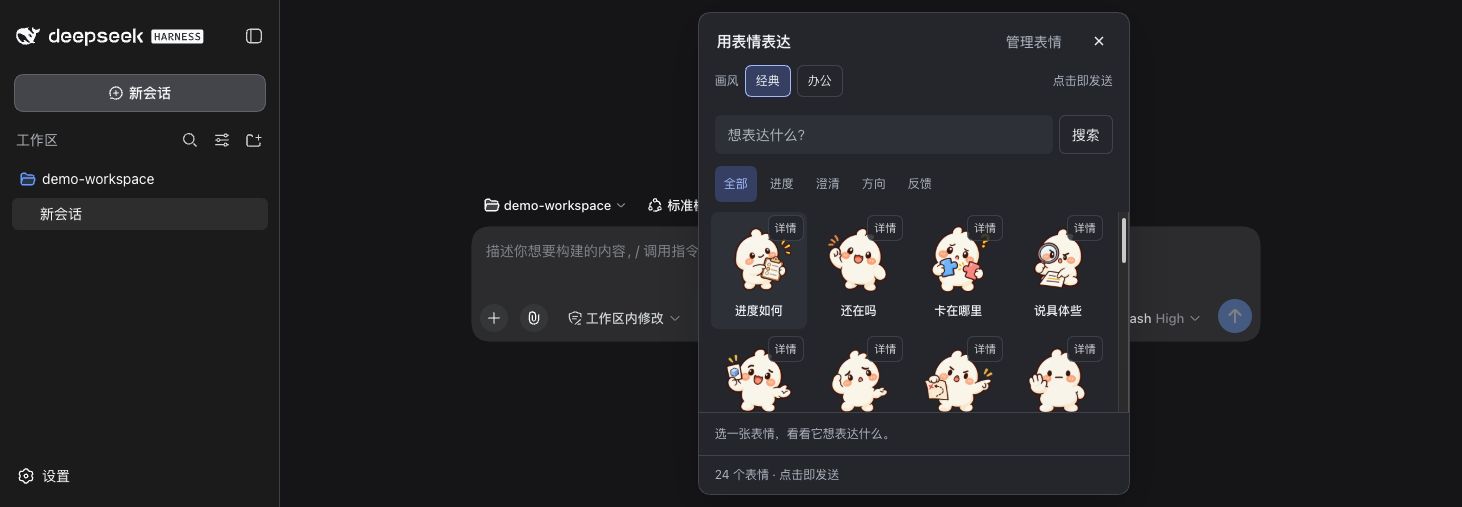
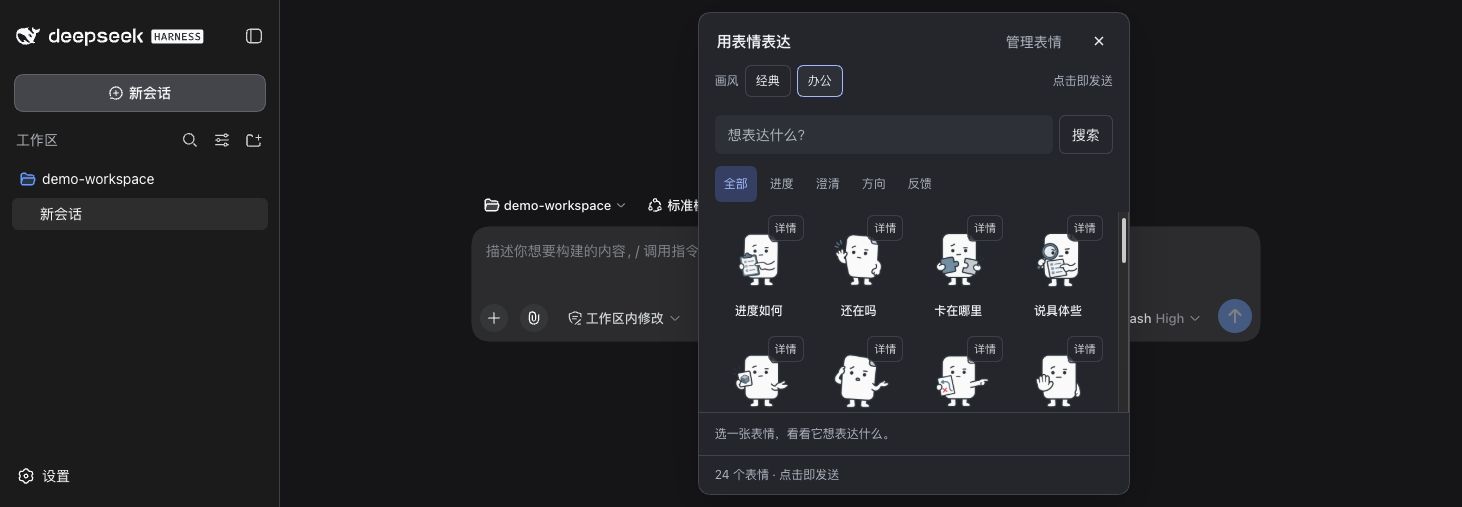
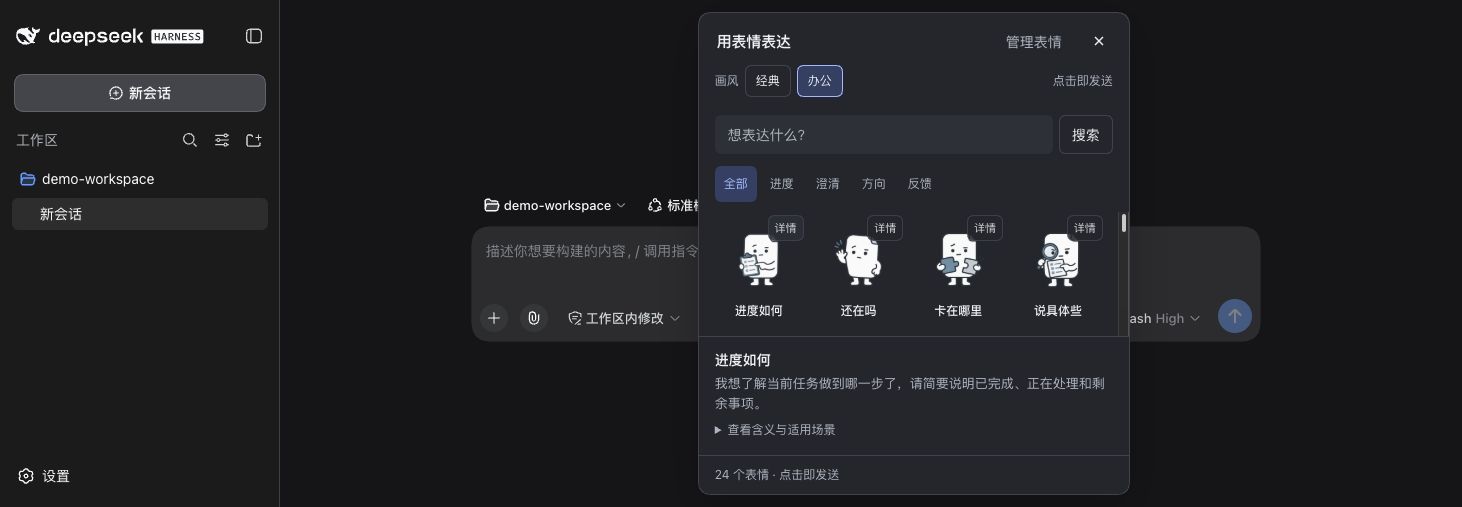
Screenshots
README
中文 · Project and documentation
Native expressions for people and AI: people see artwork, models read fixed meaning. Version 1.0.0 targets dsh 0.1.5-rc.2, requires Node.js >=24, and has live host evidence on macOS arm64.
Install and use
Download and verify amoji-dsh-1.0.0.tgz from GitHub Releases. Run from its directory:
The first command initializes the Web template for a new profile and prints help; the next commands install and start it.
npx @deepseek-ai/dsh@0.1.5-rc.2 --profile amoji --from-default-profile web --help
npx @deepseek-ai/dsh@0.1.5-rc.2 plugin --profile amoji add ./amoji-dsh-1.0.0.tgz --ignore-scripts
npx @deepseek-ai/dsh@0.1.5-rc.2 --profile amoji
Replace the example profile amoji with your own. Save work before installing into an existing profile, then restart. Select a workspace and open Expressions in the composer without sending preliminary text. Click artwork to send; details only reveal meaning. Fresh libraries have 24 shared meanings in each of Classic/Office, totaling 48 assets.
Manage expressions provides drafts, personal copies, immutable revisions, archiving, preferences, and .amoji import/export. Creation uses one intent field. AI suggestions default to the current conversation model, with other configured host models available. Only text intent and generation instructions are sent, without artwork or conversation history. Adoption still requires editing as needed, saving, a loaded visual preview, a checked confirmation, and explicit addition to the library. Manual entry requires no model request.
The UI follows dsh's Chinese/English language without rewriting stored semantics. Built-in meanings are Chinese. Suggestion charges follow the chosen provider configuration, without automatic retries.
Data and compatibility
The Host connects to the local shared service, requiring API 2, database 4, and dsh-native-delivery-v1, dsh-reliable-delivery-v1, library-management-v1, packs-v1. The macOS default directory is ~/Library/Application Support/Amoji/prototype; use AMOJI_DATA_DIR for isolation. Preserve shared data and host sessions when upgrading. Uninstalling does not proactively delete the library.
Browsers use host-authenticated RPC; models use three text tools. accepted means the host queued the input while native user-message persistence still awaits reconciliation. observed means the matching native message was observed; rendered separately records successful media loading. Reconcile original requests after disconnection or uncertain outcomes instead of sending another request.
AI image validation targets direct tools; nested Code Dispatch/PTC rendering is not guaranteed. Linux, Windows, newer dsh versions, and all model combinations remain unvalidated. One provider returns HTTP 400 for reasoning_text continuation compatibility; the plugin cannot guarantee complete tool turns for every model. Codex/Claude Code legacy is outside this package's scope.
Contents and licenses
Includes Host/Client, shared core, assets, build information, and license inventories, without node_modules, Sharp .node, or libvips binaries. The host package manager installs dependencies, so this is not an offline installer. Client React and Host services come from dsh.
Code is MIT; built-in assets are CC0-1.0; dependencies retain their own licenses. See packaged LICENSE, NOTICE, THIRD_PARTY.json, THIRD_PARTY_LICENSES/, and assets/base-library/.
Full installation/recovery, usage, and limitations are in the source repository.
Comments
Comments live in GitHub Discussions. Sign in with GitHub to post or react.