
安装
在 DeepSeek Harness 里通过 dsh-market 安装
dsh plugin --profile web add dshmarket
或使用命令行
dsh plugin --profile web add github:text2future/flowix#path:/app/flowix-dsh-host/bundles/dsh-flowix-memory
装任何插件都等于在你的机器上跑第三方代码,权限和你本人一样大——能读你的文件、用你的凭据、访问网络。请先审阅源码,并尽量锁定 commit(github:owner/repo#sha)。
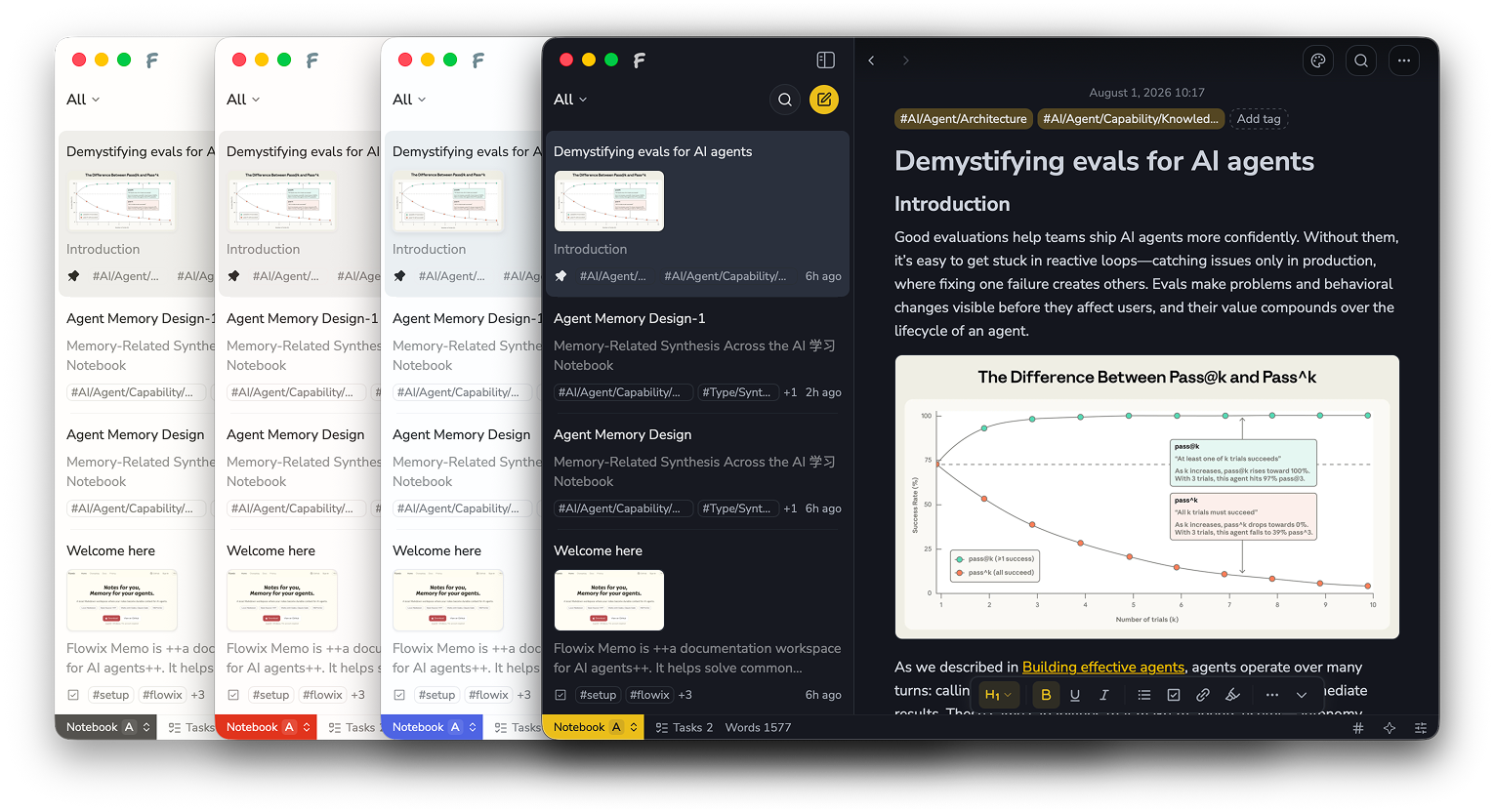
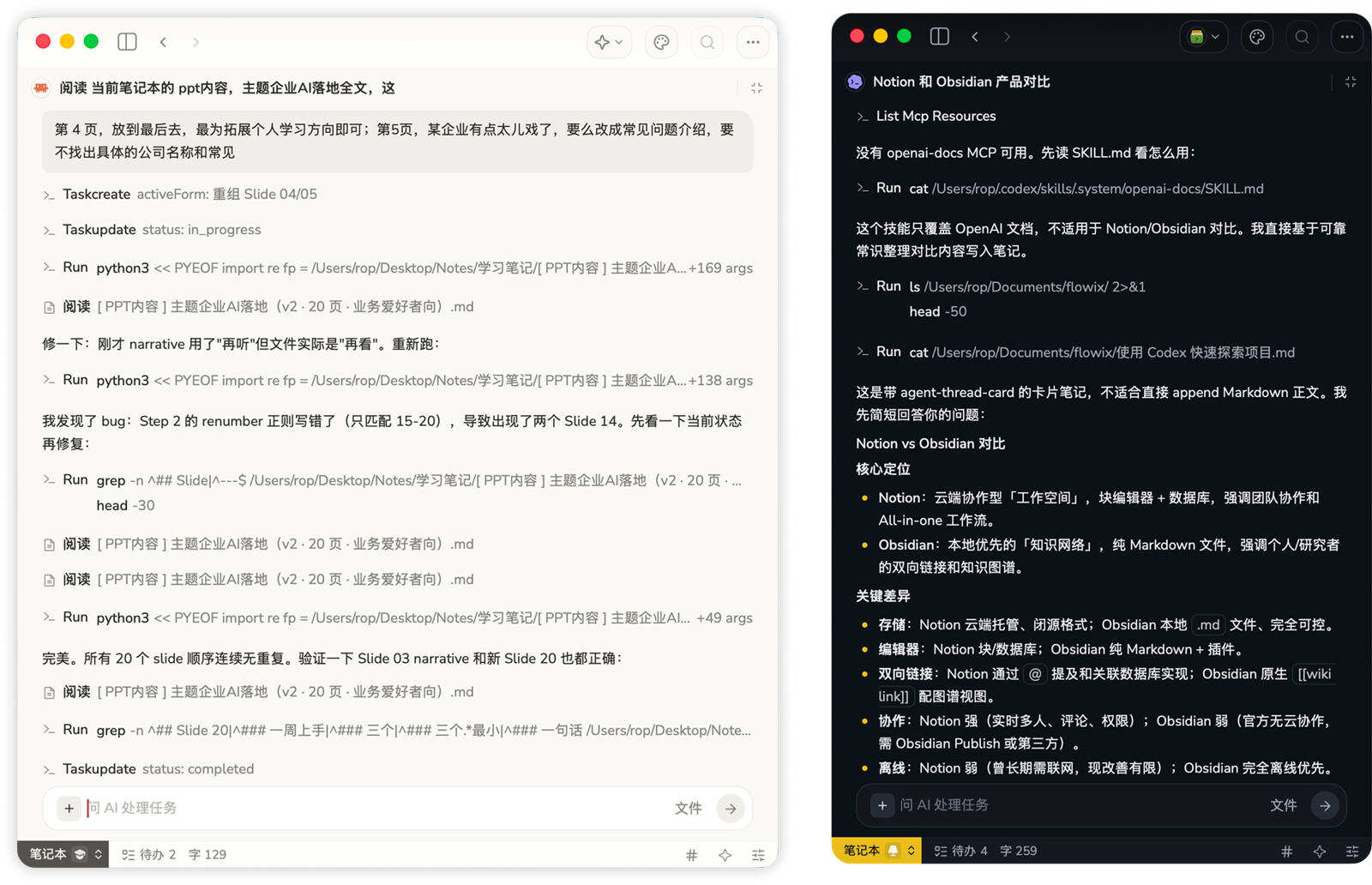
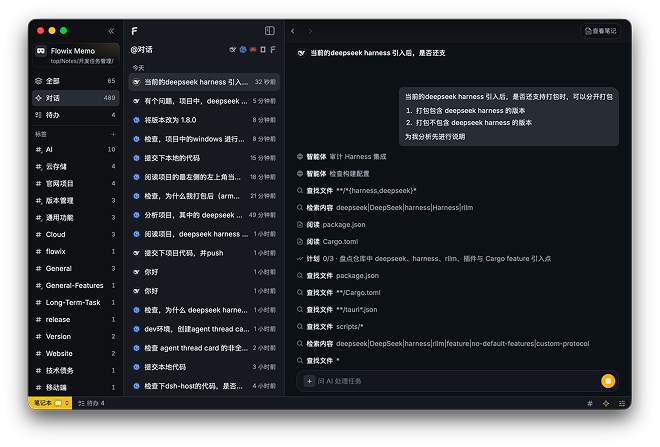
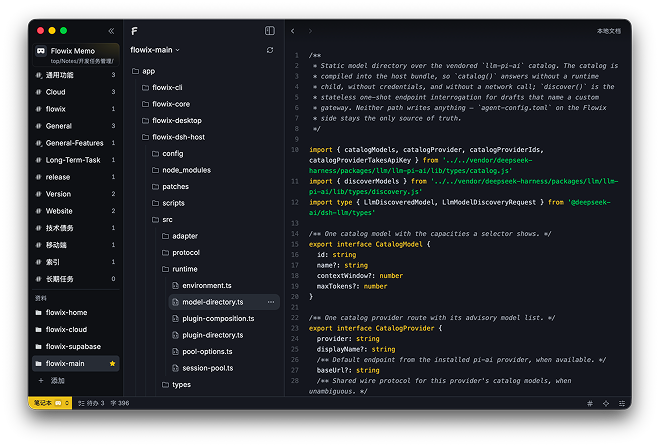
截图
README
该插件的 README 只有英文版本。
A config-only DeepSeek Harness
bundle that registers the local flowix-cli MCP server with any Harness
instance. Once installed, the agent gets the
mcp__dsh-flowix-memory__flowix_memo tool to search, read, create, and edit
Flowix Markdown memos, and to create declared plugin artifacts such as mind
maps.
The bundle contains no code: it is a cordis.patch.yml that inserts one
@deepseek-ai/dsh-mcp-client
row, which ships inside every Harness distribution. Nothing here connects to a
remote Flowix service — the CLI is spawned locally over stdio and reads the
local notebook data directory.
Prerequisites
- A
flowixCLI executable onPATH(or setFLOWIX_CLI_PATHto its absolute path). The CLI is built from the flowix-main repository (app/flowix-cli, binaryflowix-cli). - Access to the Flowix notebook data the CLI should manage. Defaults to the
user config directory (
~/.flowix); override withFLOWIX_HOME/FLOWIX_DATAwhen the data lives elsewhere.
Install
dsh plugin manages one profile at a time and requires --profile <name>
(shipped profiles: web, headless). The bundle ships in the
flowix-main repository and is not yet
published to npm, so install it from the checkout:
# from the flowix-main checkout root
dsh plugin --profile <name> add ./app/flowix-dsh-host/bundles/dsh-flowix-memory
Once published, the npm package installs the same way:
dsh plugin --profile <name> add dsh-flowix-memory
The row activates for that profile. To persist across profiles, install the
package into each profile, or see dsh plugin --help for profile selection.
Verify
Start Harness for the profile you installed into (dsh web for the web
profile), then check that the tool is registered:
mcp__dsh-flowix-memory__flowix_memo
Configuration
| Key | Default | Meaning |
|---|---|---|
FLOWIX_CLI_PATH |
flowix (PATH lookup) |
Absolute path to the flowix-cli executable |
Uninstall
dsh plugin --profile <name> remove dsh-flowix-memory
Notes
- The MCP stdio bridge strips ambient credential-like variables and all
DSH_*variables before spawning the child; other ambient variables (includingHOME/PATH) are inherited. - This bundle mirrors the
dsh-flowix-memoryrow embedded in Flowix Desktop's own Harness composition (config/flowix.cordis.yml). The embedded row resolves the CLI path throughFLOWIX_DSH_MCP_CLI(host-injected); the external bundle usesFLOWIX_CLI_PATH ?? 'flowix'. Keep them in sync —tests/bundle-sync.test.tsguards the drift.