
安装
在 DeepSeek Harness 里通过 dsh-market 安装
dsh plugin --profile web add dshmarket
或使用命令行
dsh plugin --profile web add github:UndeadSheep/dsh-file-preview#path:/packages/dsh-file-preview
装任何插件都等于在你的机器上跑第三方代码,权限和你本人一样大——能读你的文件、用你的凭据、访问网络。请先审阅源码,并尽量锁定 commit(github:owner/repo#sha)。
截图

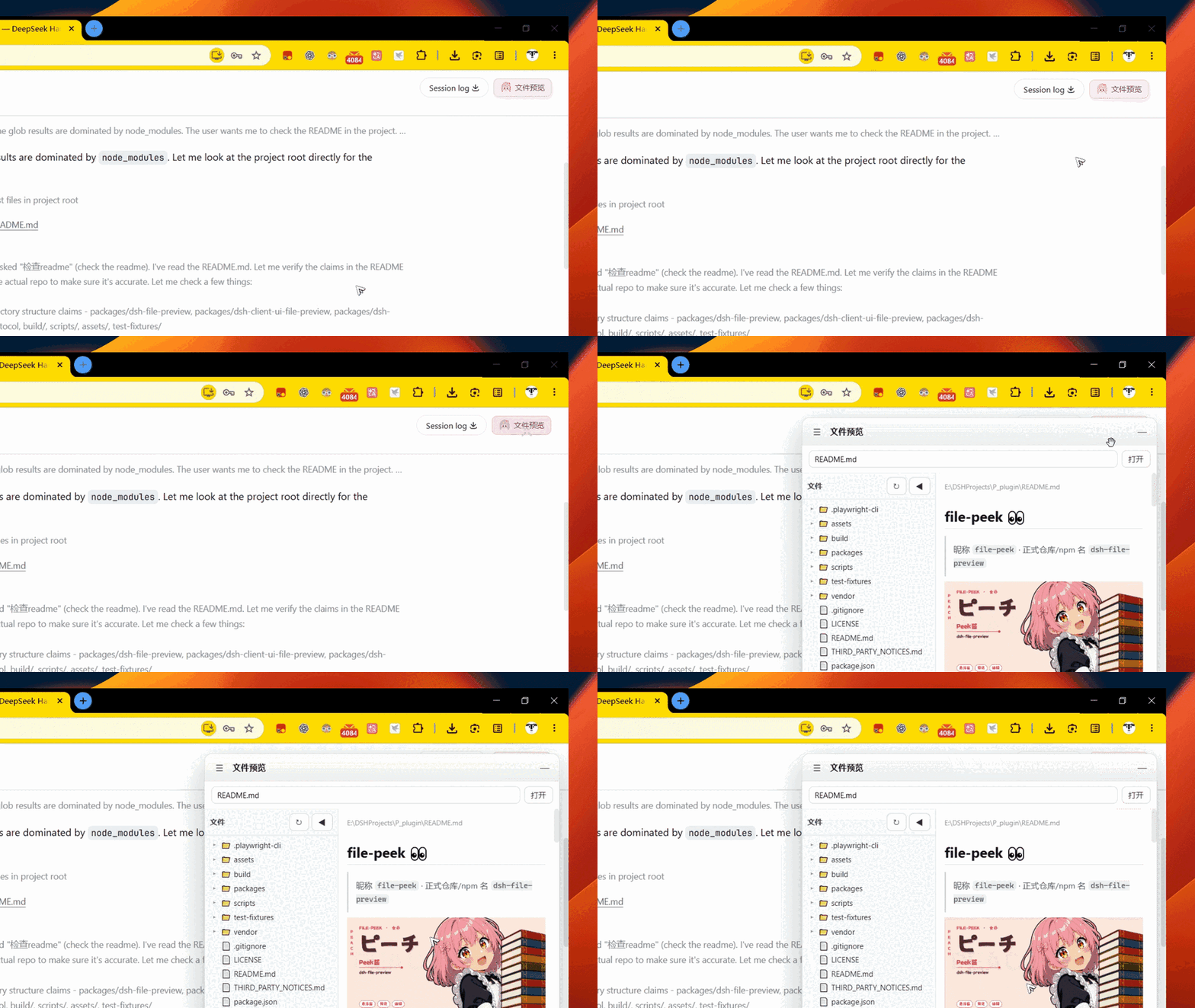
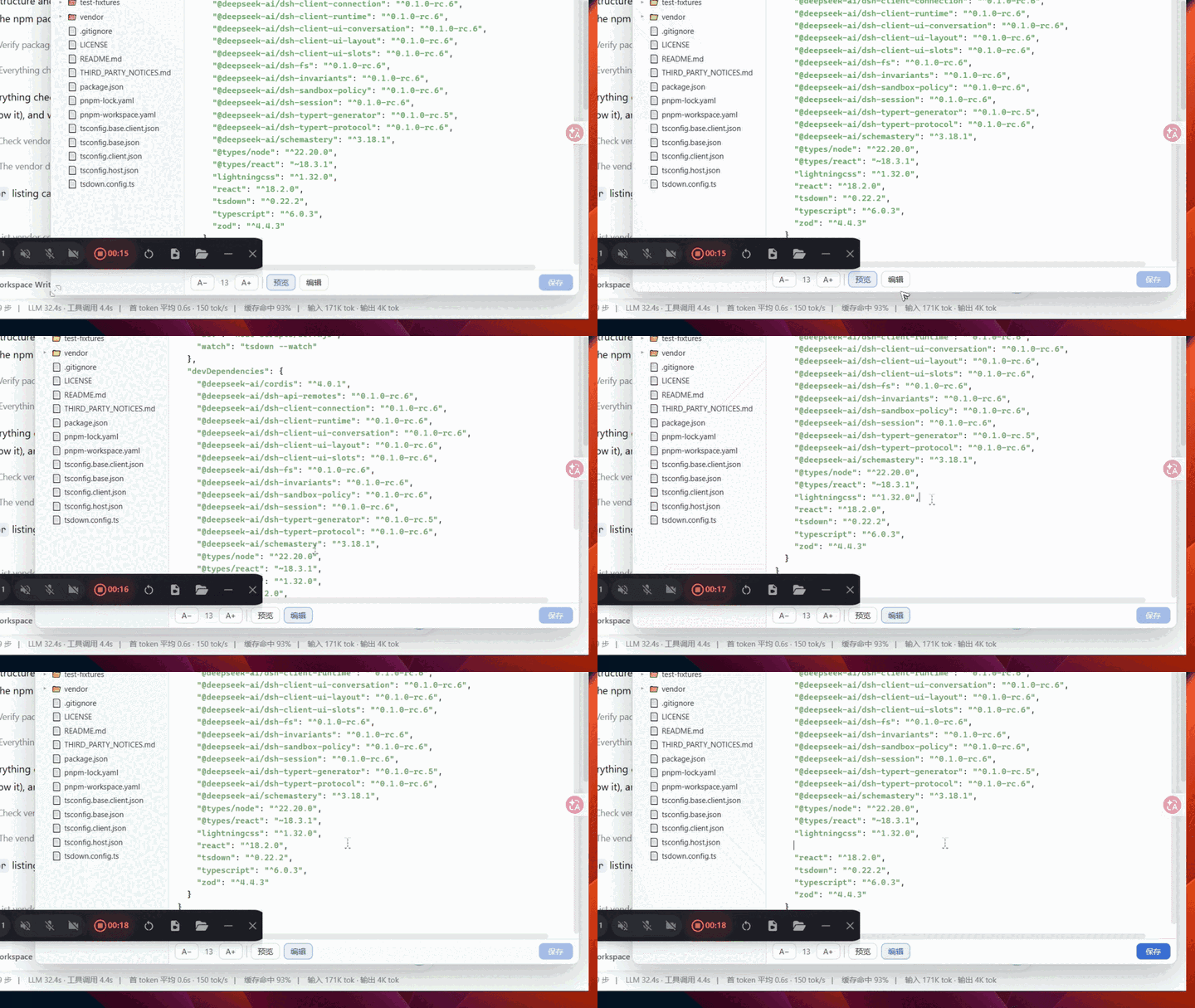
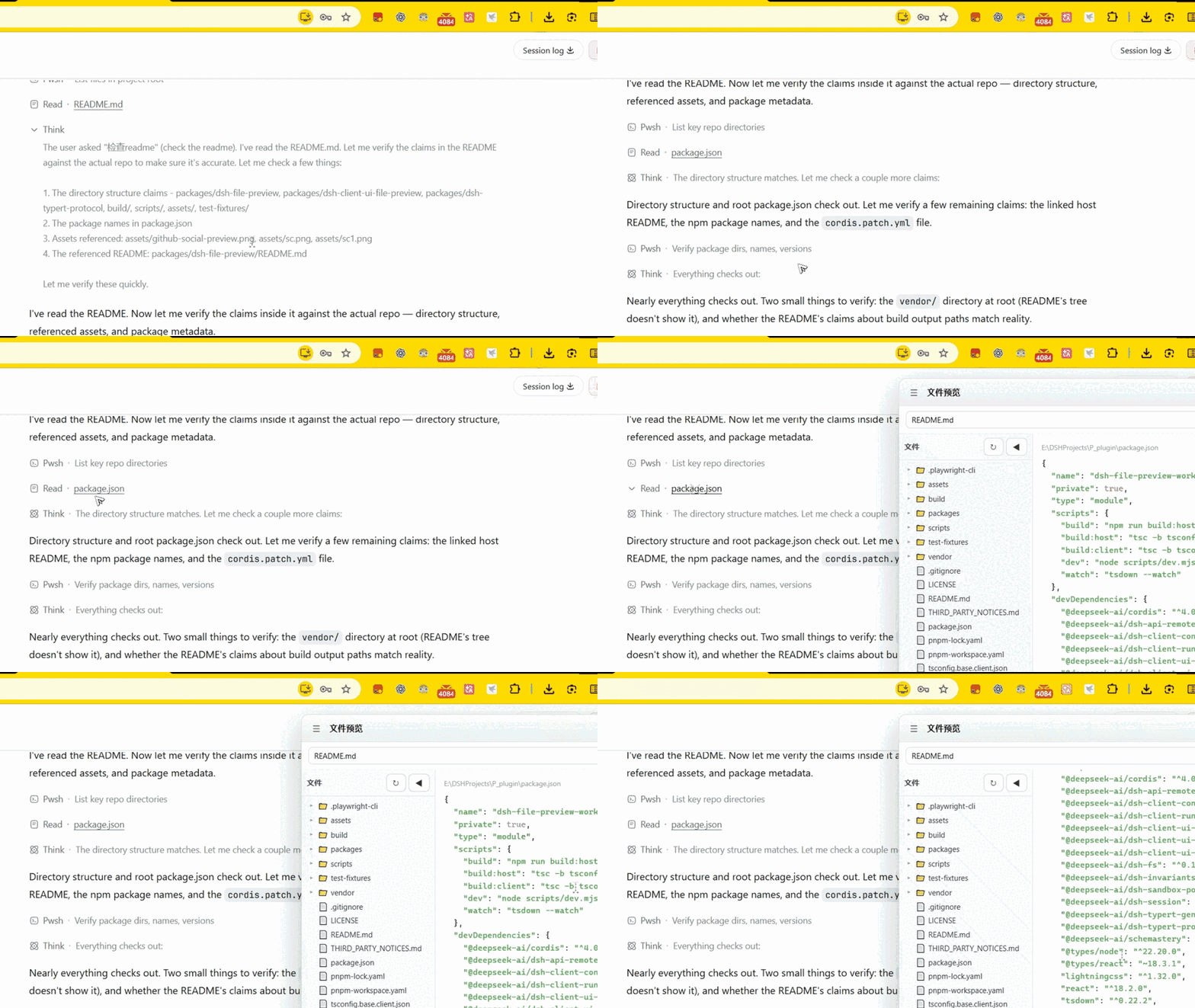
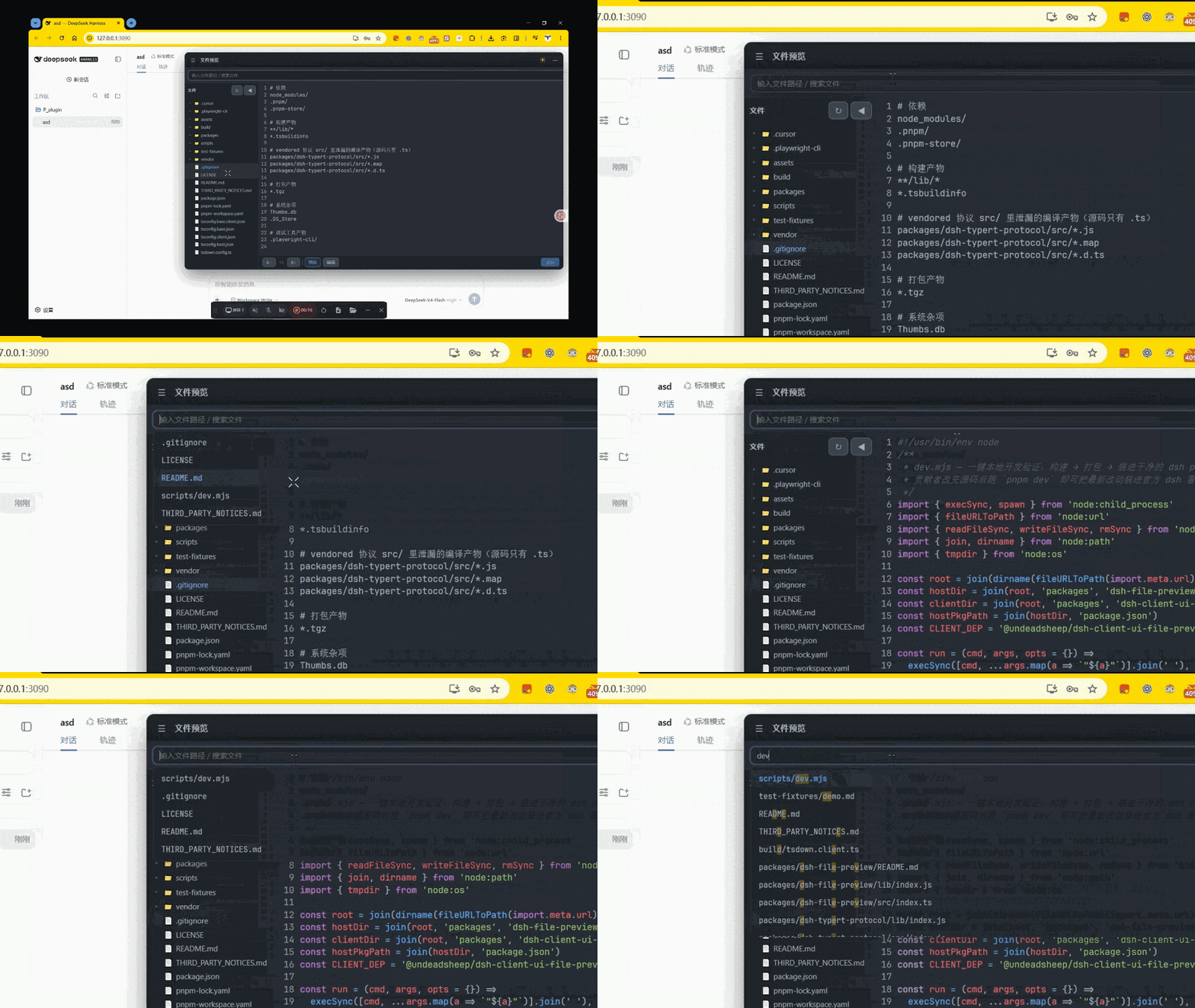
README
该插件的 README 只有英文版本。
Workspace file-preview host half: a Typert Remote (filePreview) that lists the
workspace tree, reads/writes text files, and resolves the preview theme and config for
the browser half.
The browser UI lives in a separate package:
@undeadsheep/dsh-client-ui-file-preview.
Remote surface
| Method | Request | Result |
|---|---|---|
listDir |
{ sessionId, path } |
Ok<FileTreeNode[]> | Rejected |
readFile |
{ sessionId, path } |
Ok<{ path, content }> | Rejected |
readImage |
{ sessionId, path } |
Ok<{ path, mimeType, data }> | Rejected |
writeFile |
{ sessionId, path, content } |
Ok<{ path }> | Rejected |
readTheme |
{ sessionId } |
Ok<{ colors, bg, fg }> |
readConfig |
{ sessionId } |
Ok<{ indentSize, useTabs, pollInterval, fontSize }> |
Business results use the repo's { ok: true, value } | { ok: false, error: { code, ... } }
convention; the generated ./remote face wraps them in the RemoteResult carrier.
Wire codecs are generated from the @Remote method types by typert codegen — there is
no hand-written schema file.
listDir lists a single directory (path = '' for the workspace root) and skips
heavy/noise directories (node_modules, .git, .next, .ssh, …) plus sensitive
filenames (.env*, id_rsa*, *.pem, *.key, …). A single listing is capped at
1000 children. Dir nodes carry empty children, which the browser half fills lazily
by calling listDir again when a directory is expanded. readFile / readImage /
writeFile also refuse those sensitive paths, so typing them in Quick Open does not
bypass the tree filter.
Config
| Key | Default | Meaning |
|---|---|---|
maxFileBytes |
2097152 | Maximum UTF-8 byte length the preview will read or write |
maxImageBytes |
5242880 | Maximum byte length of an inline image the preview will read |
Workspace config files (read per Session, optional)
preview.config.json—indentSize,useTabs,pollInterval,fontSize(with.prettierrc/package.json#prettierfallback for indent knobs)preview-theme.json—keyword,string,number,comment,tag,function,type,variable,background,foreground.vscode/settings.json—editor.tokenColorCustomizationsandworkbench.colorCustomizationsare read as a fallback theme
Known limitations
- Preview is text-only (plus raster
png/jpeg/gif/webp); binary, SVG-as-image, or oversized files returnnot-text/too-large. Astatwith nosizeis refused rather than reading the whole file into memory. Writes use the same byte cap as text reads. listDirreturns at most 1000 children per directory.- Symlink following after
resolveis the hostctx.fsimplementation's responsibility; this plugin re-resolves search children againstworkspaceRootbut cannotrealpathon its own. - Syntax highlighting is a lightweight hand-written tokenizer (not highlight.js / TextMate), and a prettier engine cannot be embedded.
- Auto-refresh is polling (
pollInterval, clamped 500–60000 ms), not a real file watcher.
评论
评论存放在 GitHub Discussions。用 GitHub 账号登录后可发表评论或点表情。